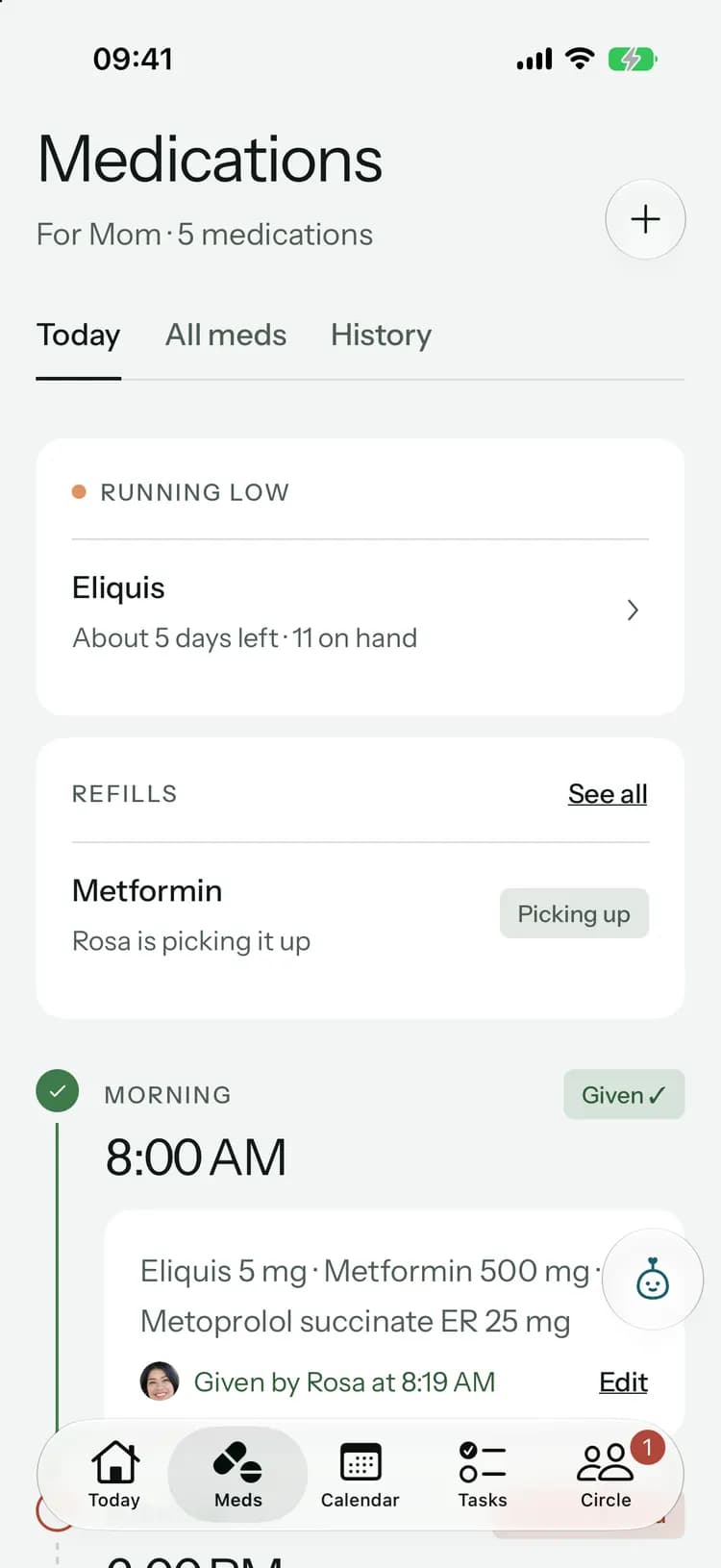
Calendar & rides
Every appointment has a ride.
Doctor visits, lab work and therapy in one shared calendar. Everyone sees who’s driving, and a visit without a driver stands out until someone says “I’ll drive.”
From “who can take her?” to sorted.
- 1
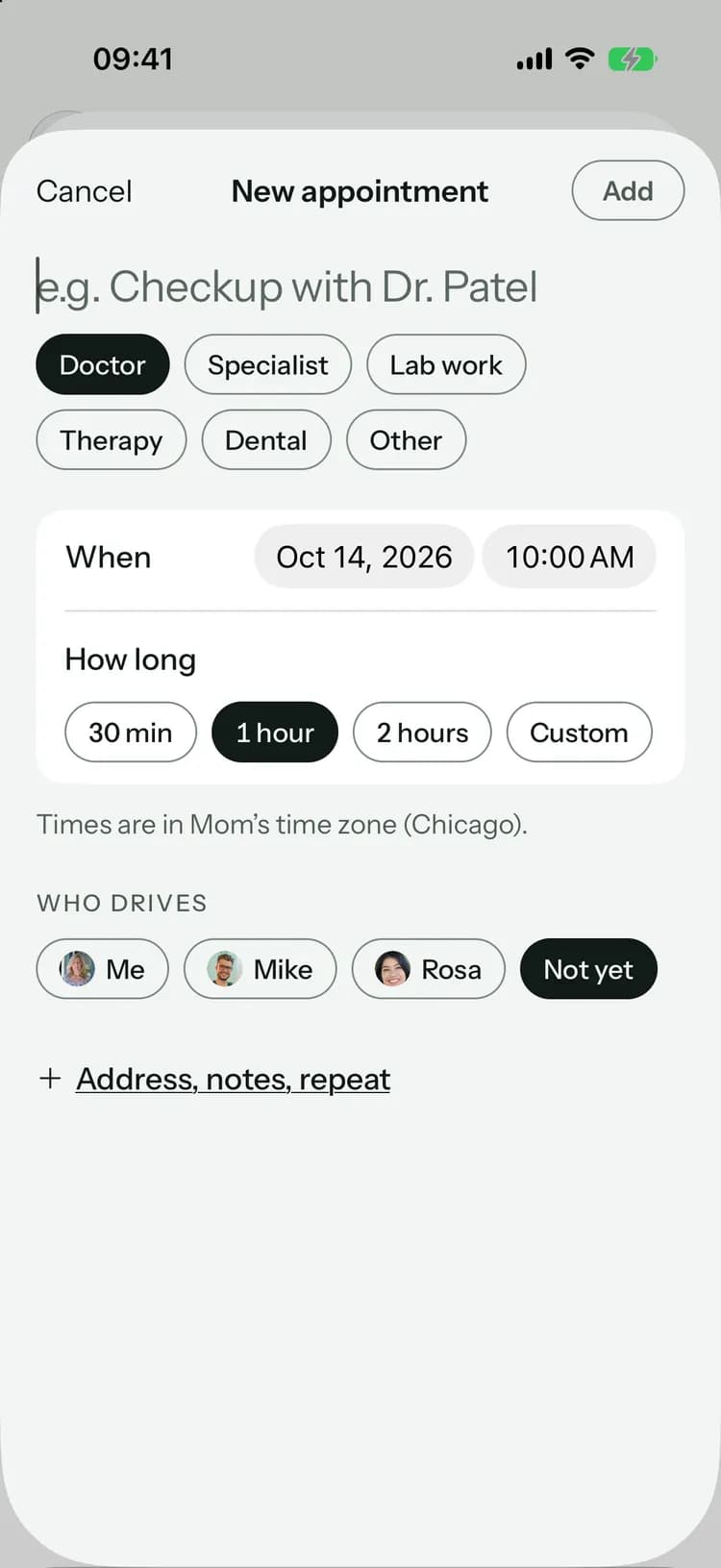
Add the appointment
What it is, when and where. Pick the kind, from a checkup to lab work, and how long it runs.
- 2
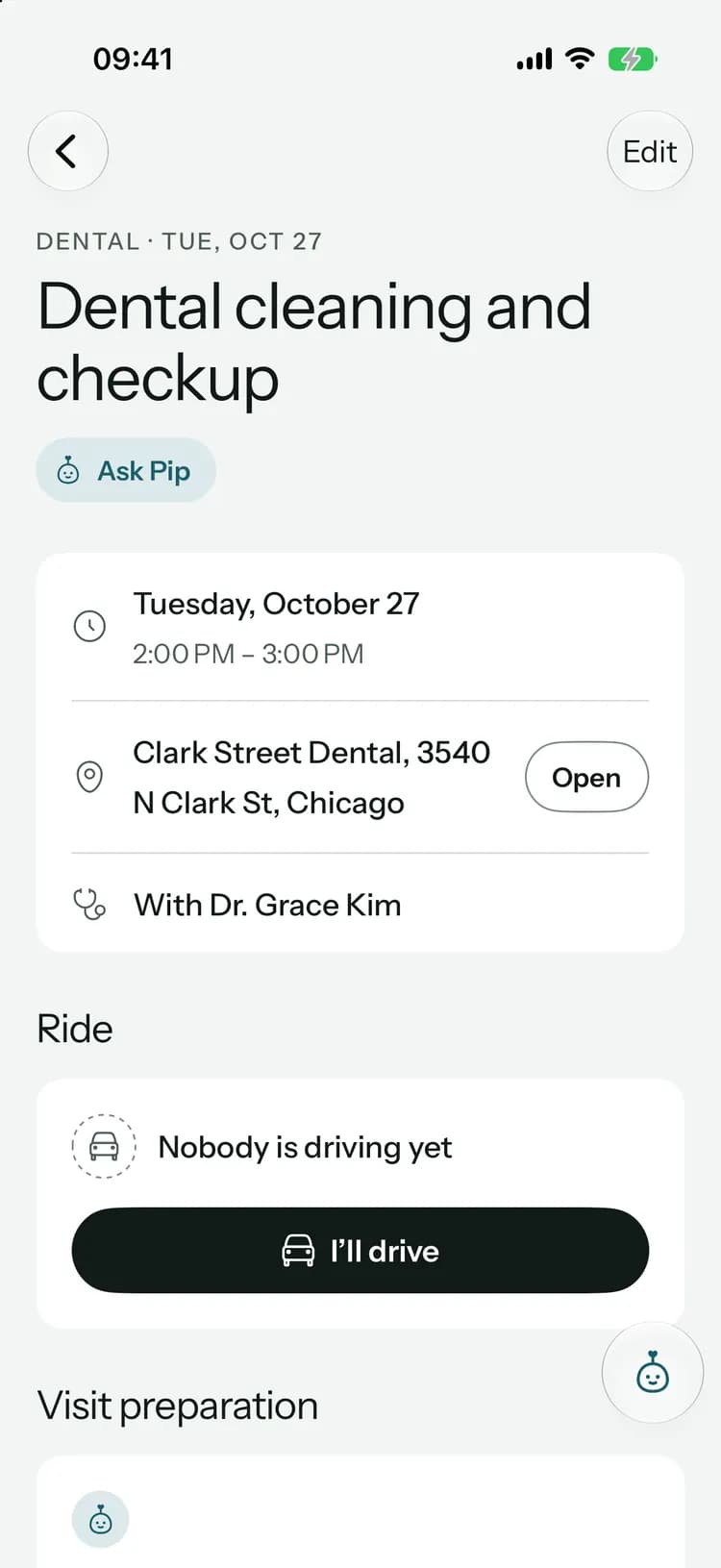
Find a driver
Whoever can take them taps “I’ll drive.” Ask someone, and they accept or decline. If plans change, “I can’t make it anymore” opens it up again.
- 3
Keep the notes with the visit
Afterward, write down what the doctor said. The notes stay with the appointment for everyone in the family.
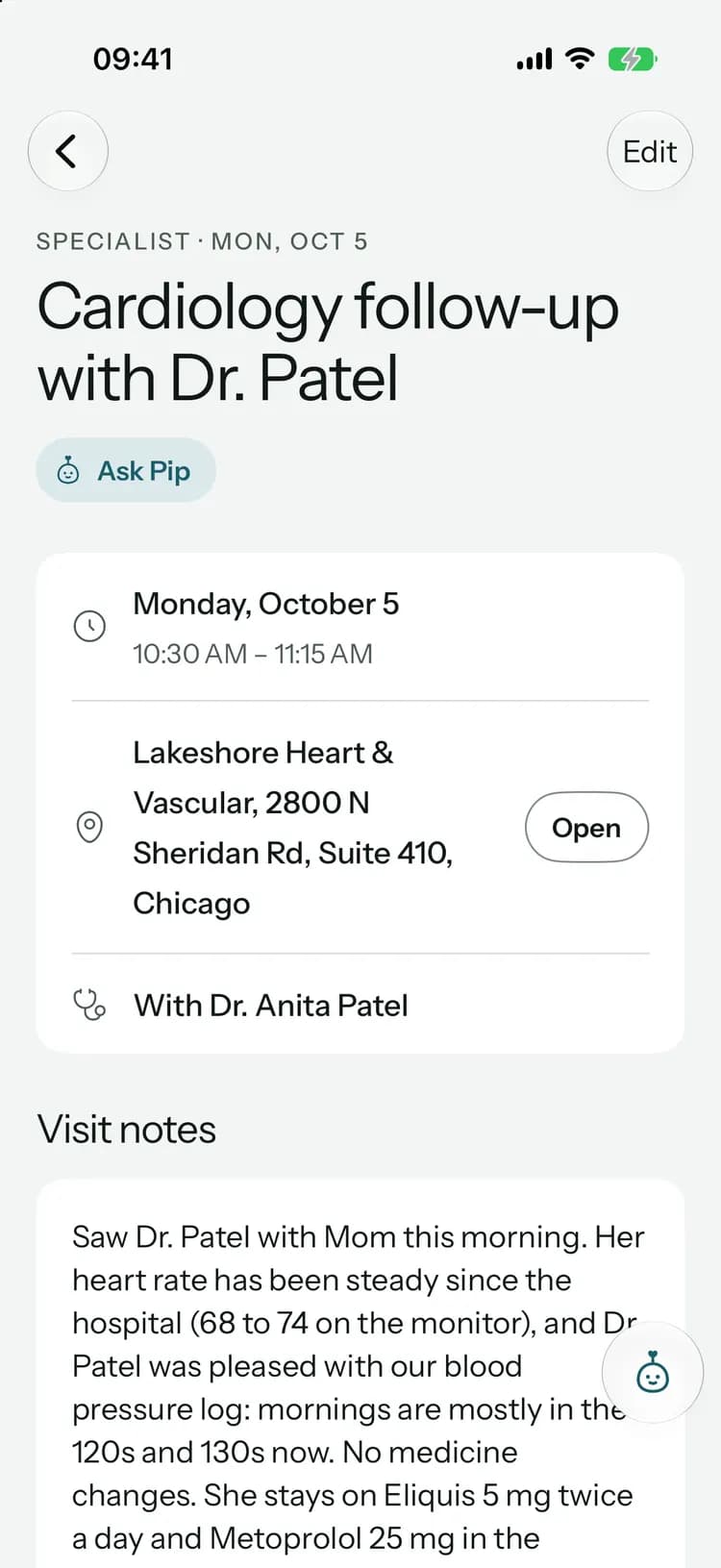
Before, during and after the visit.
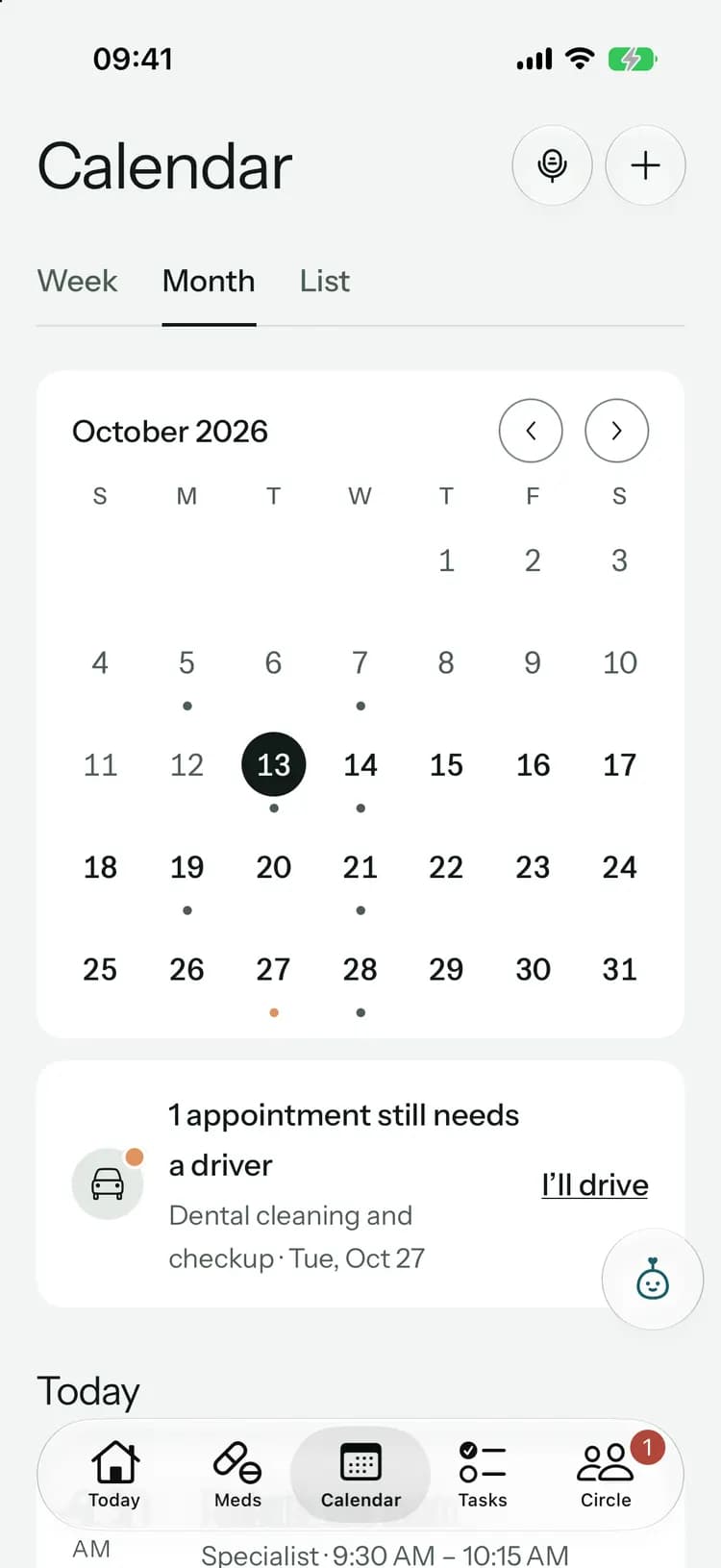
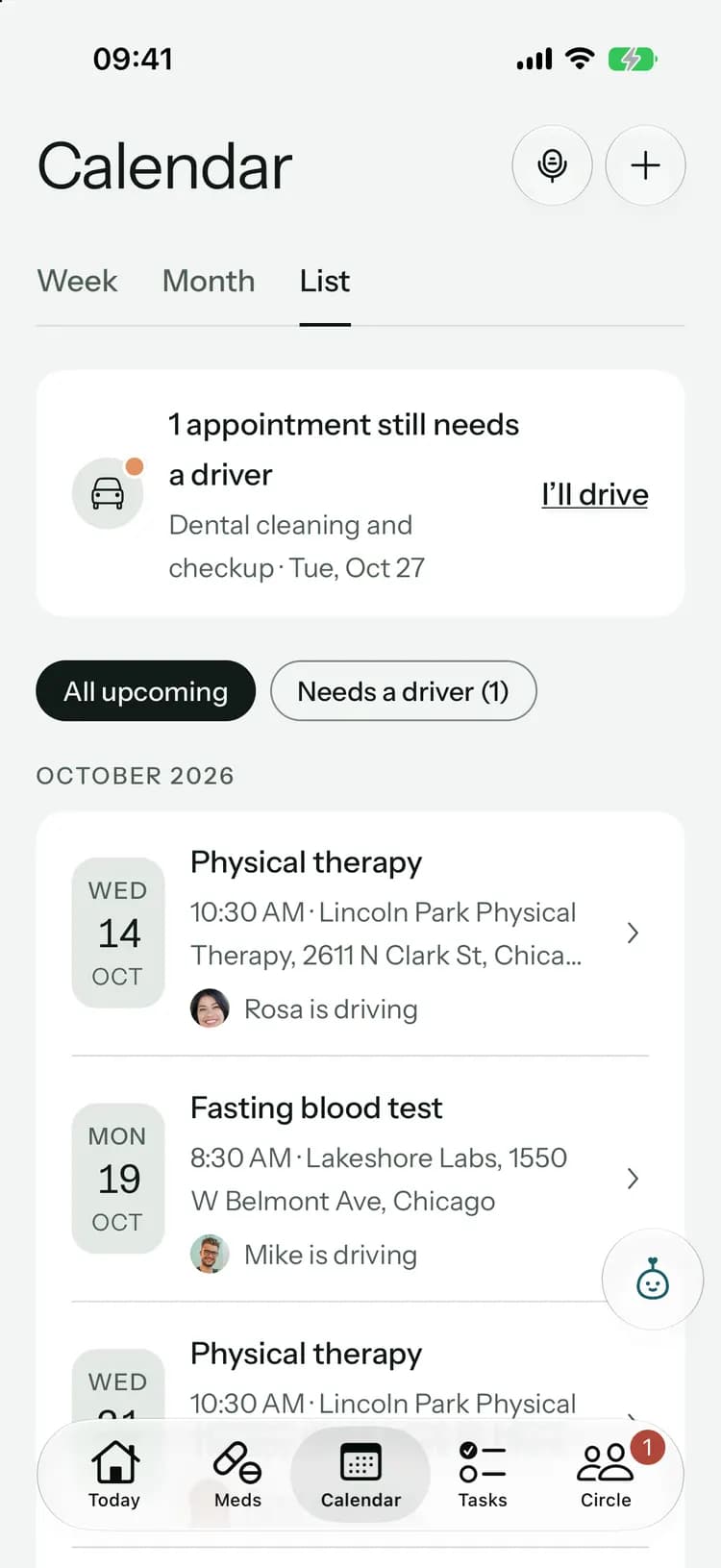
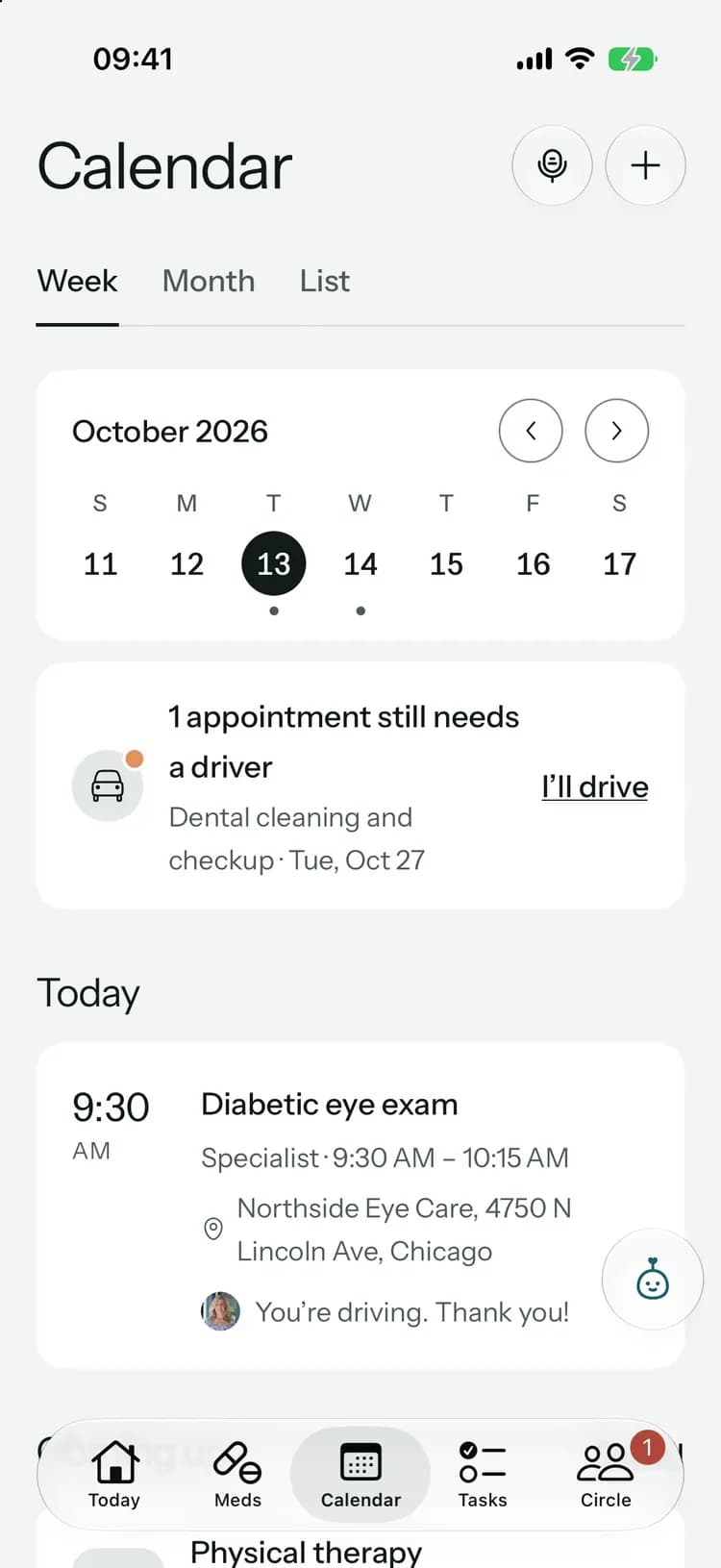
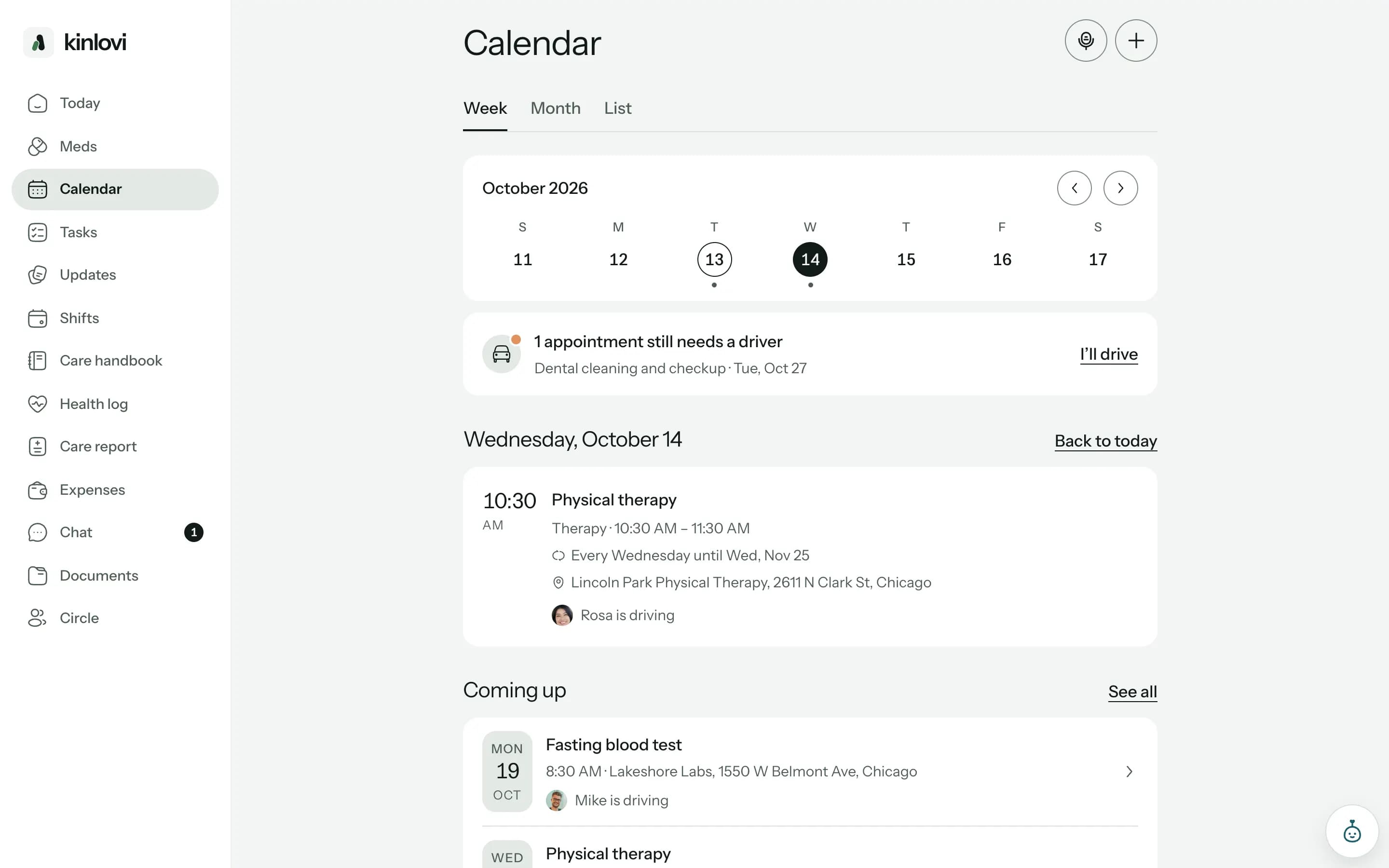
See this week, the whole month, or everything coming up. The list can show just the visits that still need a driver.
See this week, the whole month, or everything coming up. The list can show just the visits that still need a driver.
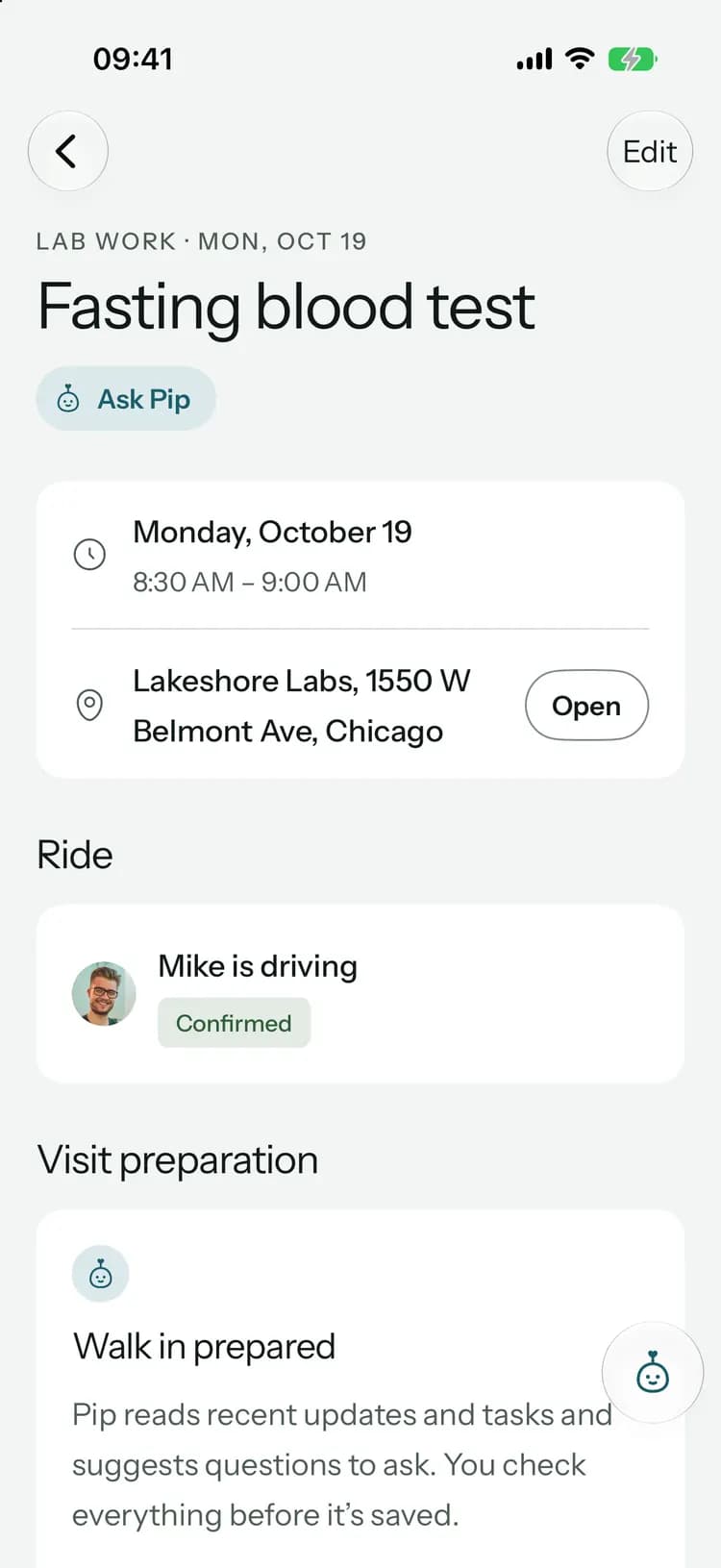
Every appointment shows its driver. Offer to drive and the family sees it at once.
With Family+, Pip reads the recent updates and tasks you pick and suggests questions to ask. You check everything before it’s saved.
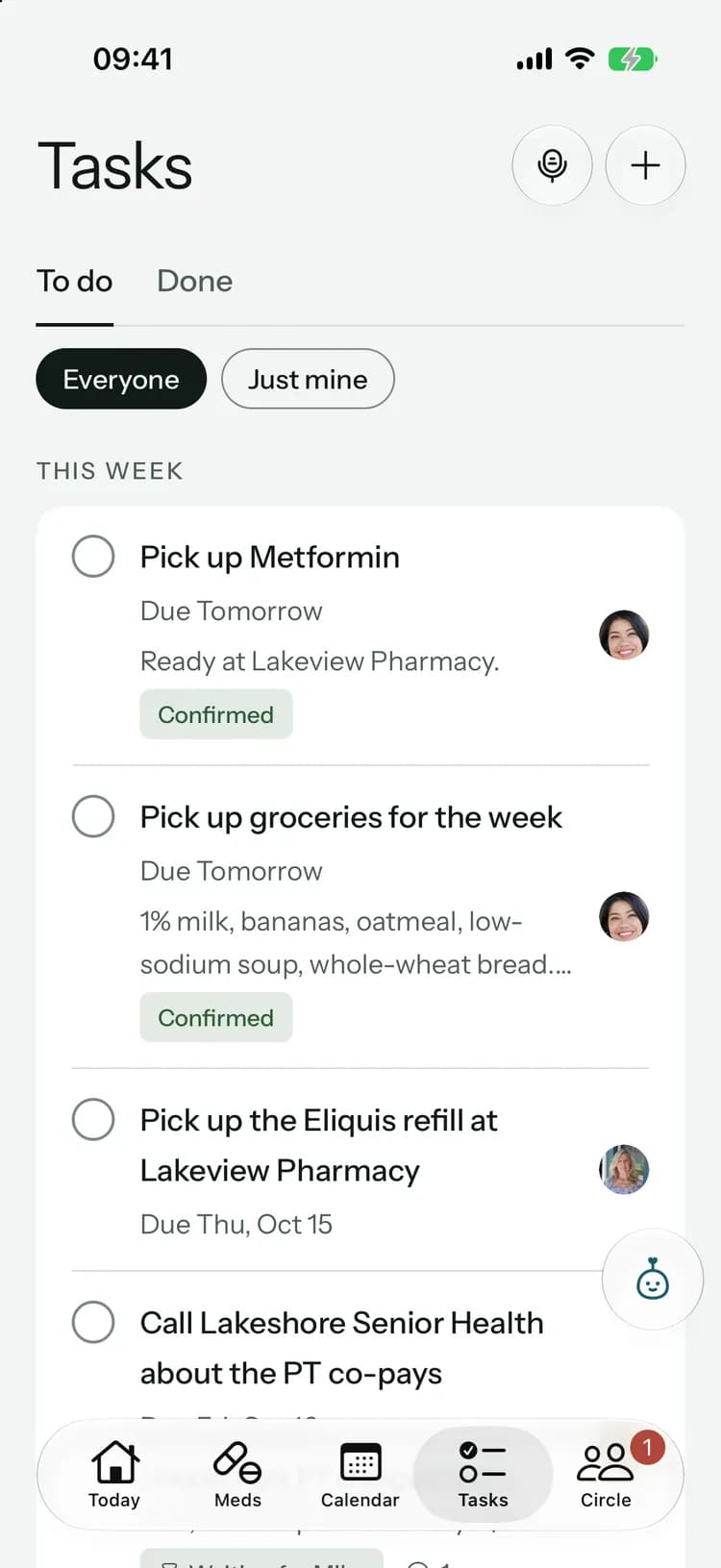
After the visit, Pip recaps the notes and finds the next steps, like booking a blood test. You choose which become tasks.
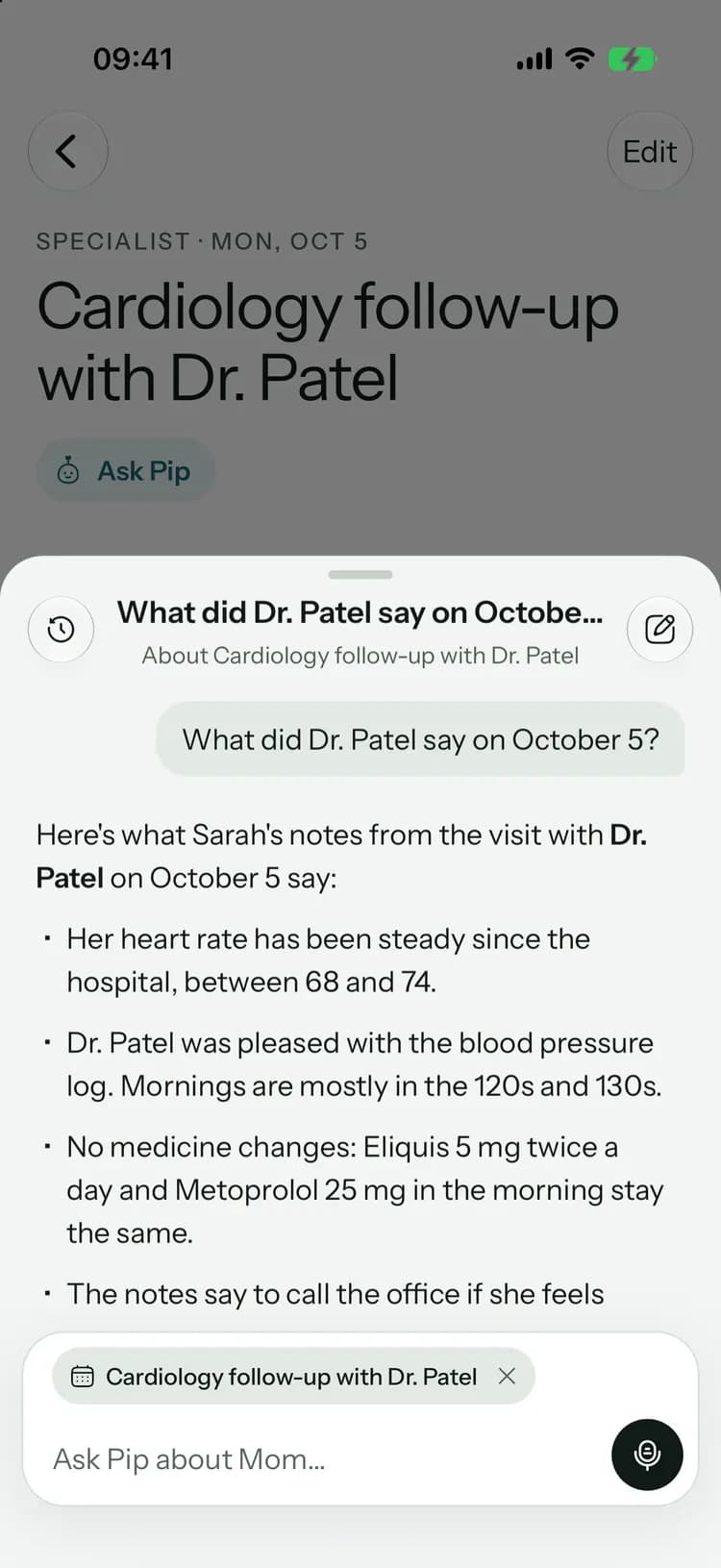
Ask what the doctor said.
Pip has read the visit notes. Ask about the last appointment, or what’s coming up this week, and see the records behind every answer.
Pip
Cardiology follow-up with Dr. Patel
What did Dr. Patel say on October 2?
Here’s what Sarah’s notes from the visit with Dr. Patel on October 2 say:
- Her heart rate has been steady since the hospital, between 68 and 74.
- Dr. Patel was pleased with the blood pressure log. Mornings are mostly in the 120s and 130s.
- No medicine changes: Eliquis 5 mg twice a day and Metoprolol 25 mg in the morning stay the same.
- Next: a fasting blood test, then a follow-up in six weeks.
The blood test is on the calendar for Monday, October 19 at 8:30 AM with Mike driving.
- Sarah’s visit notes · Oct 2
- Cardiology follow-up with Dr. Patel
- Fasting blood test · Mon, Oct 19
- Follow-up with Dr. Patel · Nov 13
- Answers with sourcesEvery answer shows the notes, visits and tasks it used.
- Nothing changes until you say soPip drafts tasks; you add them in one tap, and can undo.
- Only what your family recordedPip isn’t a doctor and doesn’t guess. It works from your circle’s records.
Plan the month on a big screen.
A calendar that fits around everyone.
In your own calendar
Subscribe in Apple Calendar, Google Calendar or Outlook. Appointments stay up to date as the family changes them.Visits that repeat
Therapy every Tuesday? Set it once, with an end date if there is one. Change one visit or all the ones after it.Reminders that help
A reminder the evening before and an hour before. Each person chooses whether they want them.Their time zone
Times follow the time zone of the person you care for, so family in other cities sees the same plan.
On every plan
The calendar, rides, reminders, calendar subscriptions and visit notes are included, Free too.
With Family+:Visit preparation with Pip, and Pip’s recap and next steps.
Common questions
Something else on your mind? Visit the help center

Every visit covered.
Free to start, on iPhone, Android and the web. Everyone you invite joins free.
Launching soon. Tell me when it’s live