Security
Your family’s details stay in the family.
Kinlovi holds some of the most personal information a family has: medicines, visits, health notes and documents. Here’s how we protect it, in plain words.
Four promises we build around.
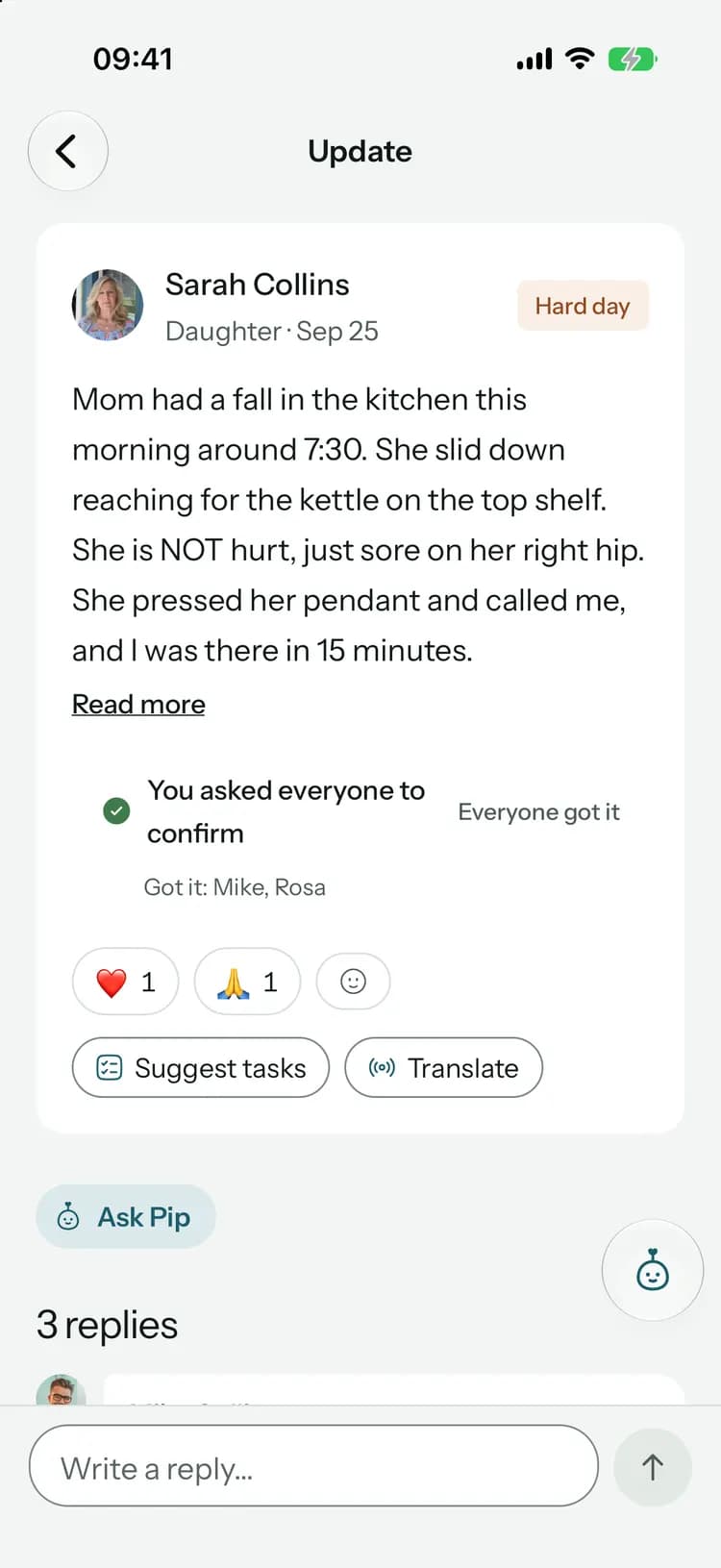
- SSarahFamilyMMikeFamilyRRosaCaregiverFamily-only update
You choose who sees what
Family sees everything. Paid caregivers see what their role needs, never the document vault, expenses or family-only updates.
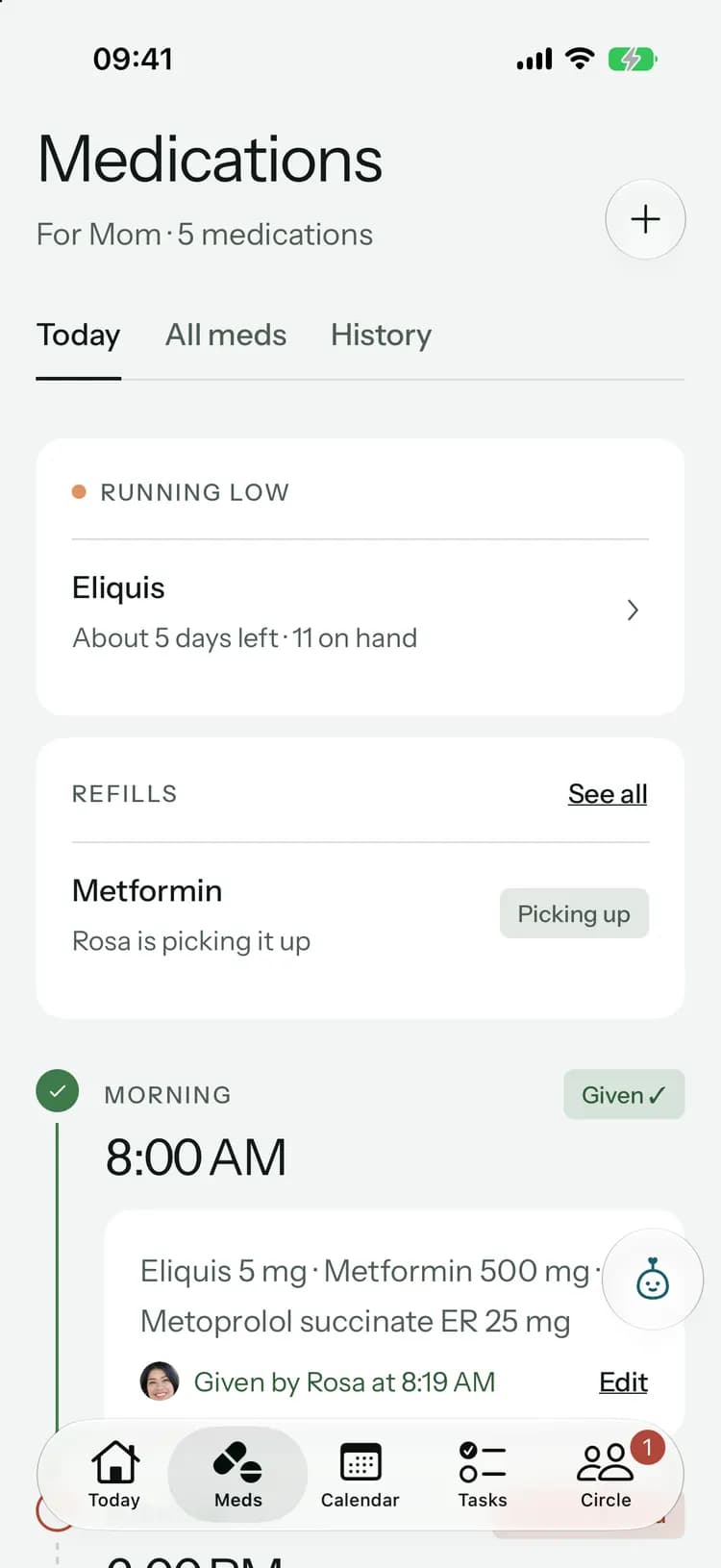
8:00
Monday, October 12
 Kinlovinow
8:00 PM meds
It’s time for Mom’s 8:00 PM medications. Tap to confirm once they’re given.
Quiet on the lock screen
Reminders and messages never show medication names or what someone wrote. They just tell you to look.
- AdsSelling your dataTraining AI on your circle
No ads, and no selling your data
We don’t sell personal information, show ads, or use your circle’s information to train AI models.
- Leave this circleDelete account
Yours to delete
Leave a circle or delete your account whenever you want, right in the app.
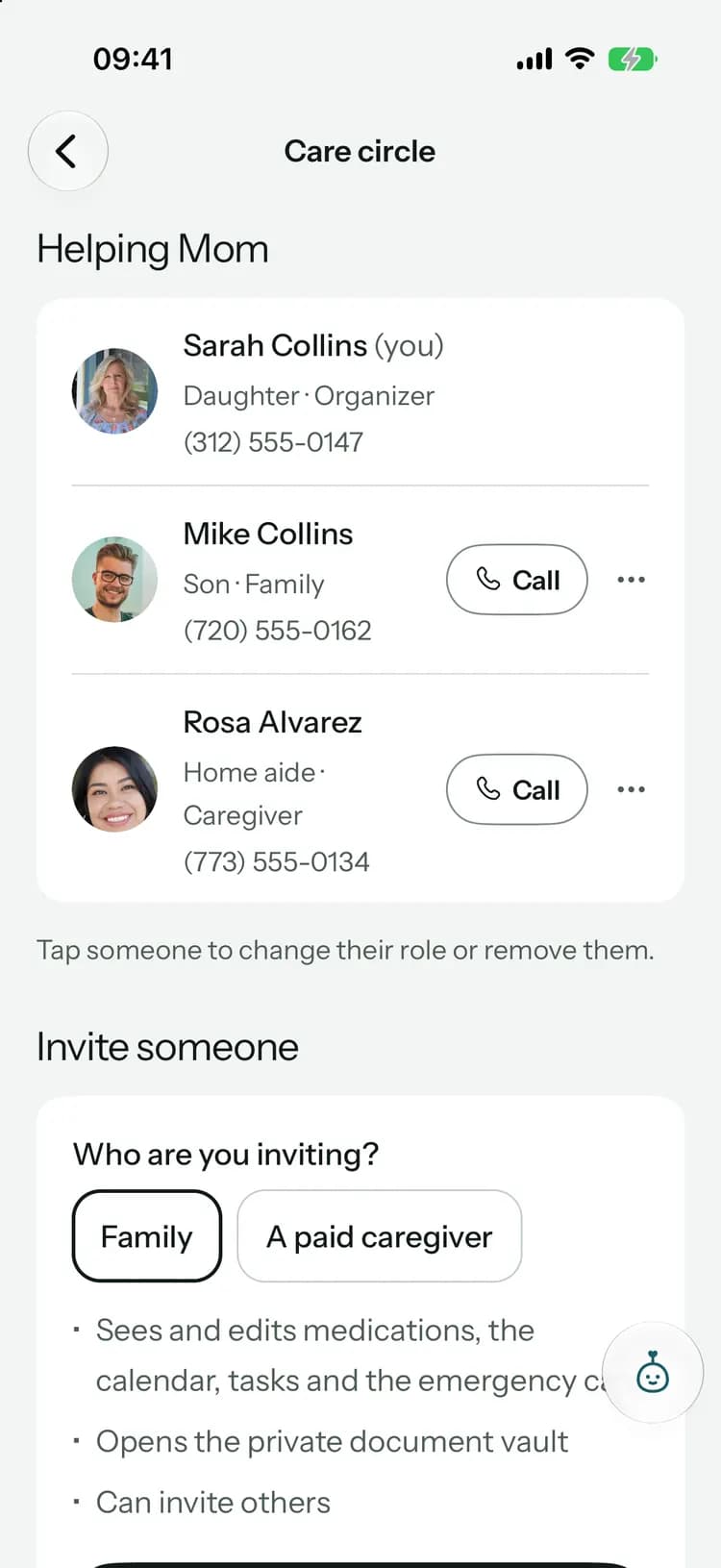
Everyone sees what their role needs.
Each person in a care circle is family or a caregiver. The organizer, who set up the circle, is family too and decides each person’s role.
| In the circle | Organizer and family | Caregiver |
|---|---|---|
| Medications | See and change | See and log doses |
| Calendar and rides | ||
| Health logs | Read and add | Read and add |
| Updates for everyone | ||
| Family-only updates | – | |
| Tasks | All of them | Their own |
| Everyone chat | ||
| Family chat | – | |
| Document vault | – | |
| Shared expenses | – | |
| Pip and AI features | With Family+ | – |
| Direct messages | Only the two people in them. Not even the organizer. | |
Invite each person as family or a caregiver.
- The organizer can change a role or remove someone any time
- Caregivers can log doses but can’t change medications
- Everyone can read and add health logs
Some things are just for the family.
- Family-only updates and the Family chat are hidden from caregivers
- Family-only tasks go to the organizer or family members
- What Pip drafts from private records stays family-only
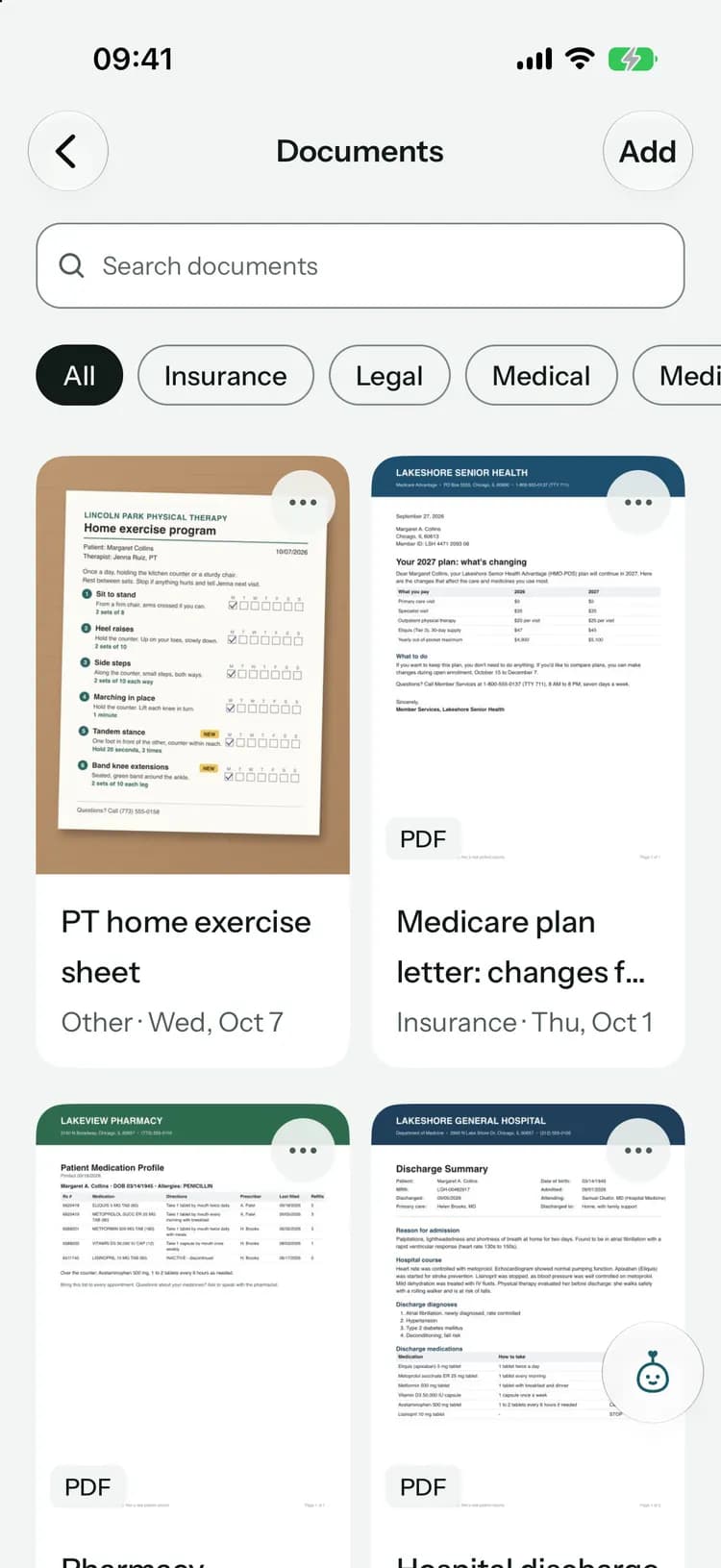
A private vault for the paperwork.
- Caregivers can’t open the vault
- Kept in private storage, encrypted at rest
- Chat photos and files follow the conversation’s access rules
Nothing sensitive on the lock screen.
- Refill reminders say one of Mom’s medications is running low, not which
- Chat notifications say who wrote, never what
- Tasks and replies just say “Open Kinlovi to see it”
- Home Screen widgets show only the kind of thing and its time, unless you choose details
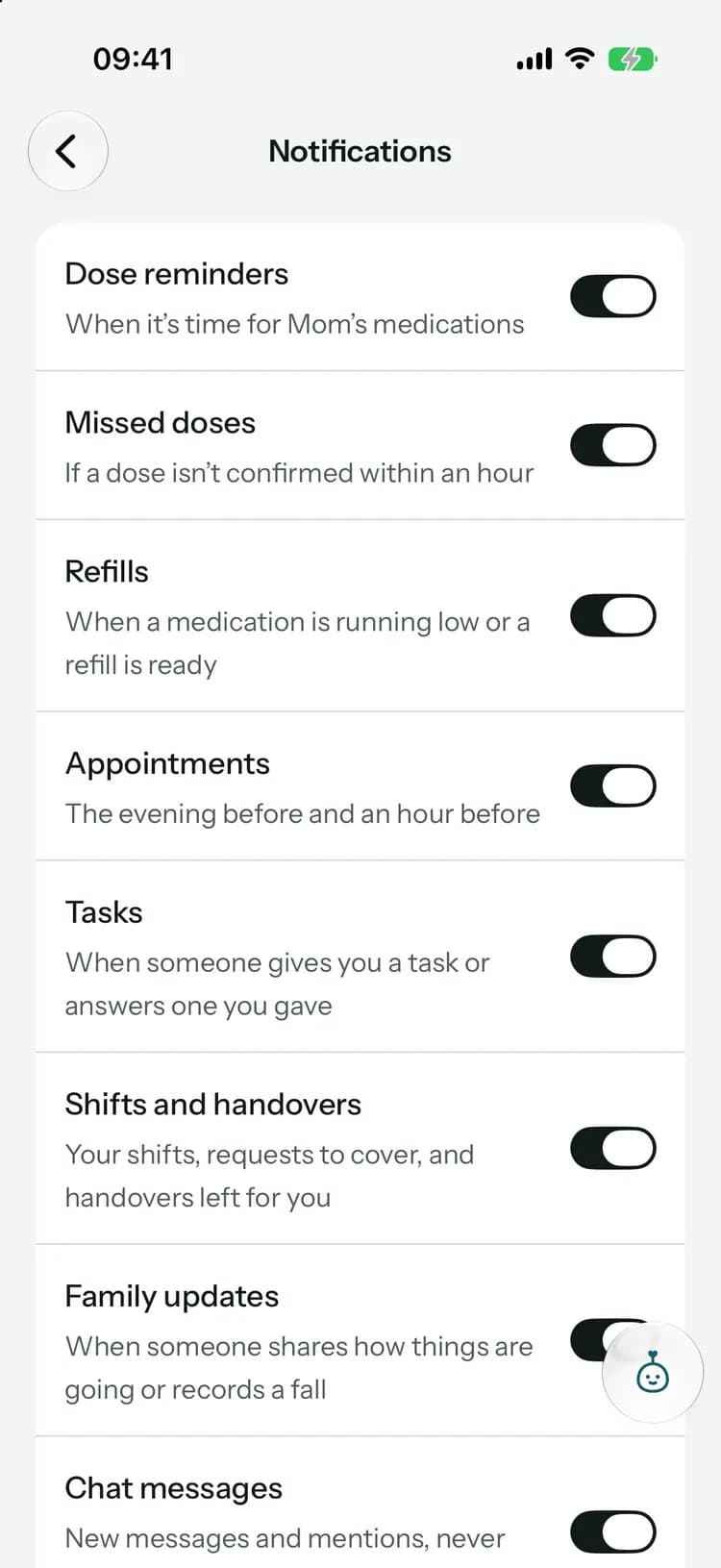
- Choose which you get: doses, refills, appointments, tasks, updates and chat
No passwords to leak.
Kinlovi doesn’t use passwords. You sign in with a code we email you, or with Apple or Google.
Email codes
Sign in with a six-digit code sent to your email. There’s no Kinlovi password to reuse, forget or leak.Codes that expire
Each code works for 10 minutes and stops working after five wrong tries. We store codes hashed, never as written.Apple or Google
Prefer one tap? Sign in with Apple or Google. With Apple, you can hide your email from us.Safe on your phone
Your session is kept in your phone’s secure keychain. Turn on app lock to ask for Face ID, Touch ID or your fingerprint each time Kinlovi reopens. Kinlovi never receives your biometric data.
Kept in the EU, encrypted on the way.
Your circle’s information lives on servers in the European Union, and travels encrypted between your phone, the web app and us.
Hosted in the EU
Kinlovi’s servers and database run in the Netherlands. Documents and photos are stored in Belgium.
Encrypted in transit
Everything between your devices and Kinlovi travels over encrypted connections.
Private file storage
Files are encrypted at rest and never public. Each opens through a link that expires after five minutes.
Checked every time
Before showing anything from a circle, our systems check that you belong to it and what your role allows.
We never see your card
Apple, Google or, on the web, Stripe handle subscription payments. Kinlovi never receives your card details.
Few providers
A small number of service providers help run Kinlovi, only on our instructions and under contracts that protect your information.
Pip sees only what it needs.
Pip, the care helper in Family+, sends OpenAI only what each request needs, and only when someone asks.
How Pip uses your data- Runs only when someone in your family uses it
- Never sends the emergency card or contact details
- Nothing is saved or shared until you confirm
- Your chats with Pip are private to you
- Caregivers can’t use Pip
- Not used to train AI models
Leave whenever you like.
You can delete your account in the app at any time. Here’s what happens to your family’s records.
Your account
Your account, sign-in details and settings are deleted right away, along with your chats with Pip.Circles you organize
They’re handed to another family member, so nobody loses the shared records. A circle with no other family member is deleted with its documents, even if a caregiver remains.Deleting a circle
An organizer can delete a circle. It can be restored for 30 days, then it’s removed for good, documents included.
When a home care agency helps.
An agency sees only what the organizer approves for each person it sends, every time someone opens or changes a record it’s recorded, and the family can end it at once.
Found a security problem?
Tell us what you found and how to reproduce it. We’ll look into it and get back to you.

A safe place to share the care.
Free to start, on iPhone, Android and the web. Everyone you invite joins free.
Launching soon. Tell me when it’s live