Care report
Walk into the visit with everything on one page.
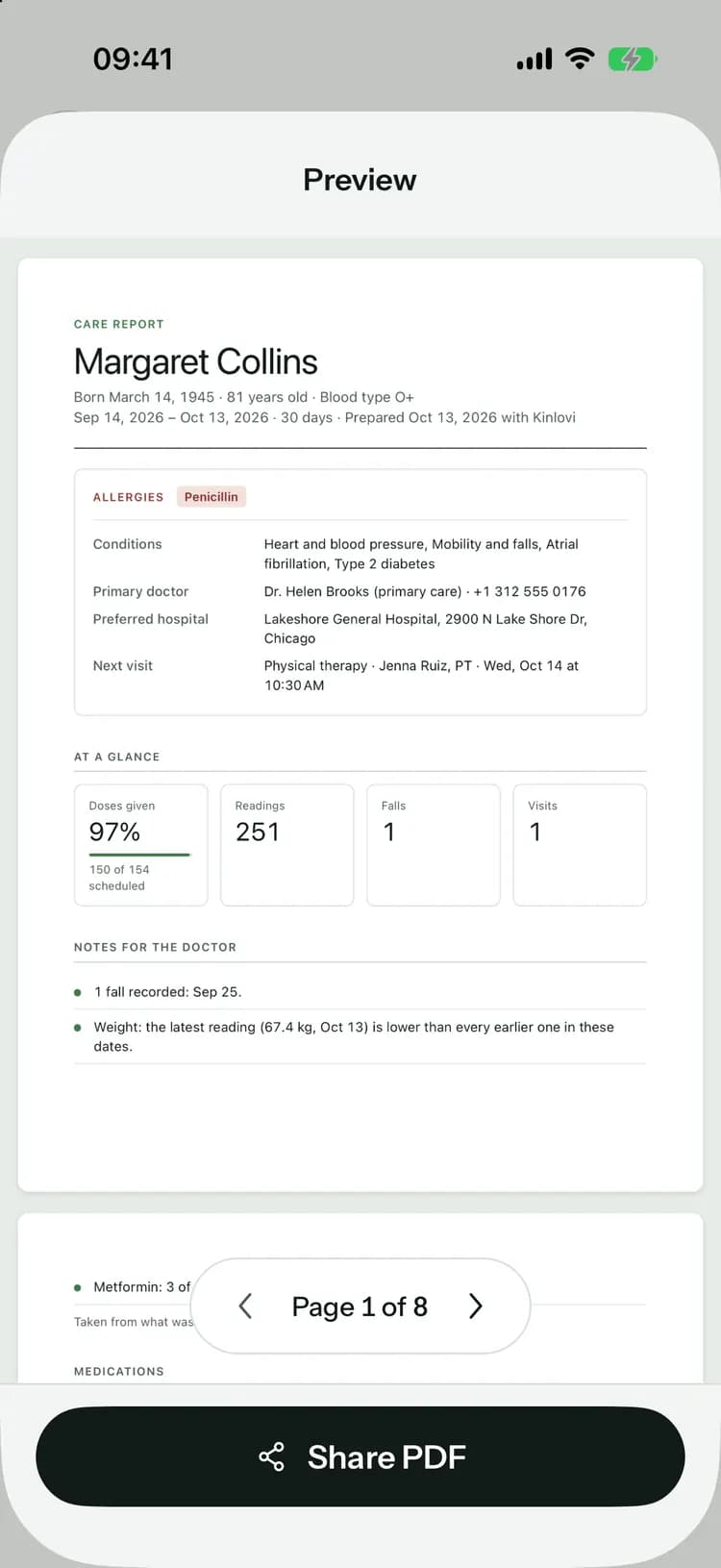
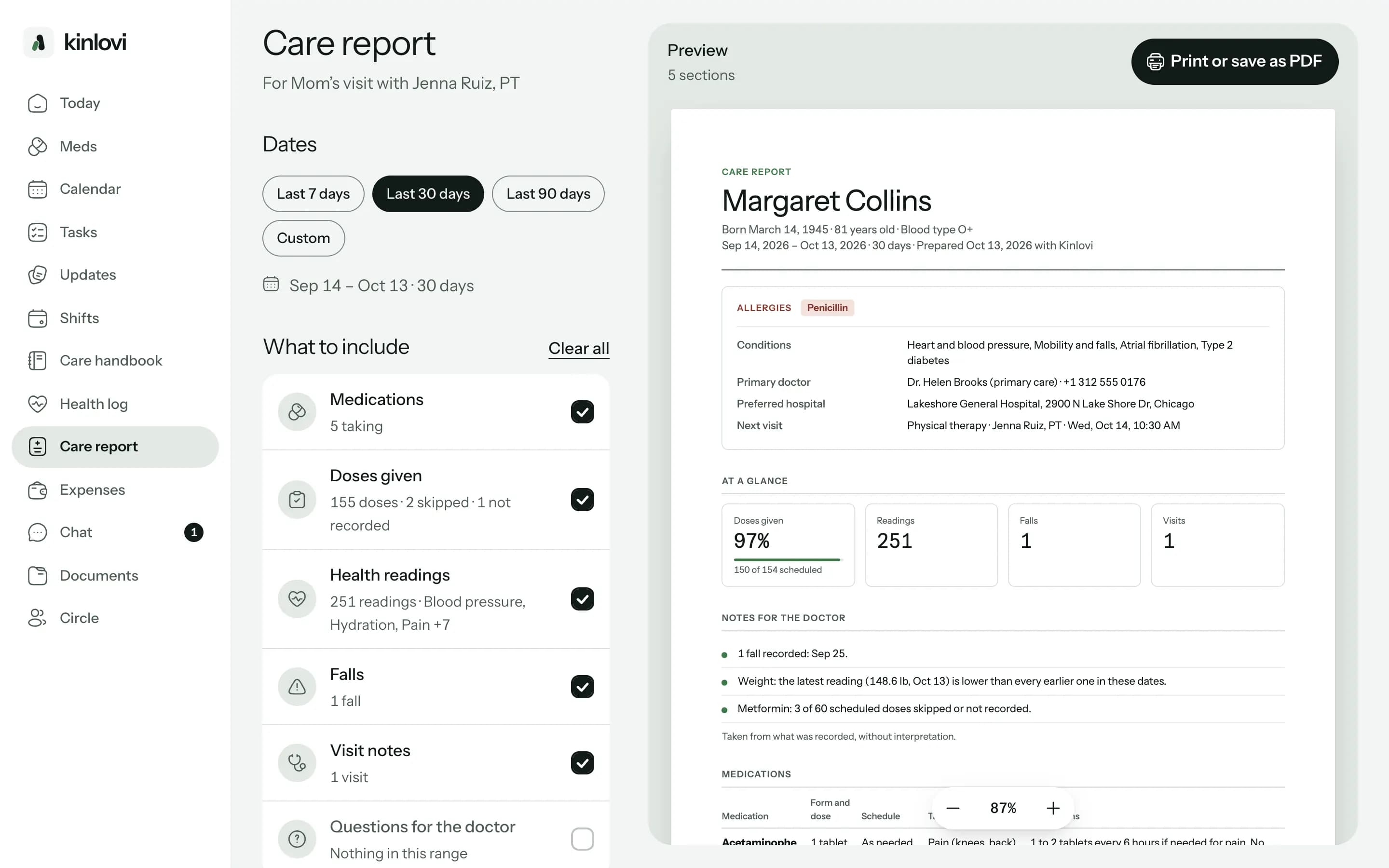
Pick the dates, choose what to include, and Kinlovi makes a clear PDF of the medicines, doses, readings, falls and visit notes, with your questions at the end.
Three steps to a report.
- 1
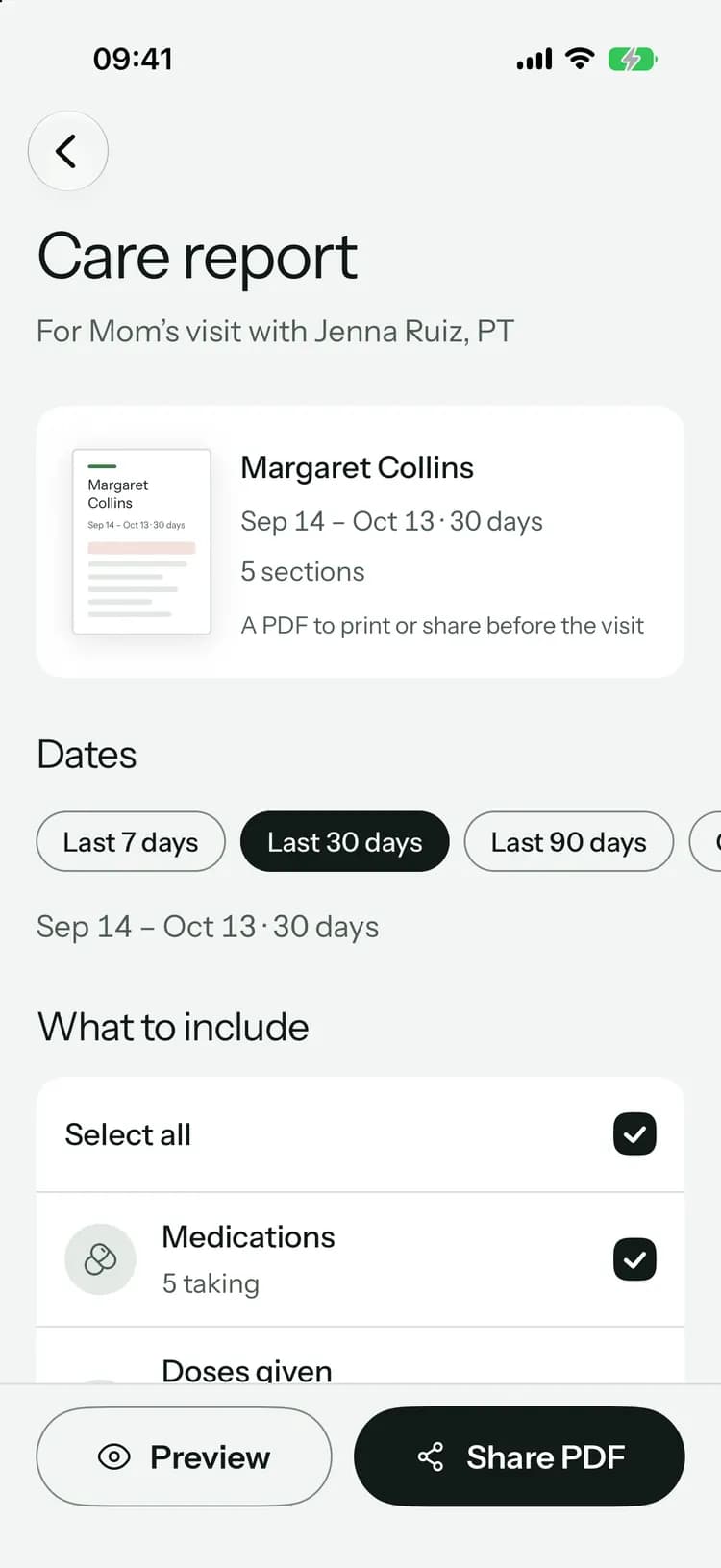
Choose the dates
The last 7, 30 or 90 days, since the last visit, or any dates you pick.
- 2
Choose what goes in
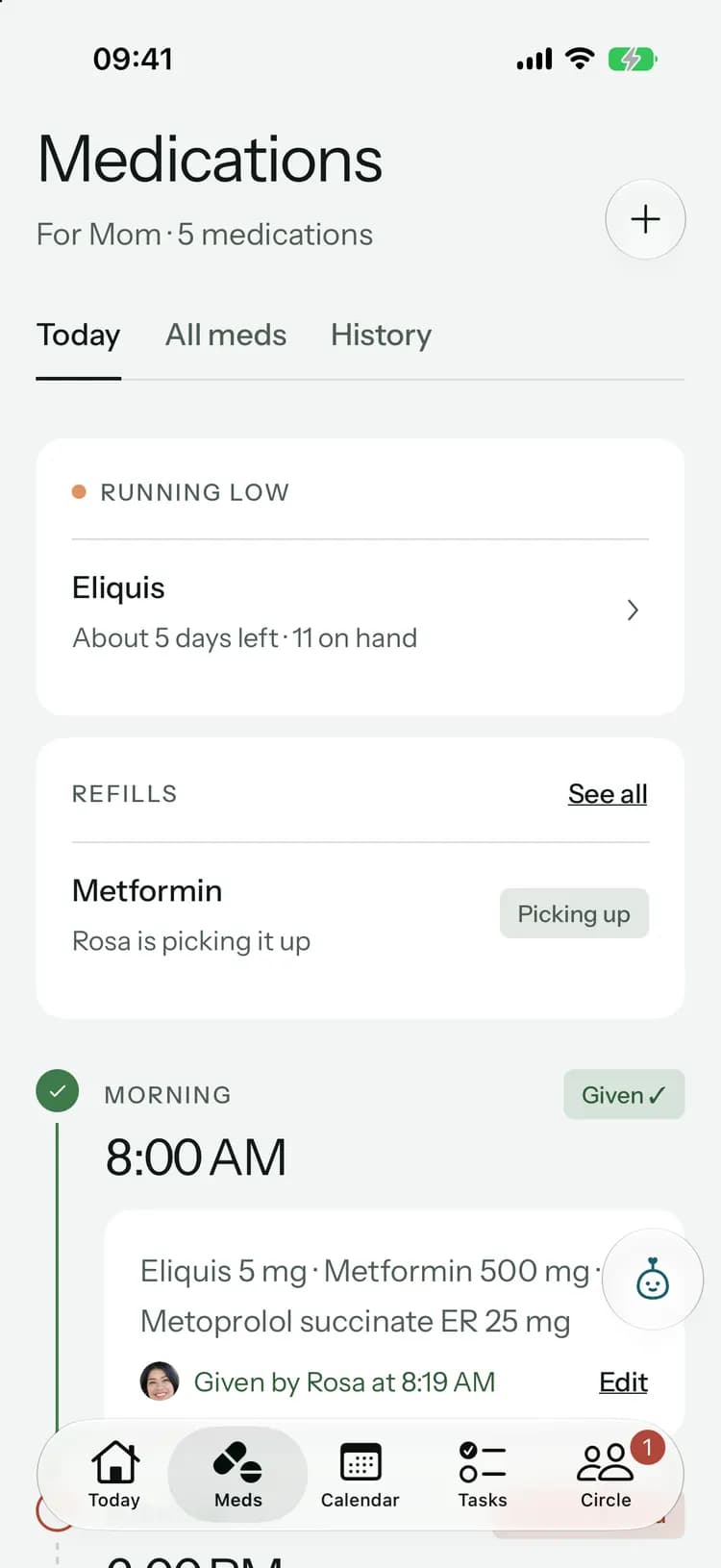
Medicines, doses given, health readings, falls, visit notes and questions for the doctor, each with how many there are.
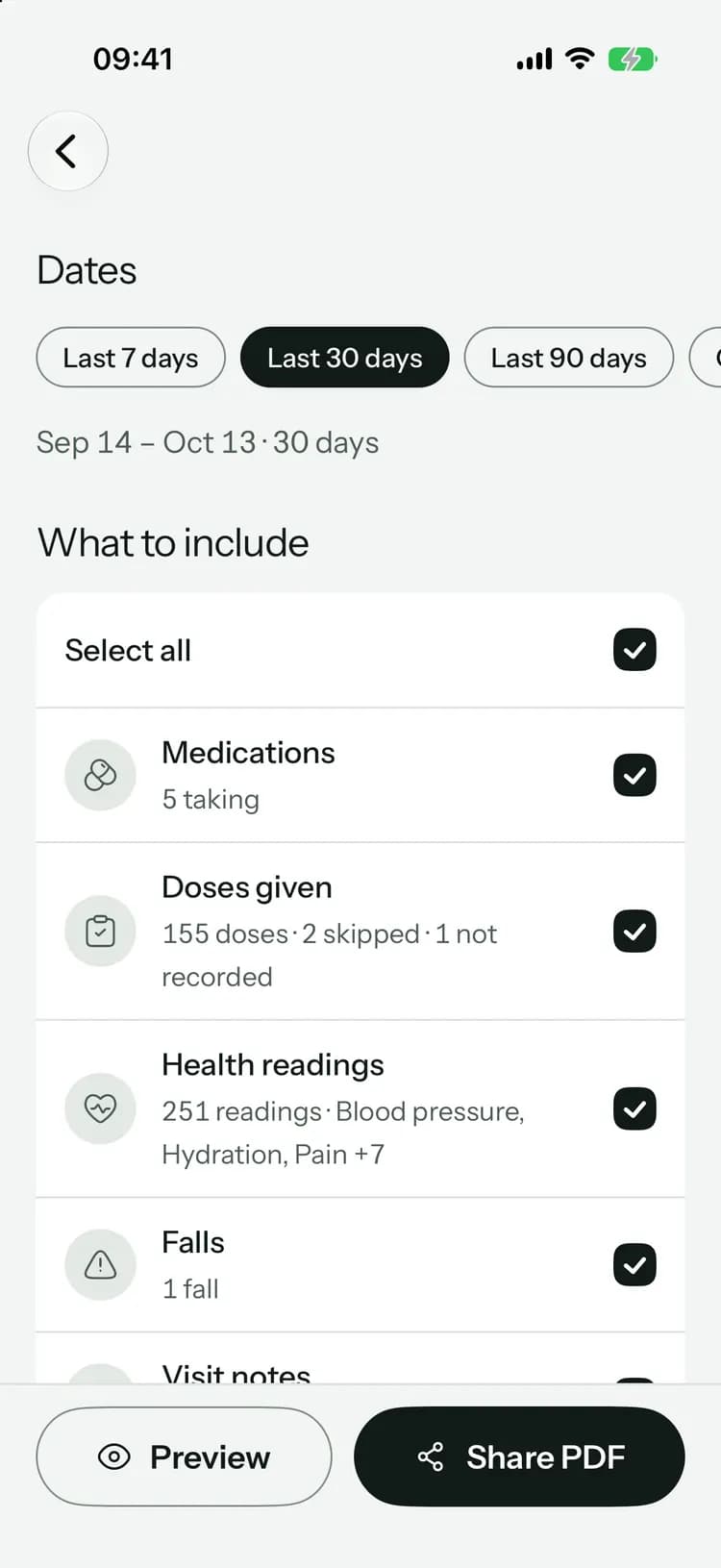
- 3
Preview, then share
Check the PDF, then share it, print it or save it to bring along.
Everything the doctor will want to see.
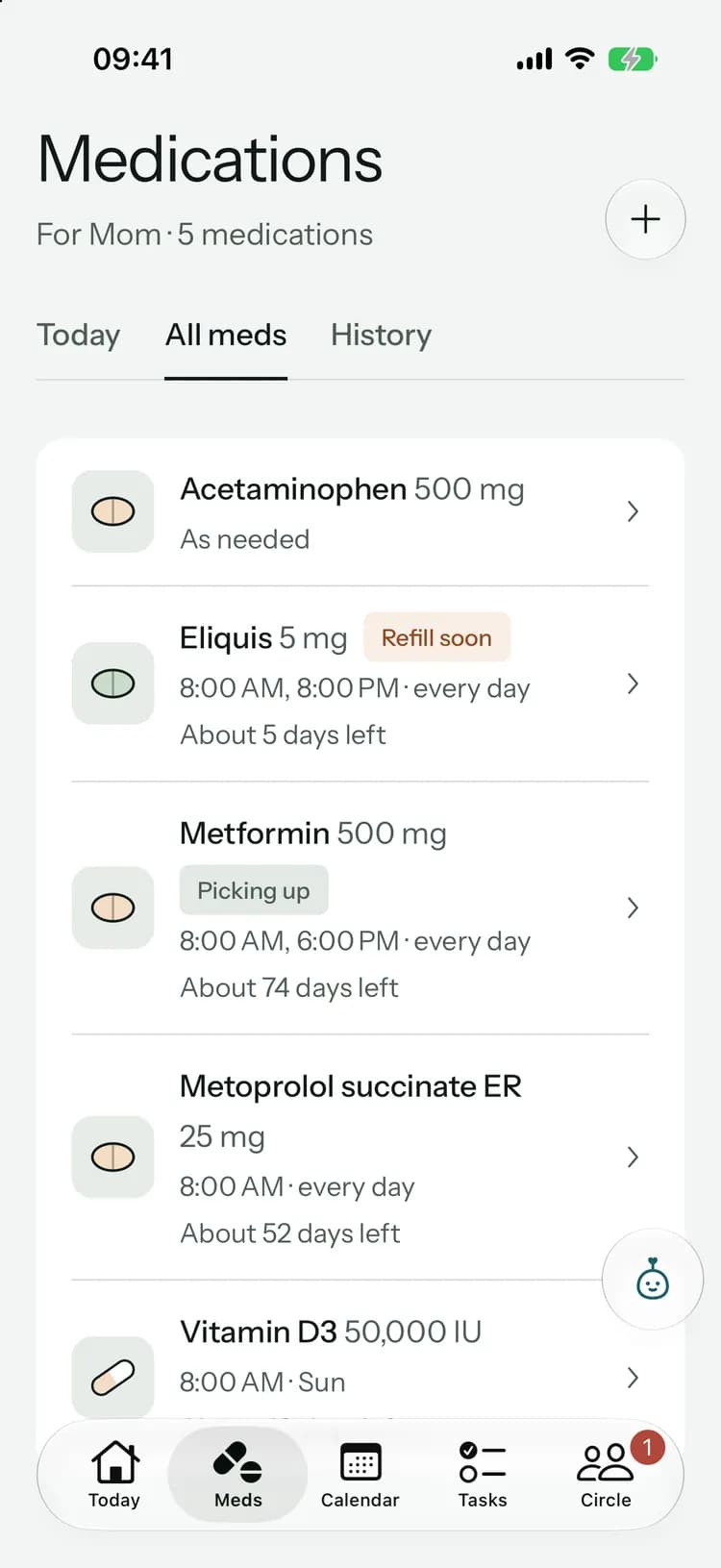
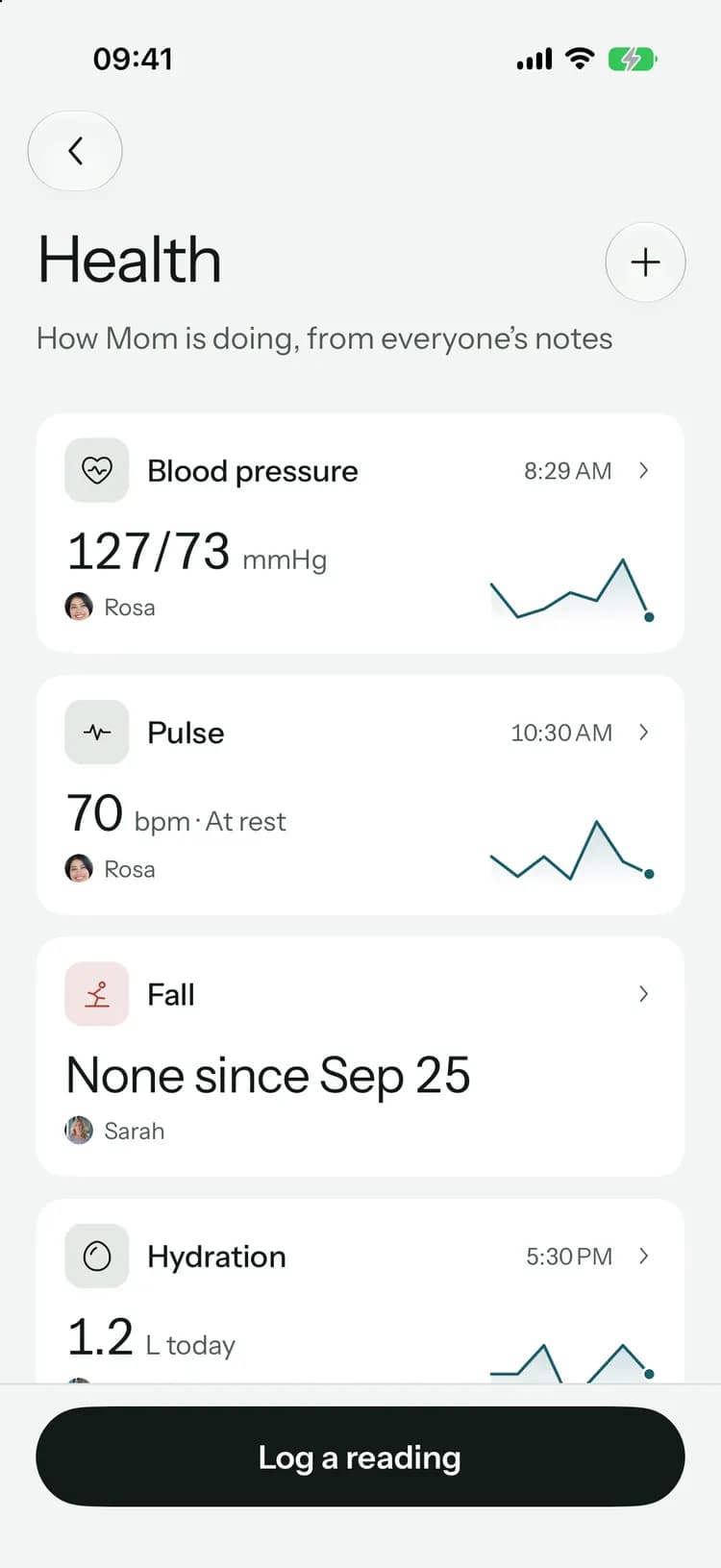
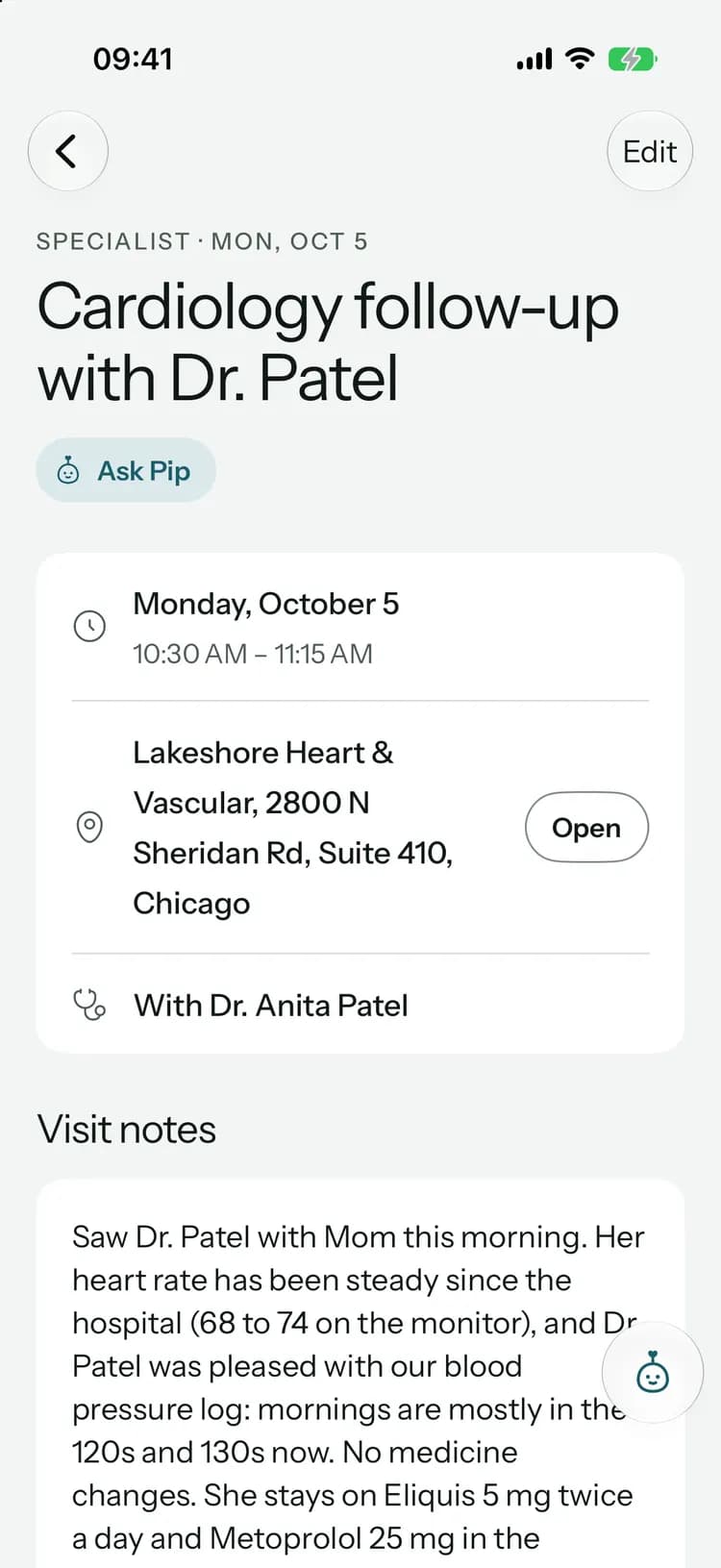
Every medicine they take, with how many doses were given and skipped over the dates you picked.
Every medicine they take, with how many doses were given and skipped over the dates you picked.
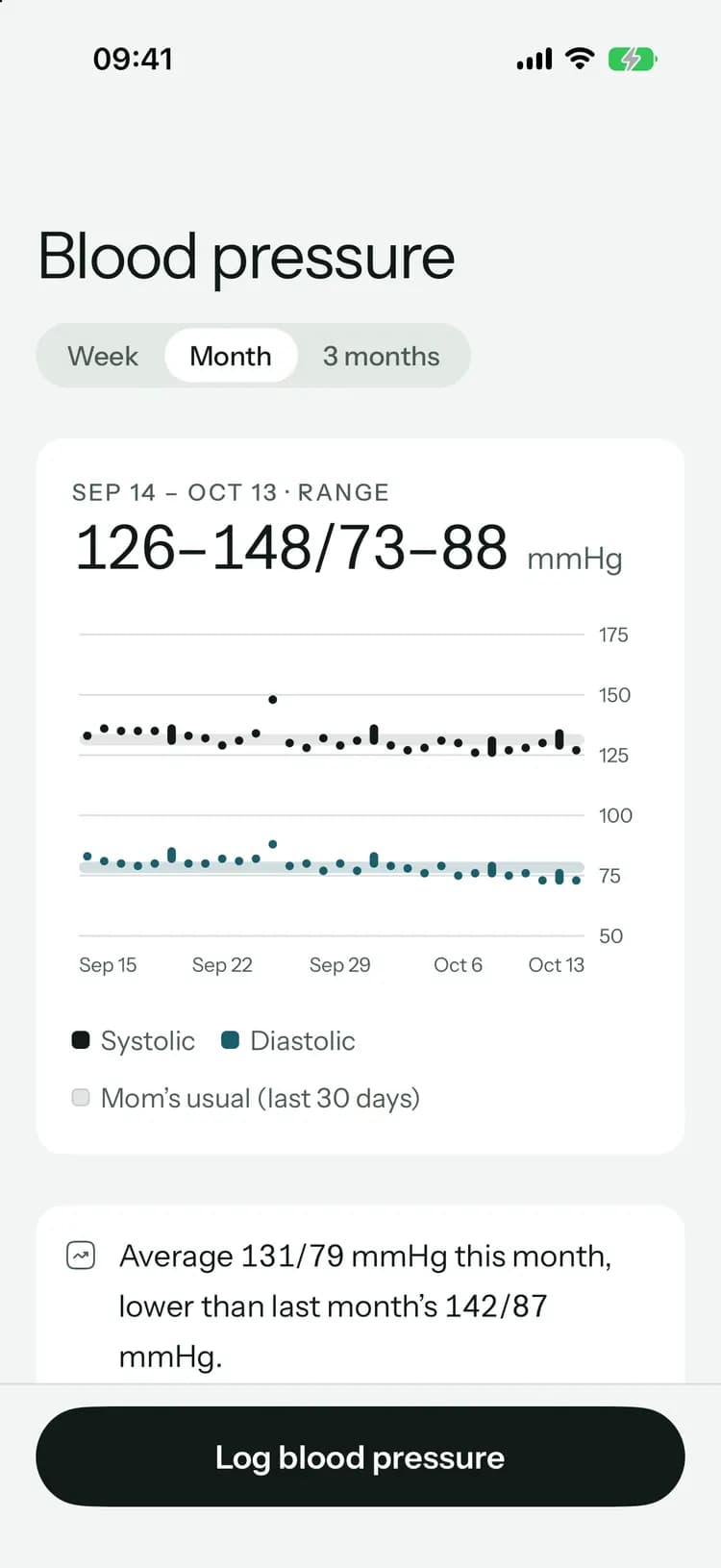
Each measure with its readings and range, and every fall with when it happened.
What the last doctors said, from the visit notes your family wrote.
Questions saved while preparing for a visit are added for you. Add more, or leave any out.
Print it from your computer.
Clear for the doctor, private for you.
Family only
The organizer and family members make care reports. Paid caregivers don’t.You choose who gets it
The PDF is made on your phone or computer. Kinlovi doesn’t send it anywhere.In your language
The report is written in the language you use the app in.Not a diagnosis
It shows what your family recorded. It doesn’t interpret readings or give medical advice.
On every plan
Care reports are included on every plan, Free too. Dose counts go back as far as your plan’s dose history: 7 days on Free, 90 on Family and Family+.
Common questions
Something else on your mind? Visit the help center

Bring the whole story to the next visit.
Free to start, on iPhone, Android and the web. Everyone you invite joins free.
Launching soon. Tell me when it’s live