Tasks
Every job has a name on it.
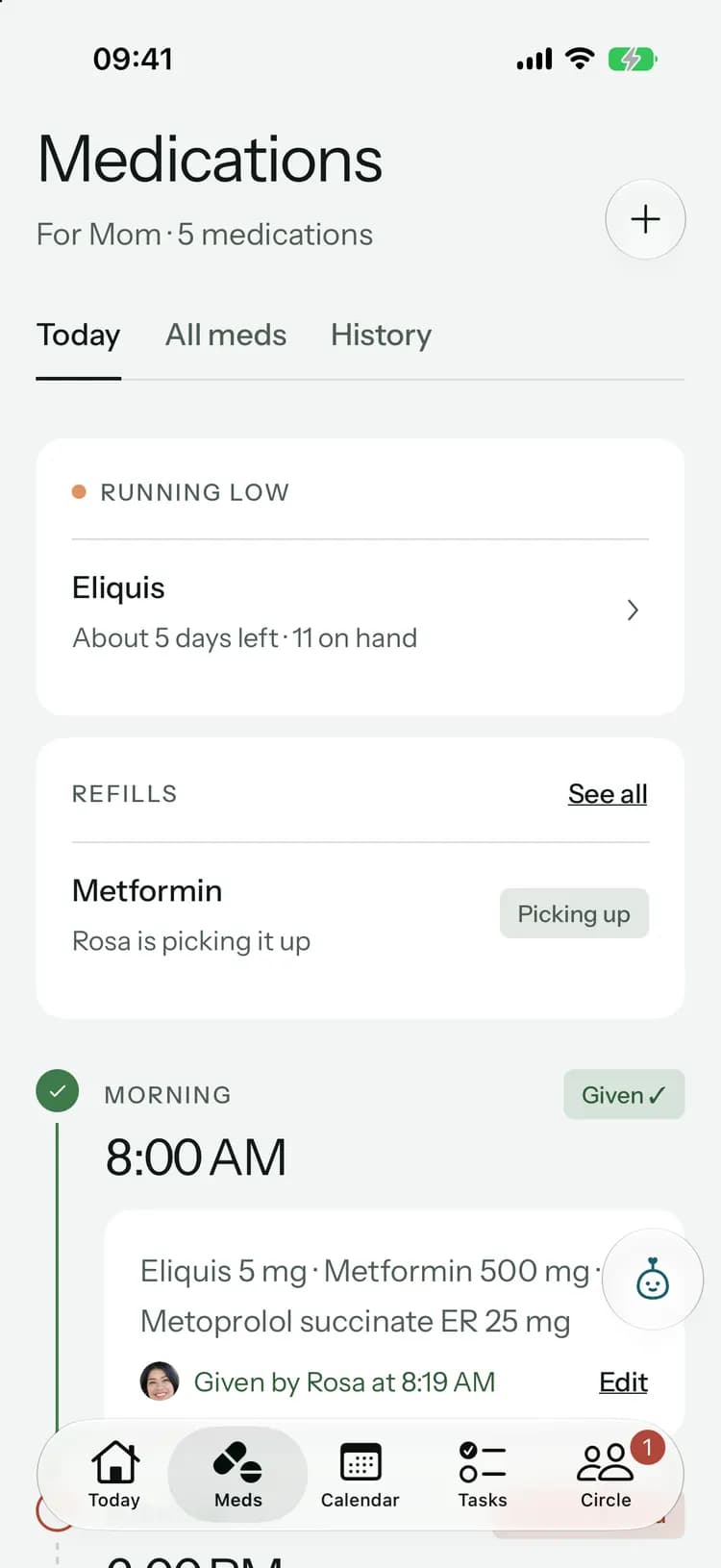
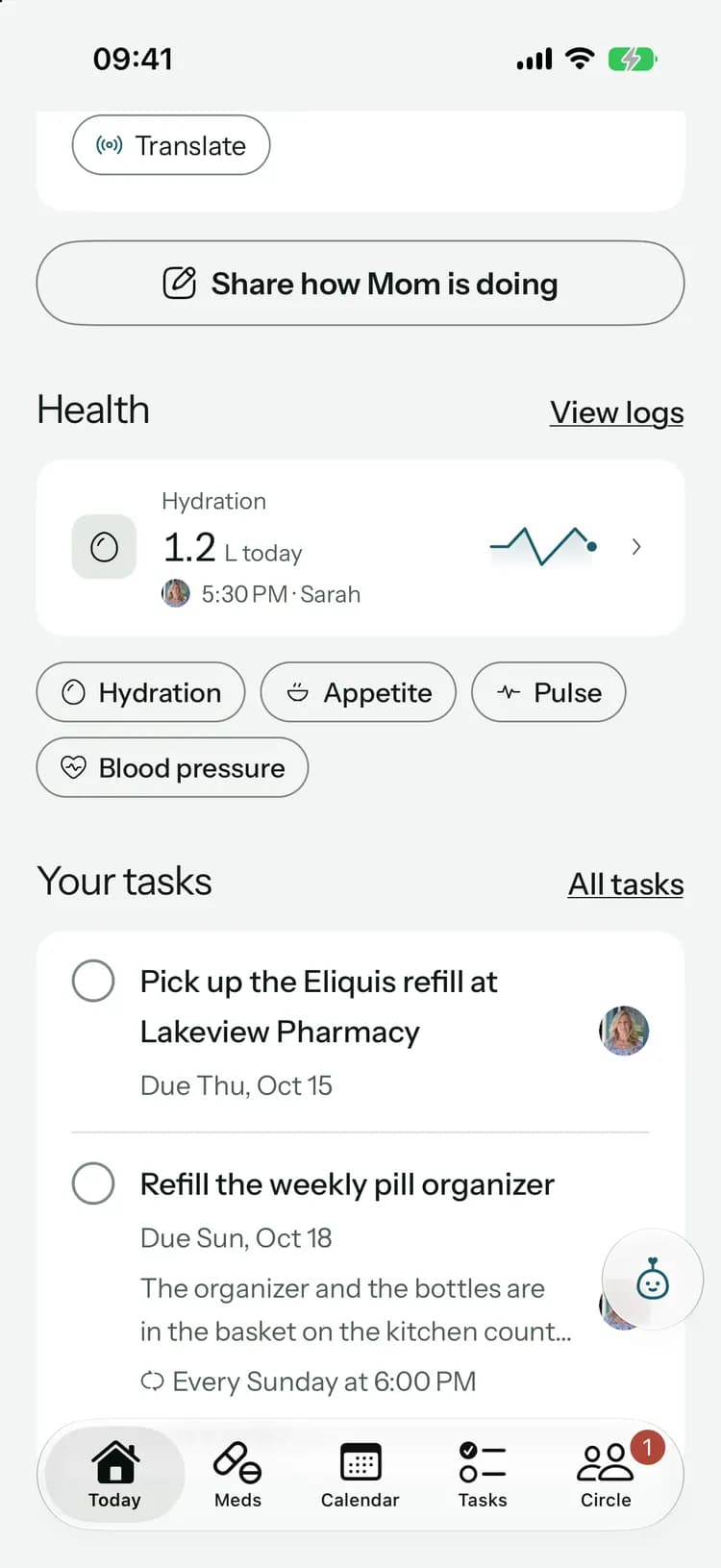
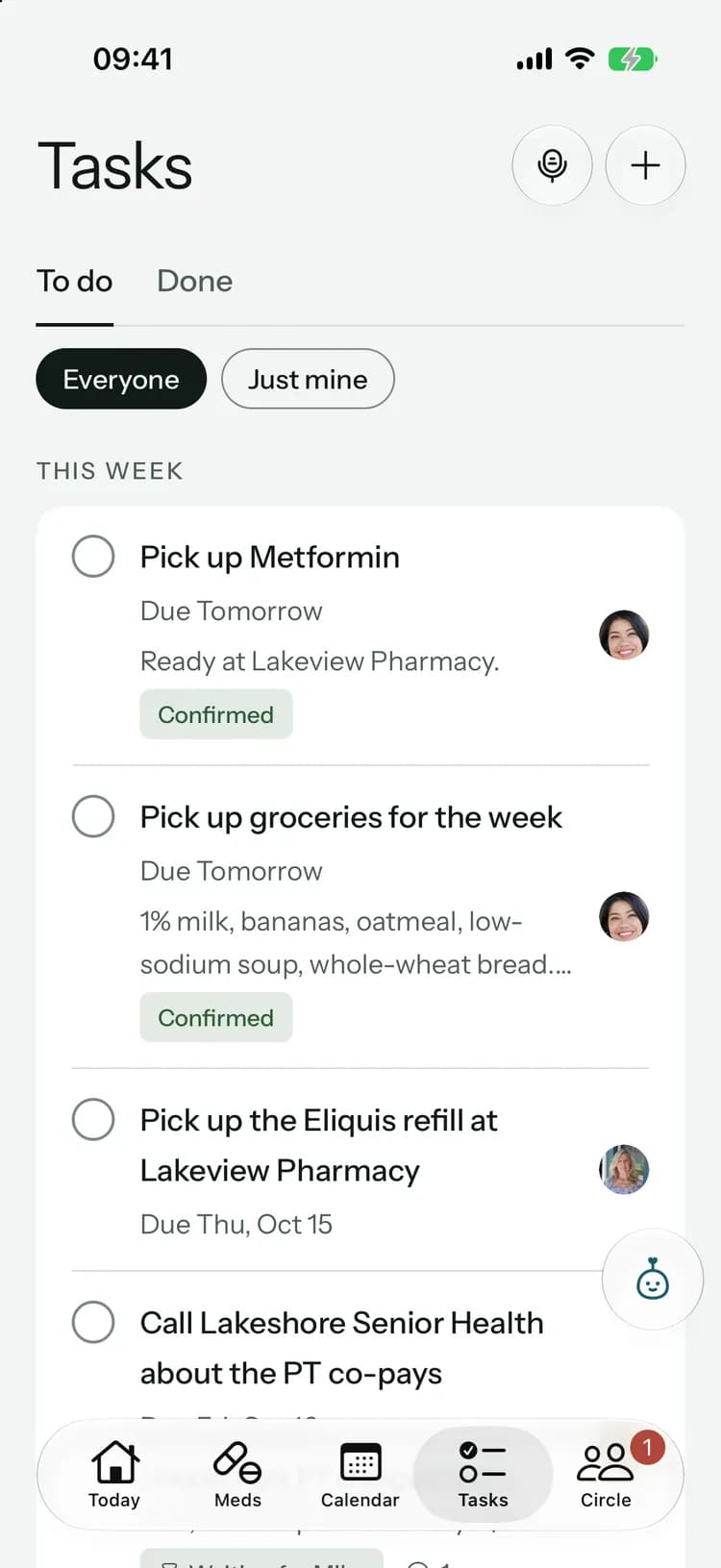
Groceries, refills, calls to the insurance. Everyone sees what needs doing and who’s on it, so nothing waits for someone to notice.
Routines, backups and a little help from Pip.
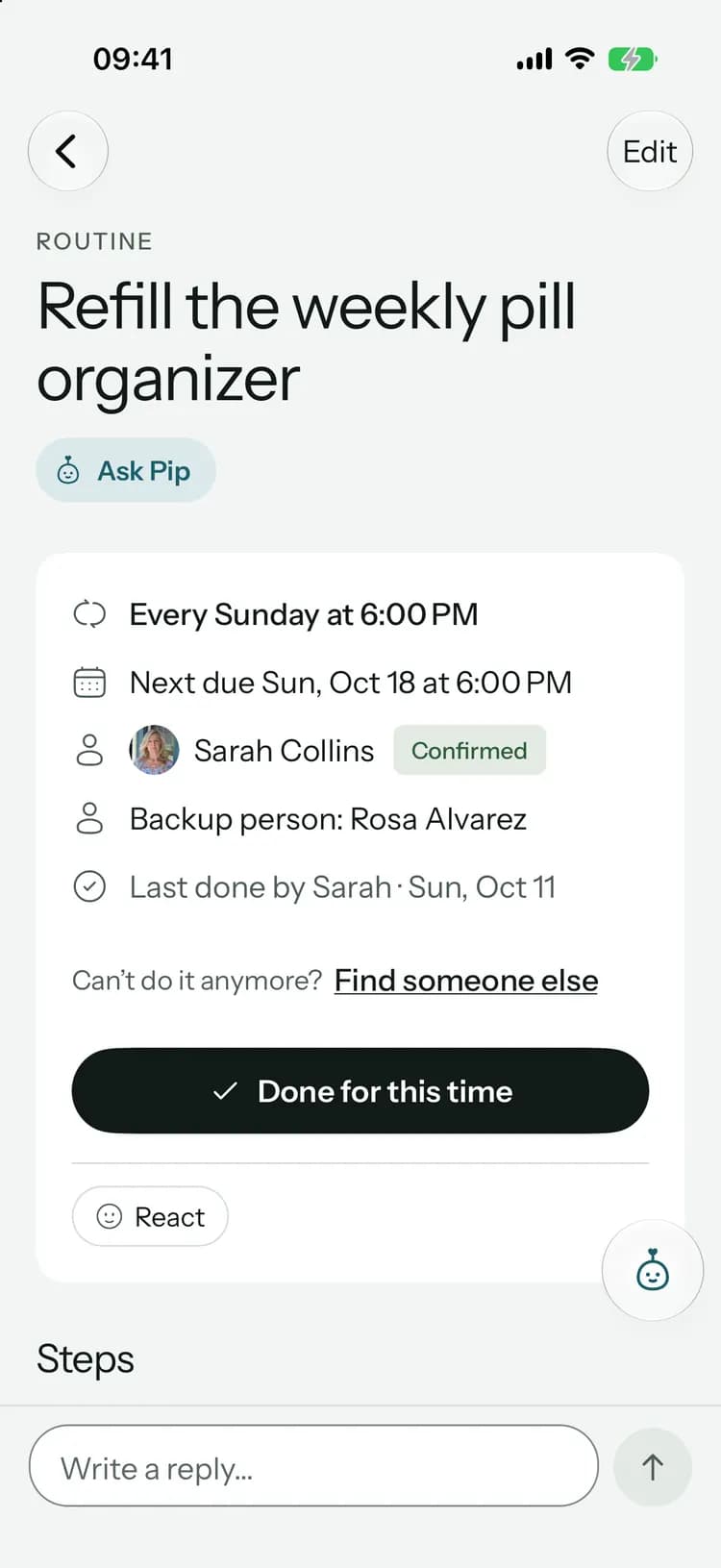
Every Sunday at 6 PM, or every few days. Name a backup person: if it’s an hour overdue, they’re alerted.
Every Sunday at 6 PM, or every few days. Name a backup person: if it’s an hour overdue, they’re alerted.
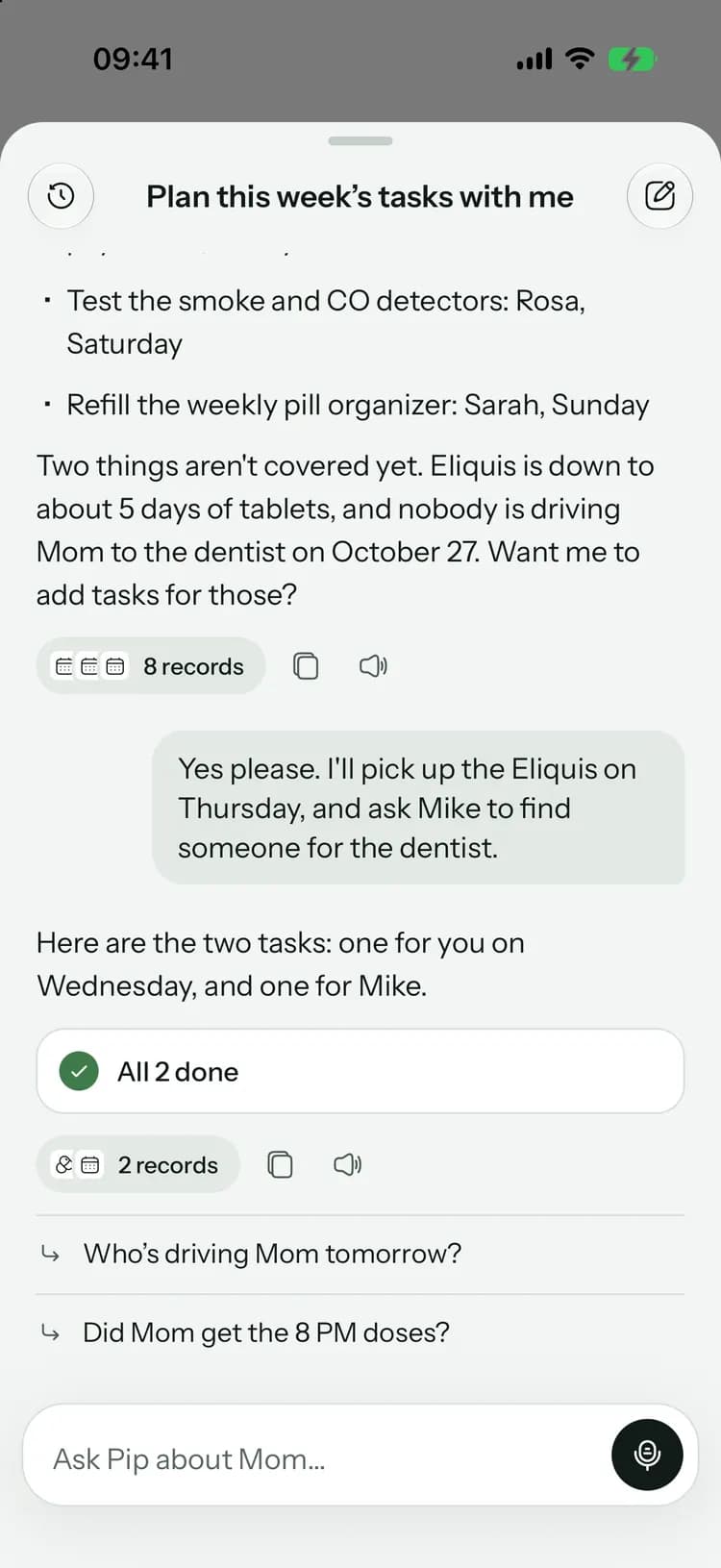
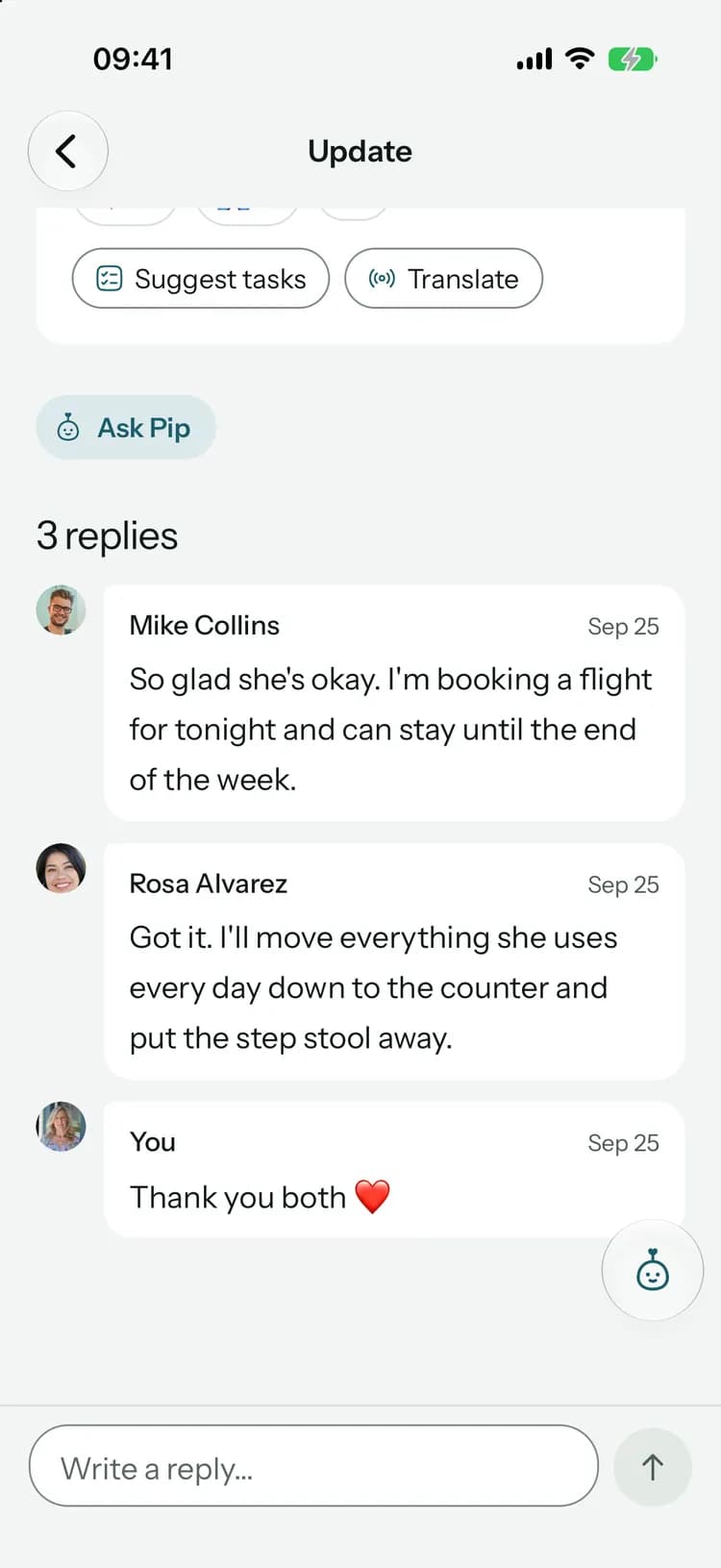
With Family+, Pip looks at what’s coming up, spots what isn’t covered and drafts the tasks. Nothing is added until you confirm.
Meet PipWith Family+, Pip reads an update and suggests up to five tasks. You choose which to create, who does them and when.
Hand it off in one tap.
- 1
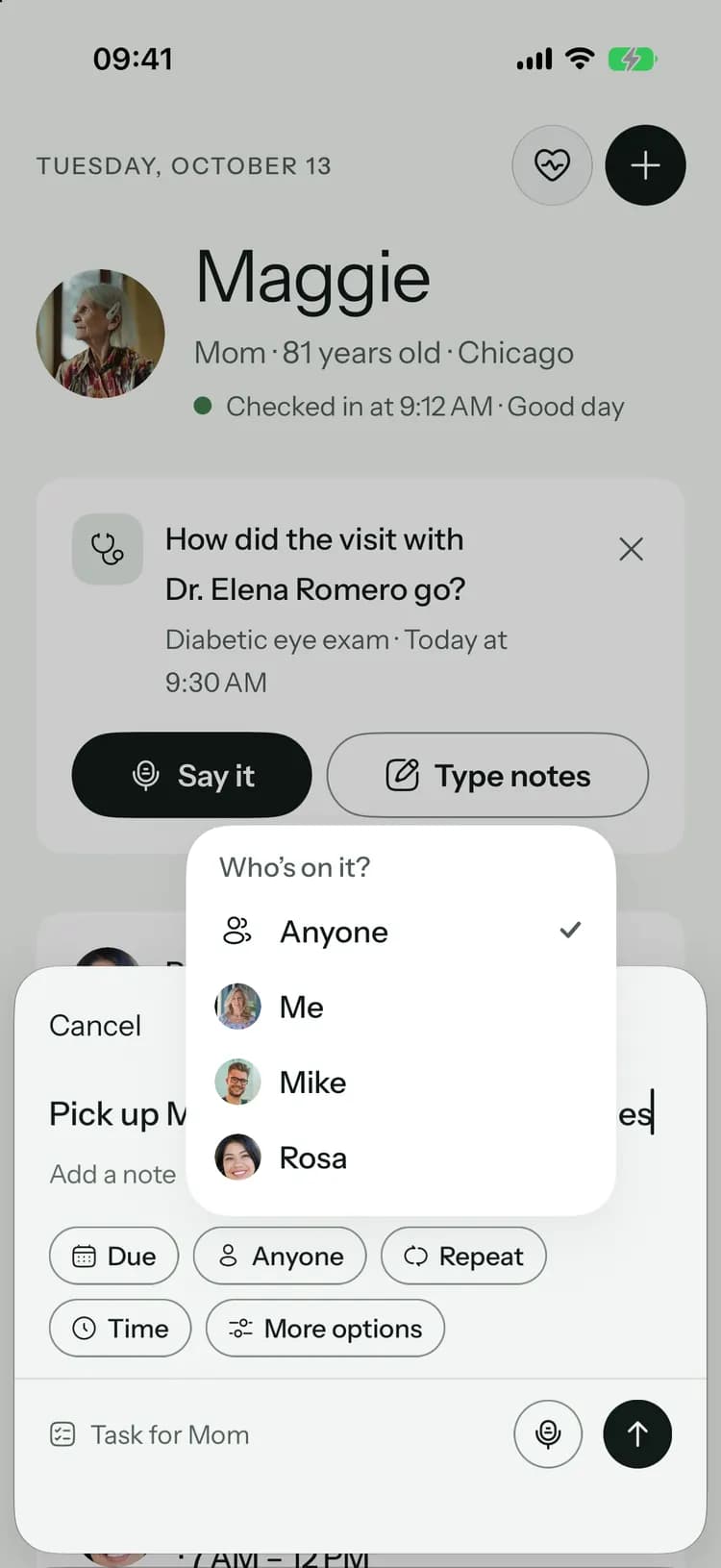
Write it down
Say what needs doing, add a day or a note, and choose who’s on it.
- 2
They say yes
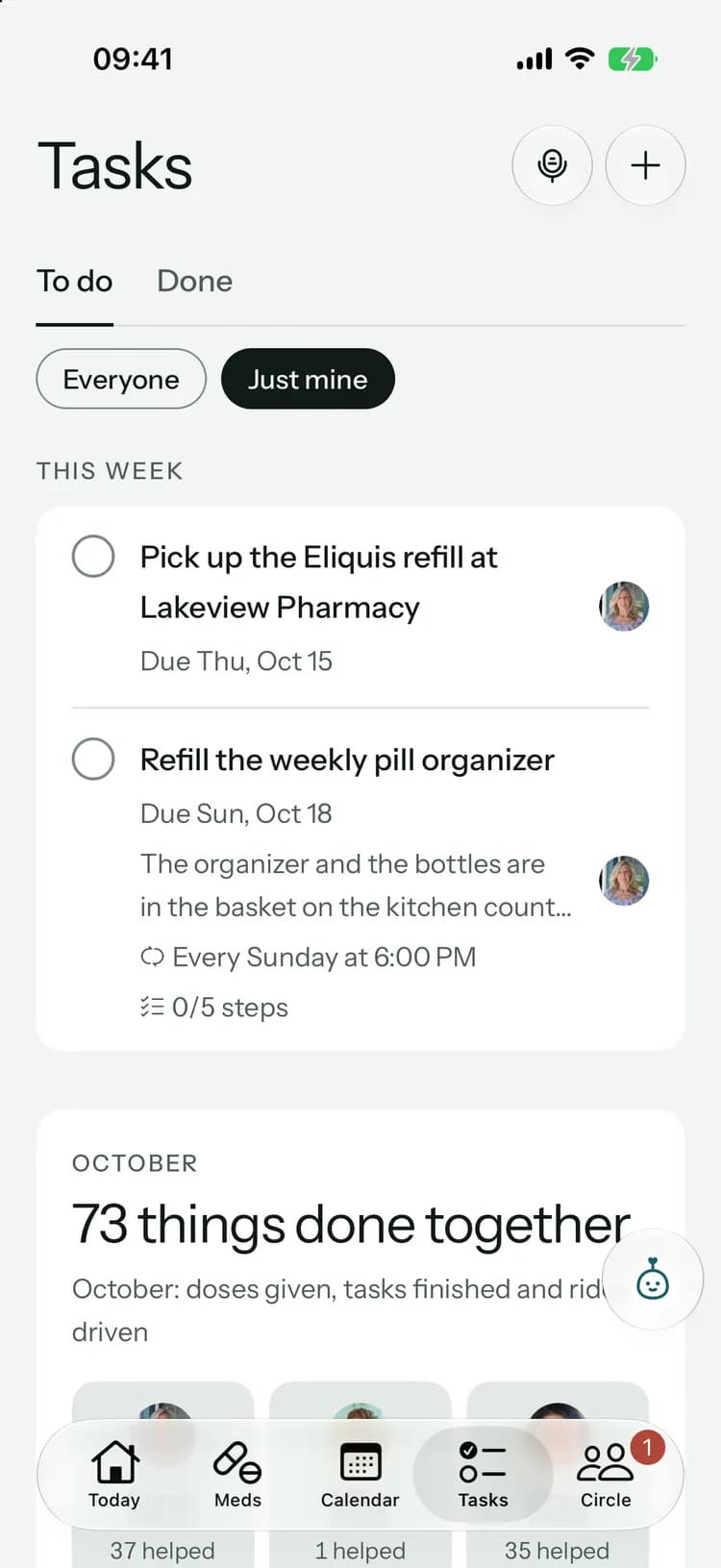
The person you chose accepts or declines in a tap, or asks you to find someone else. It lands under Just mine, with a reminder an hour before it’s due.
- 3
Done, and thanked
Mark it done and the family sees who did it. A quick reaction says thank you.
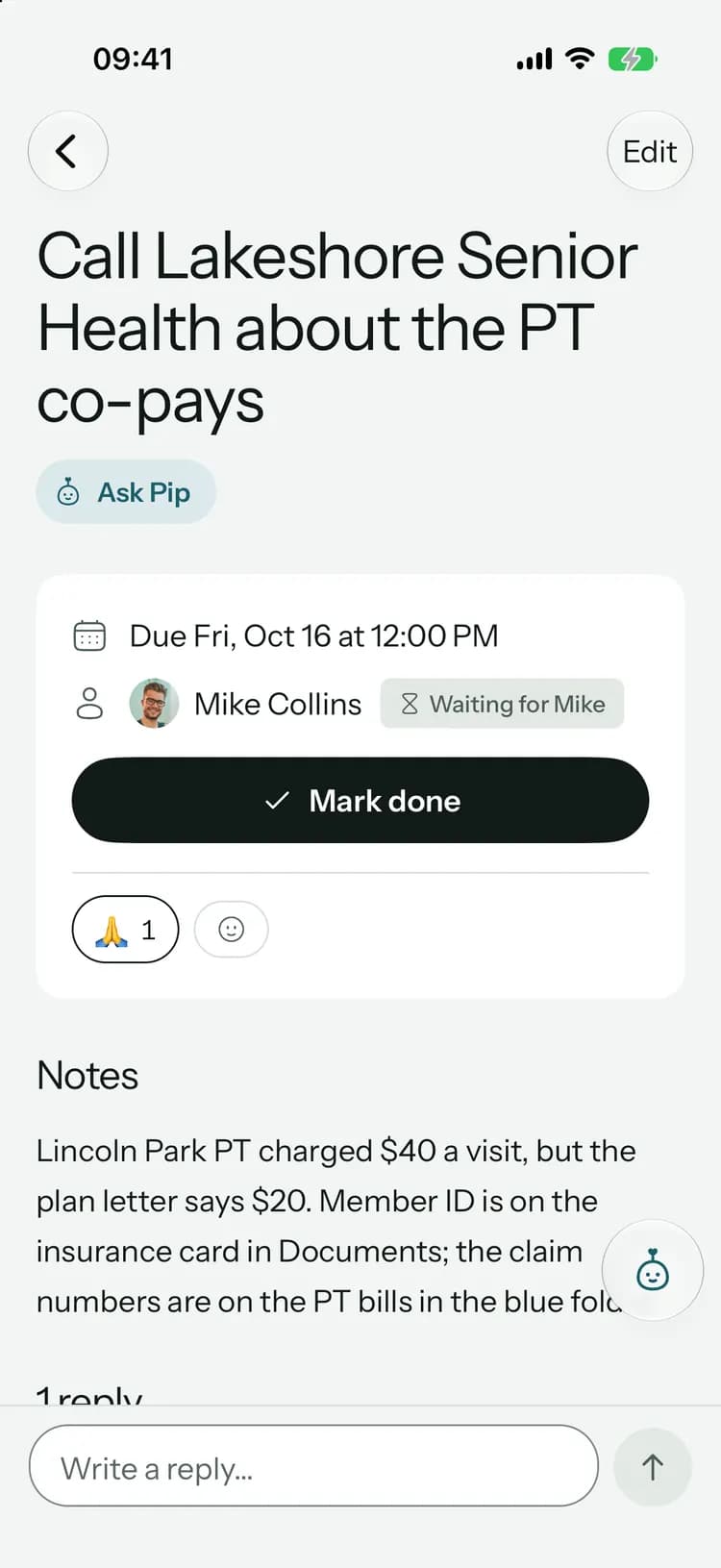
The whole list on one screen.
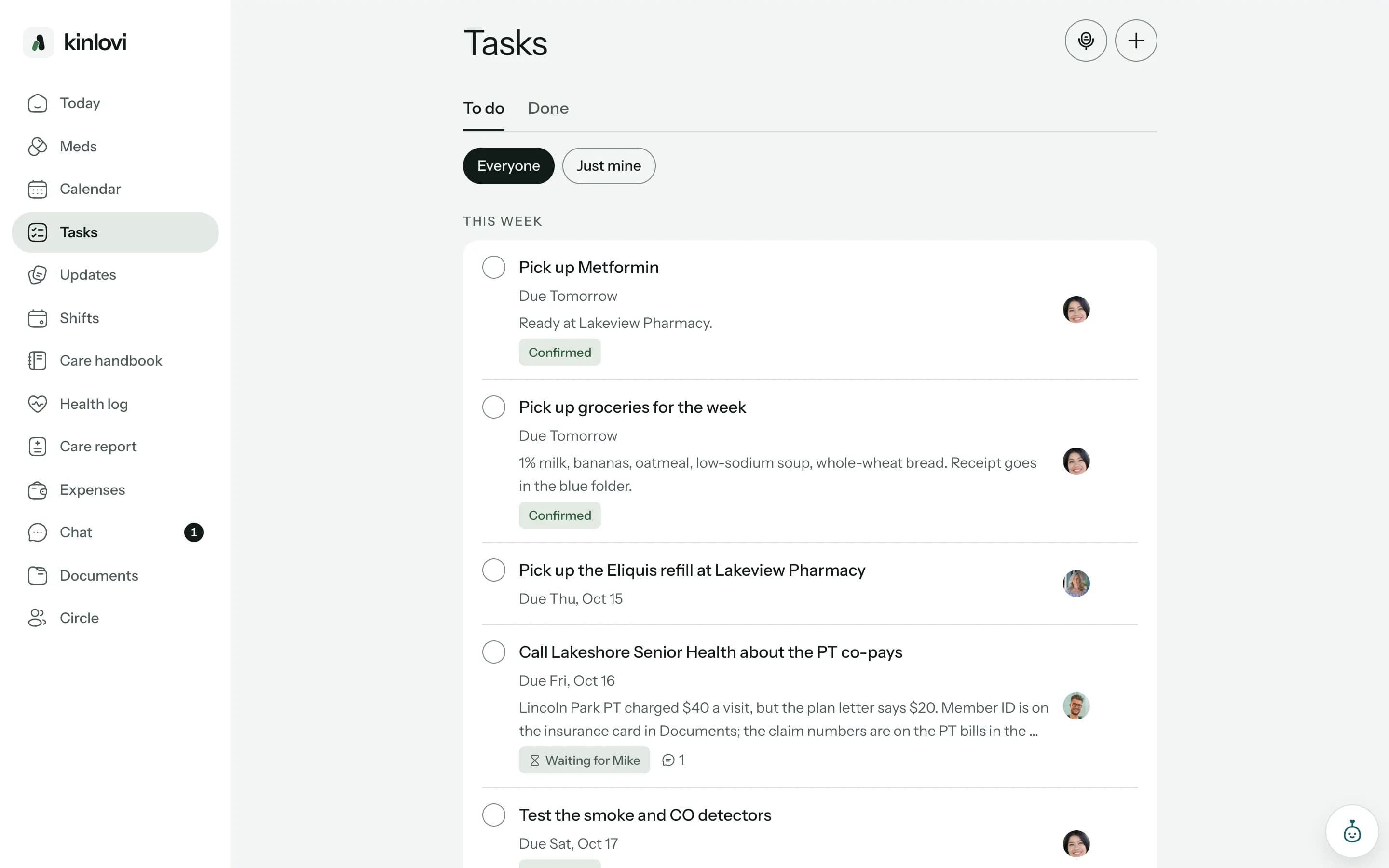
Little things that make sharing easy.
Steps for routines
Make a task a checklist, like a morning routine. Anyone can tick steps off, and they start fresh each time.Replies on the task
Ask a question right on the task, so the answer is there for whoever picks it up.Done together
Each month, Kinlovi adds up the doses given, tasks finished and rides driven by everyone.Caregivers included
Paid caregivers see the tasks assigned to them, reply on them and mark them done.
On every plan
Tasks, repeating tasks, routines and backups are included on every plan, Free too.
With Family+:Pip’s task suggestions and planning the week with Pip.
Common questions
Something else on your mind? Visit the help center
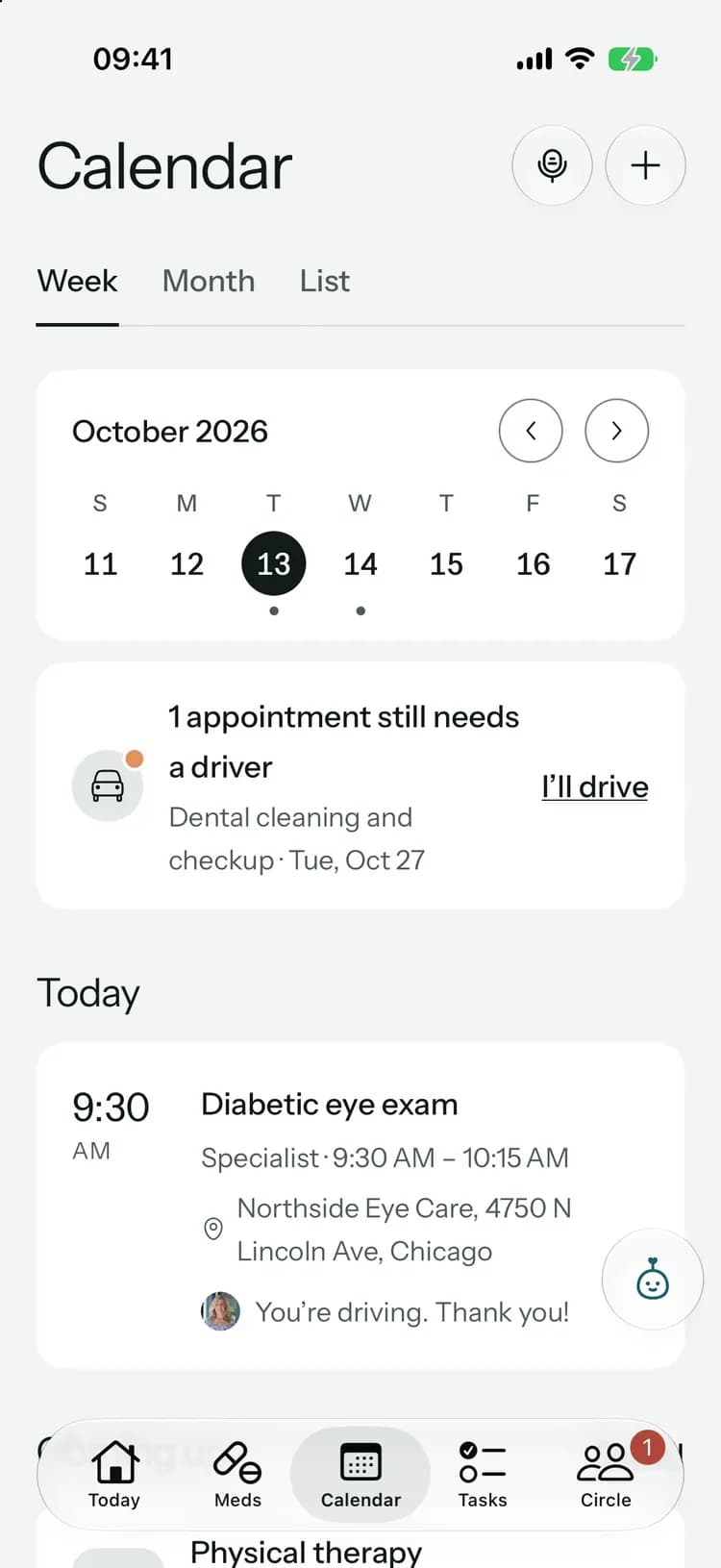
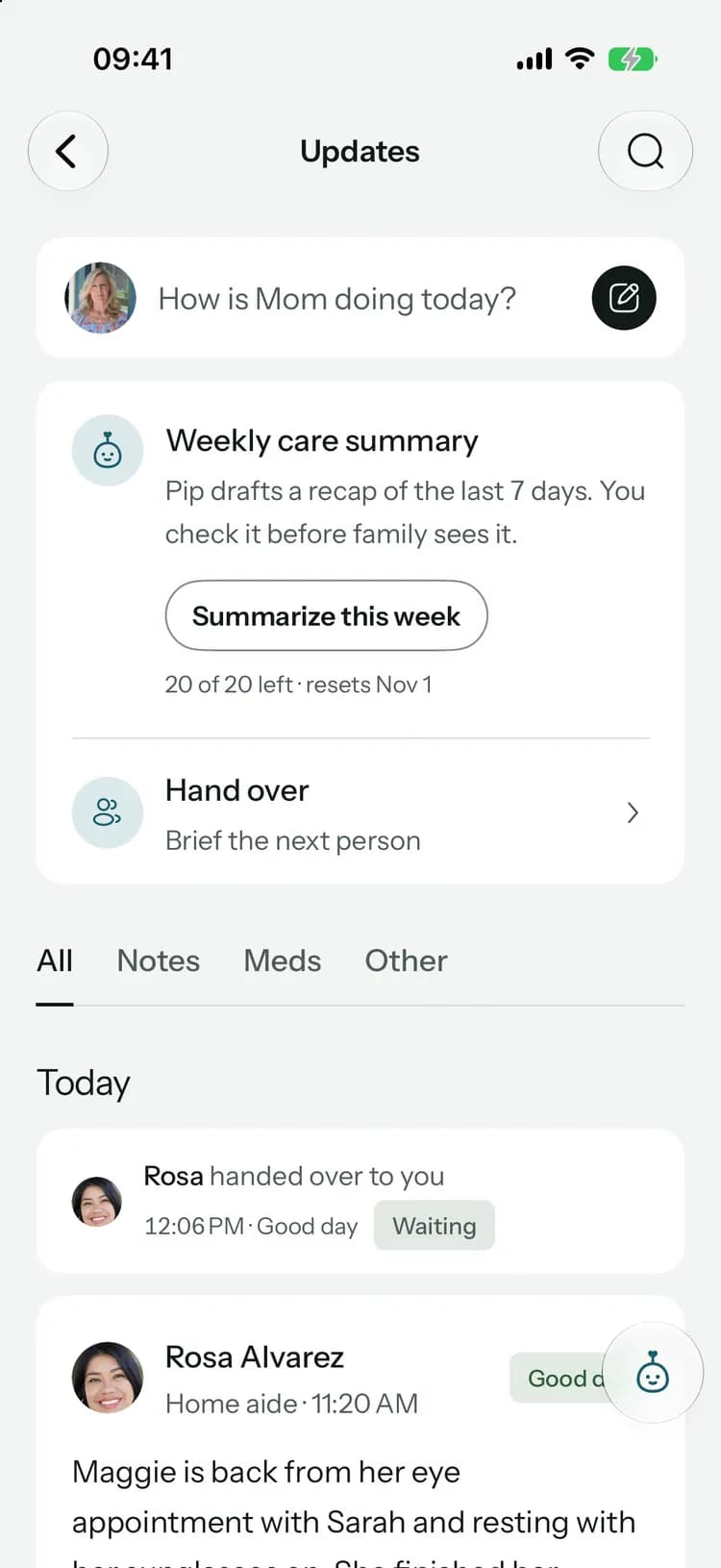

Share the load, not the stress.
Free to start, on iPhone, Android and the web. Everyone you invite joins free.
Launching soon. Tell me when it’s live