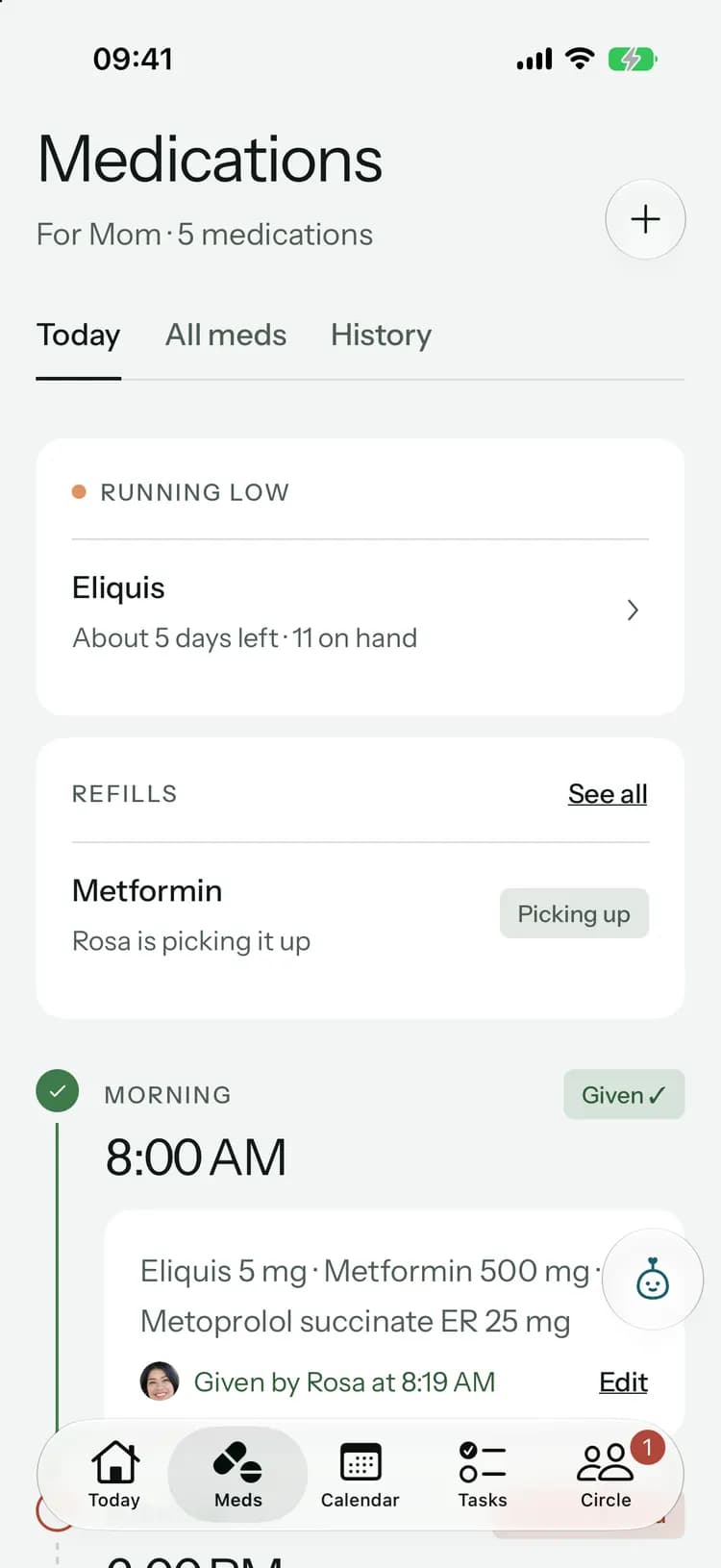
Simple view
A simple screen, just for Mom.
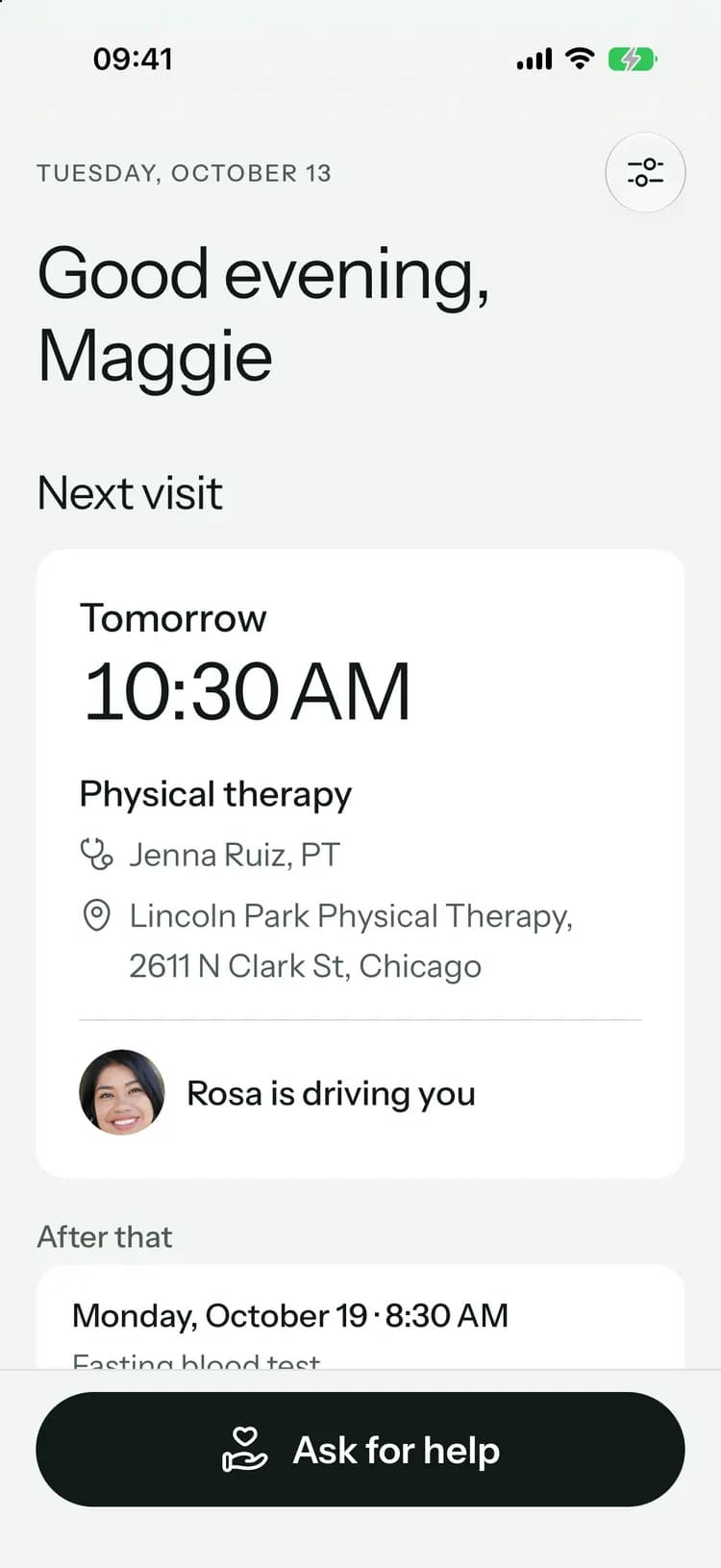
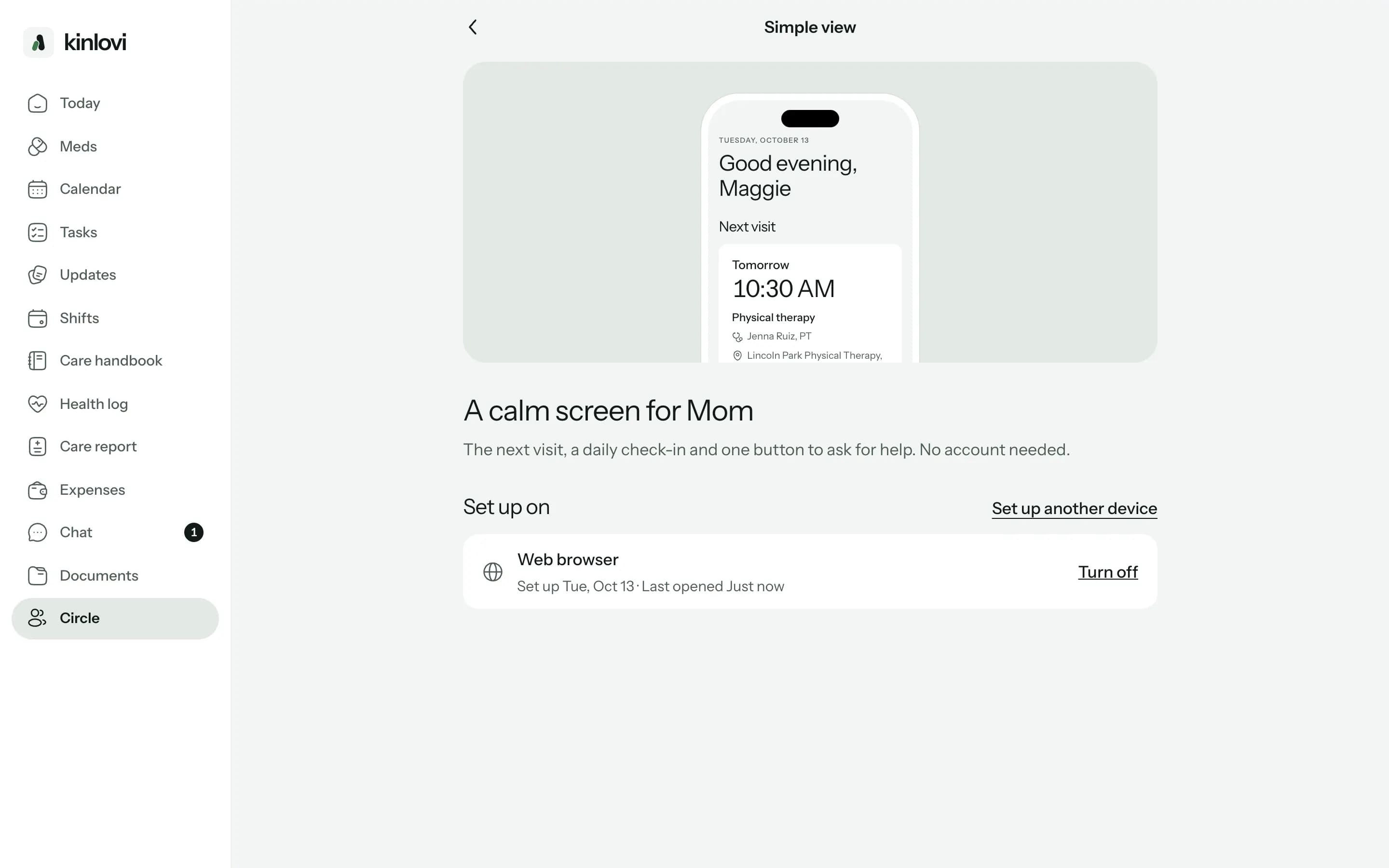
Her next visit in big type, a check-in each day, and one button to ask the family for help. You set it up with a code, so she never makes an account or types a password.
Set up in a minute, from your phone.
- 1
Get a setup code
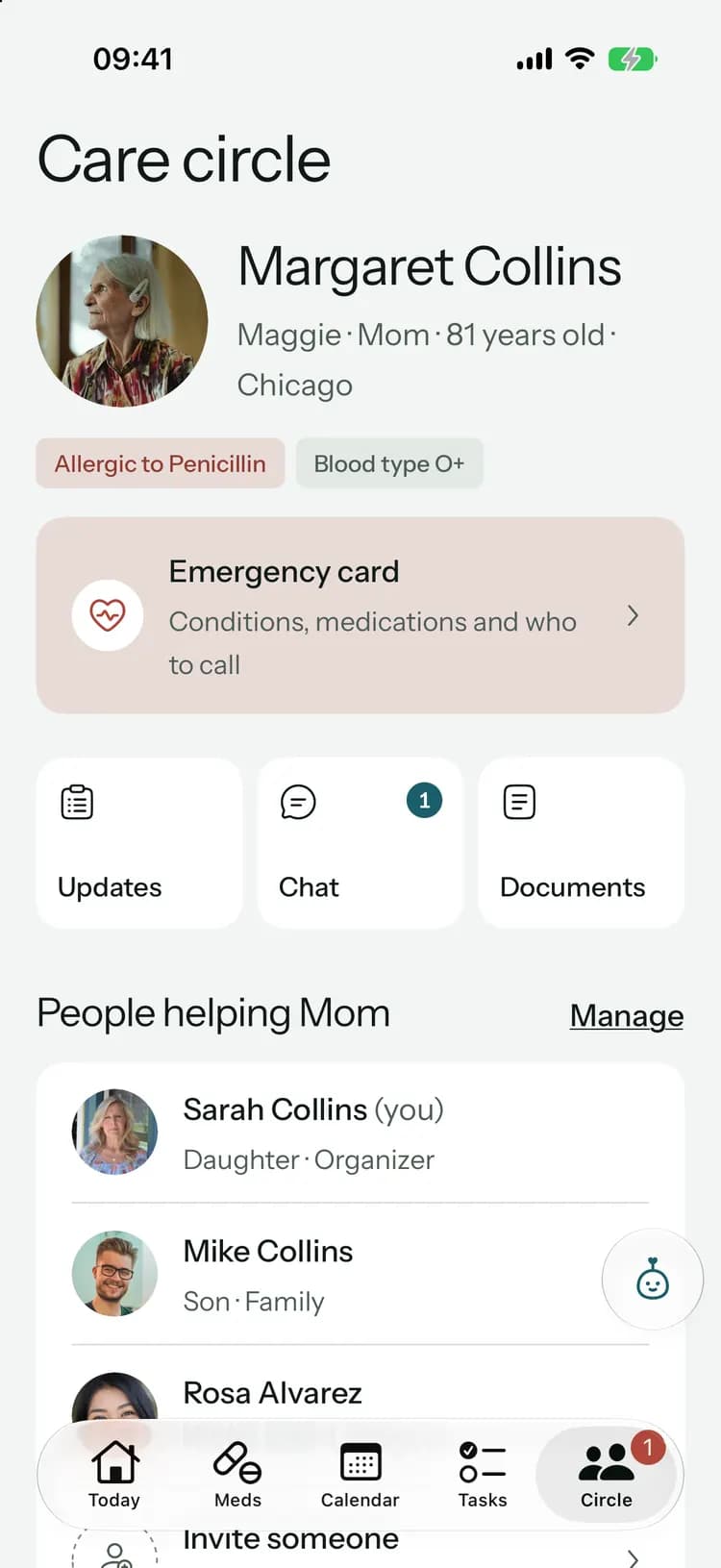
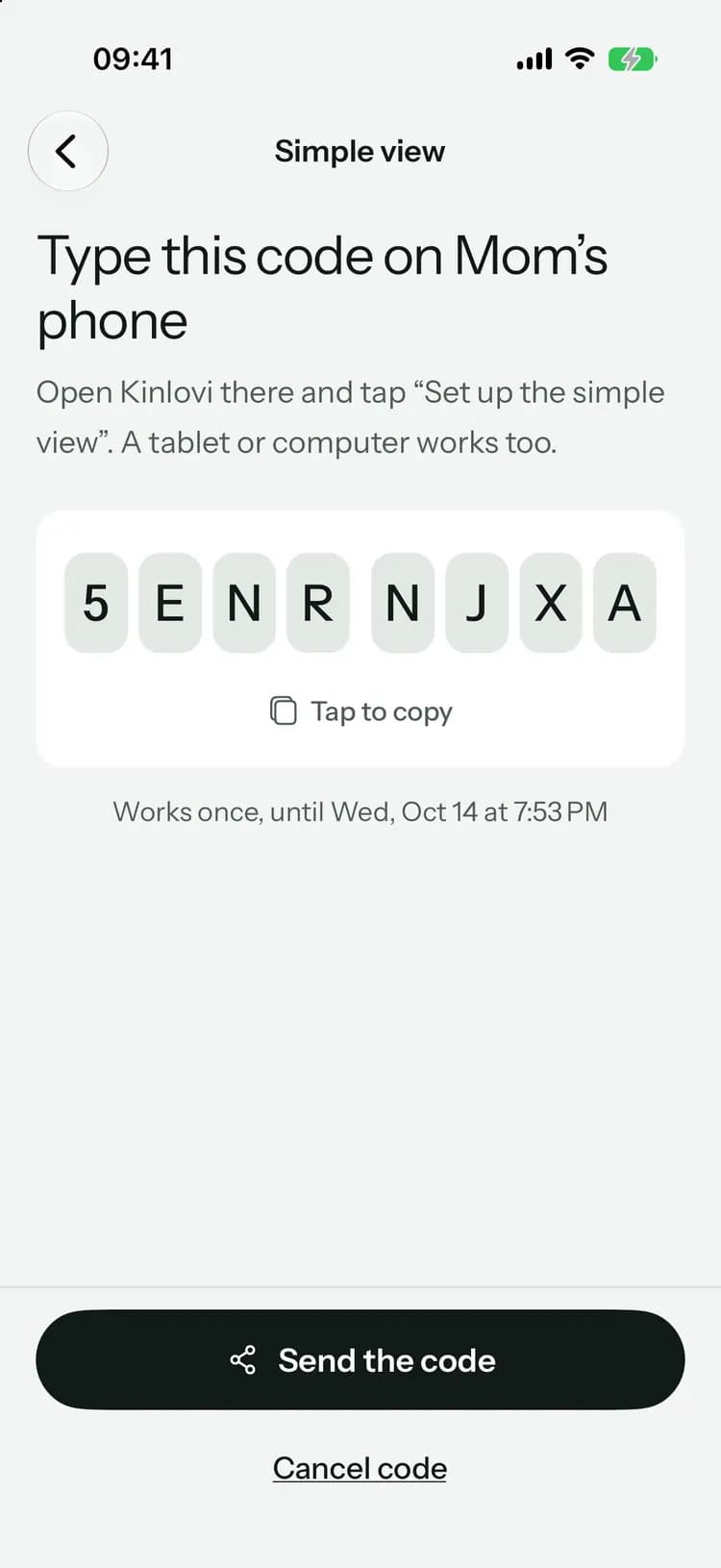
From the Circle tab, open Simple view and get a code. It works once, for 24 hours.
- 2
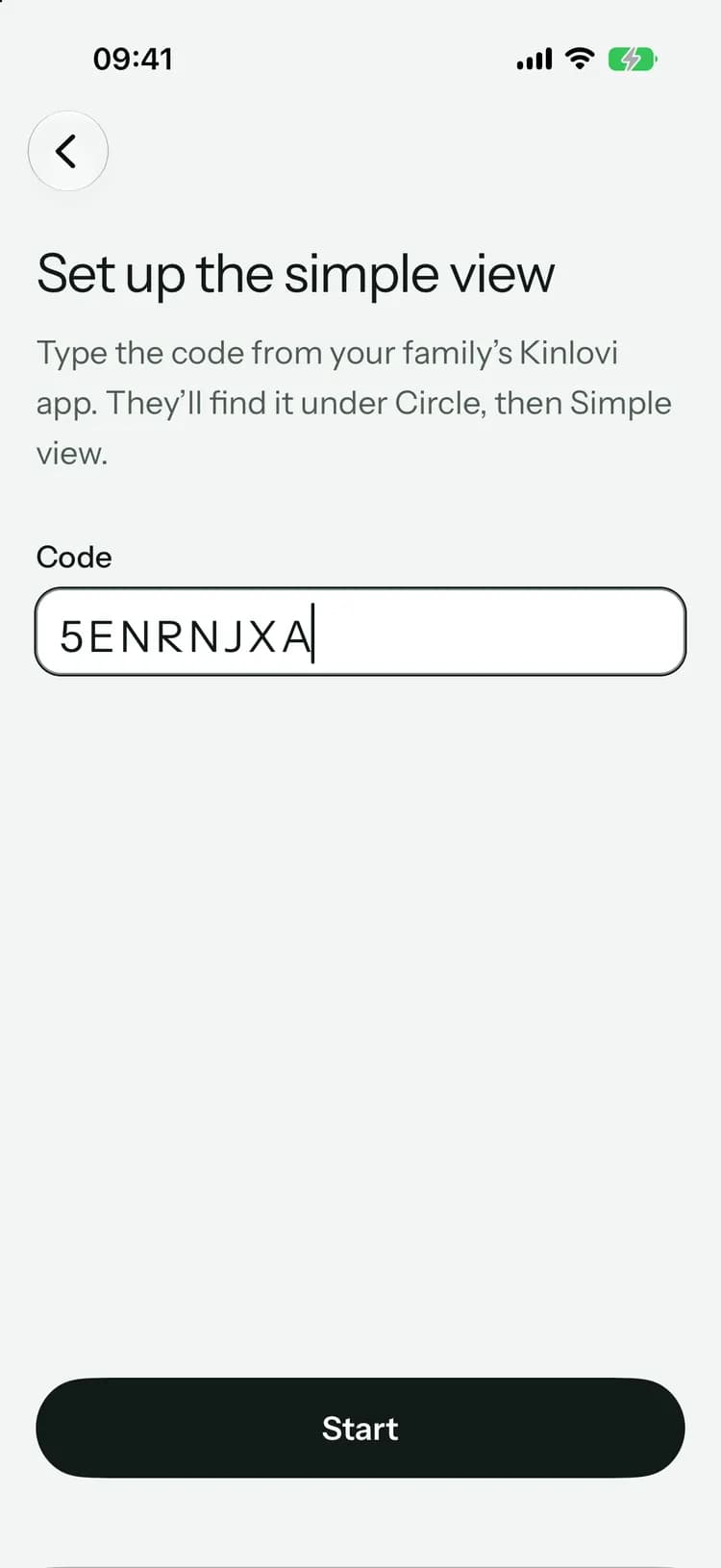
Type it on their device
On Mom’s phone, tablet or computer, open Kinlovi, tap “Set up the simple view” and type the code.
- 3
That’s it
Her screen shows the next visit, the check-in and the help button. You see it’s set up right away.
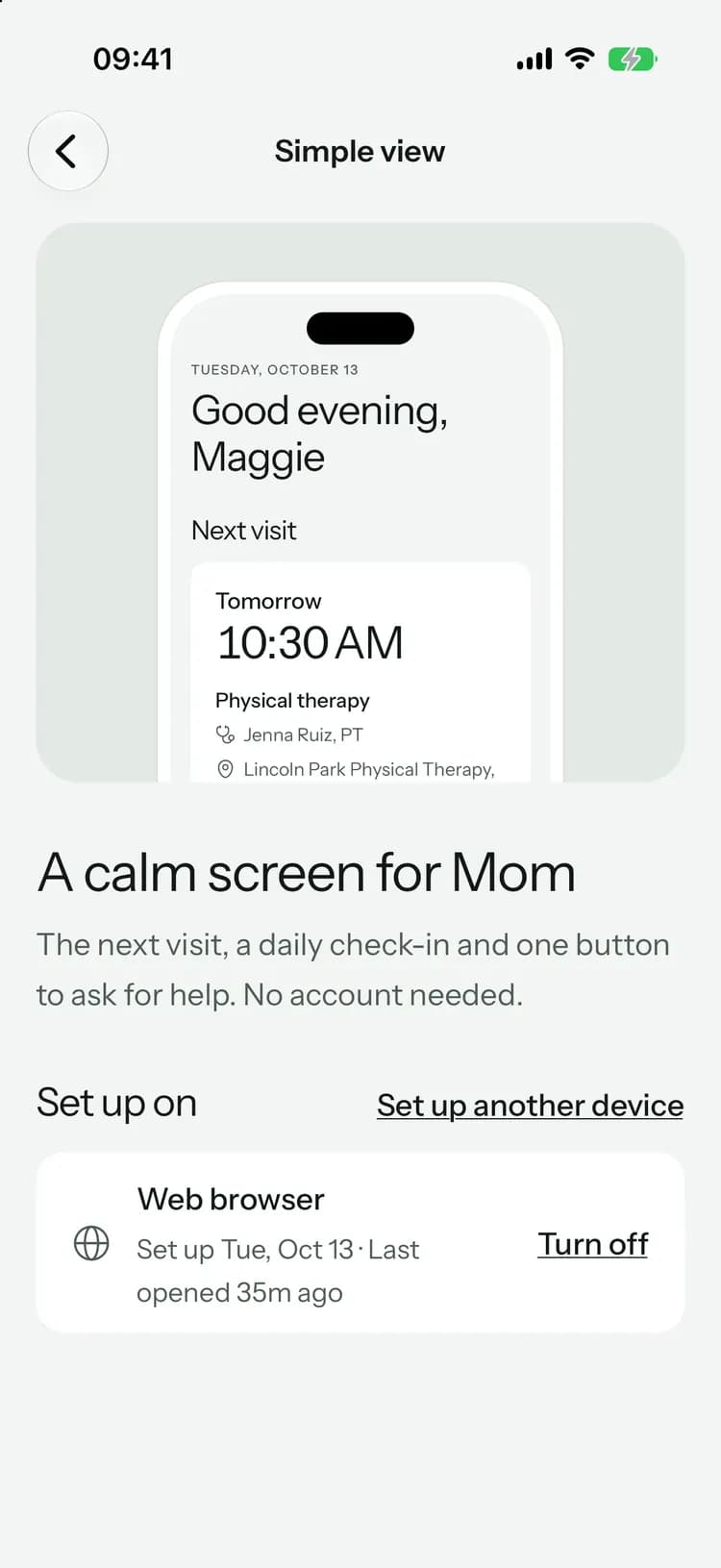
Big type, few buttons, nothing to get wrong.
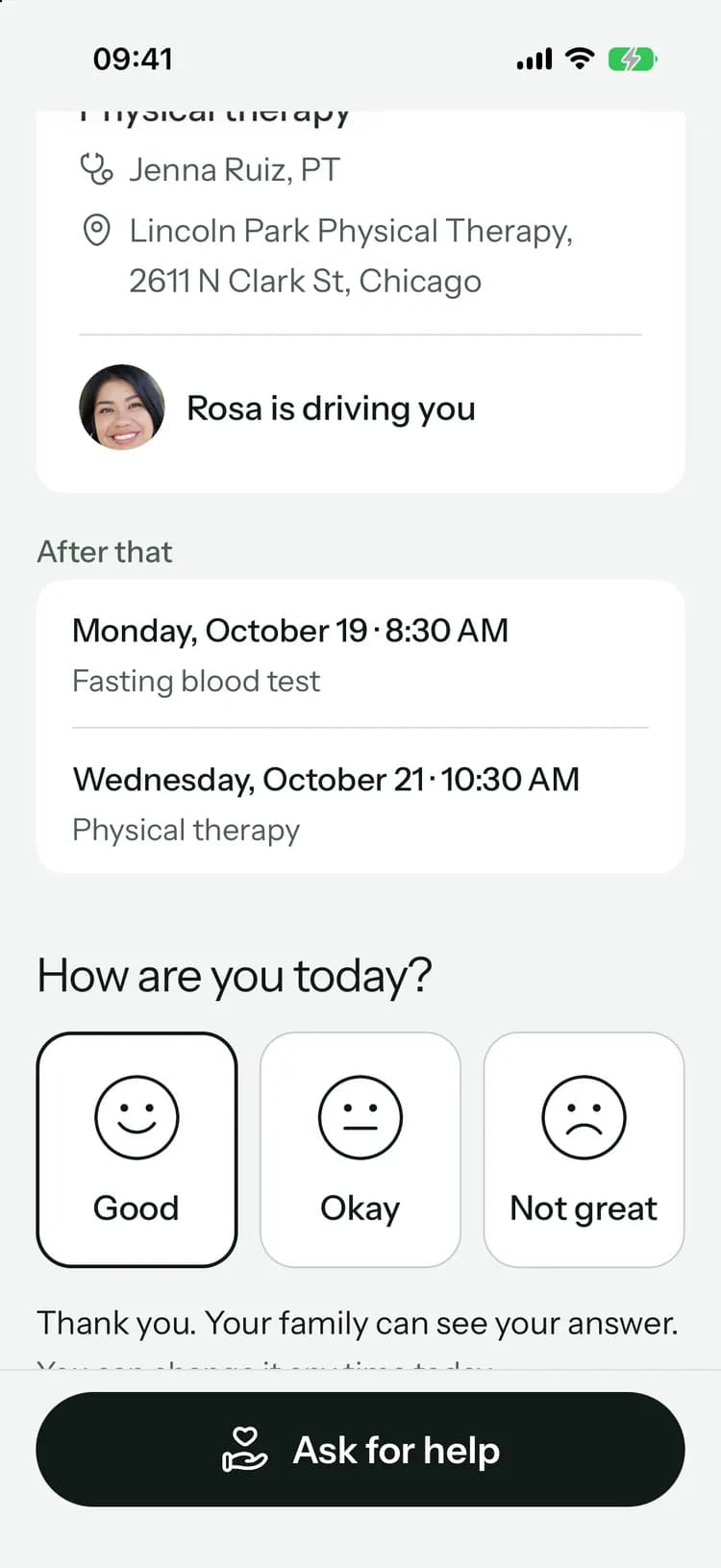
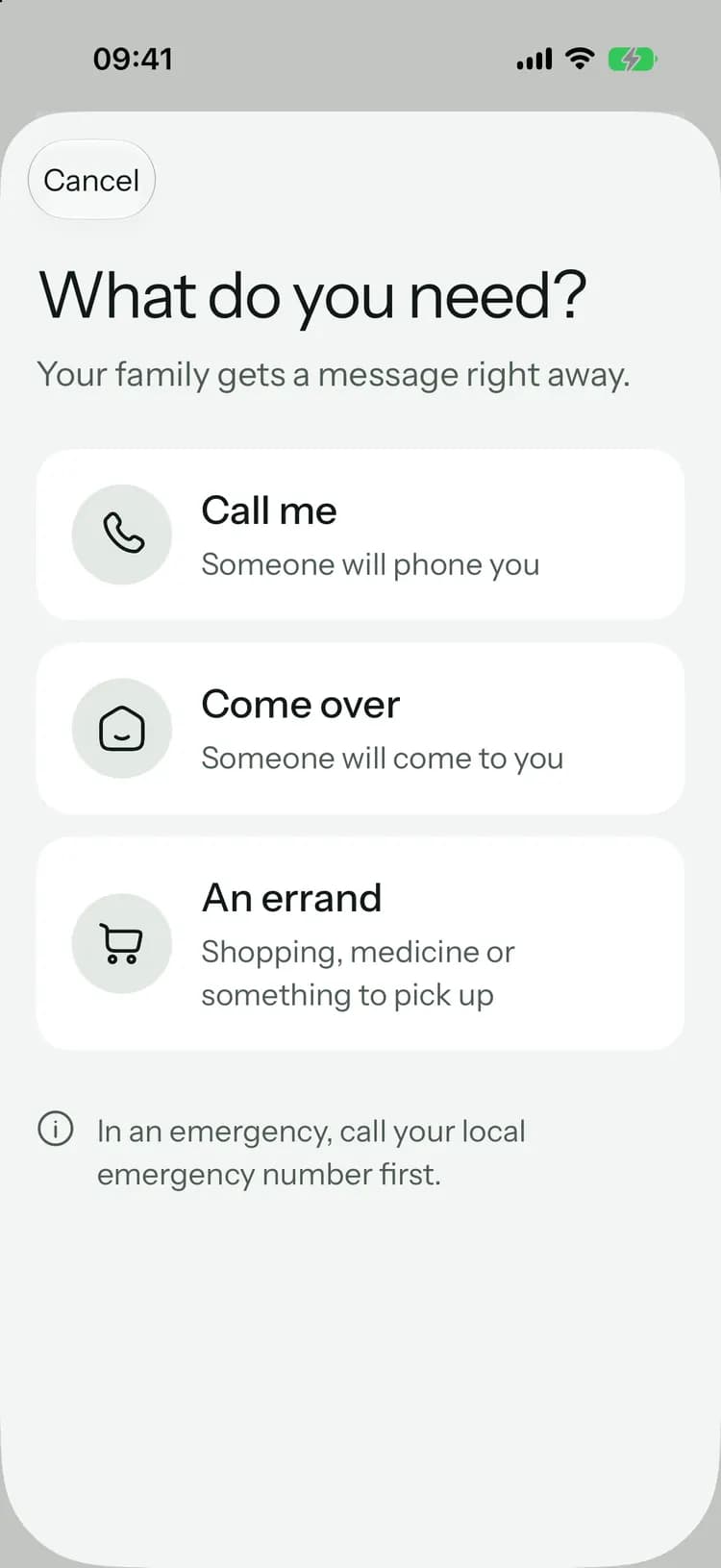
The day and time in large type, the doctor and the place, and who is driving, once they’ve said yes.
The day and time in large type, the doctor and the place, and who is driving, once they’ve said yes.
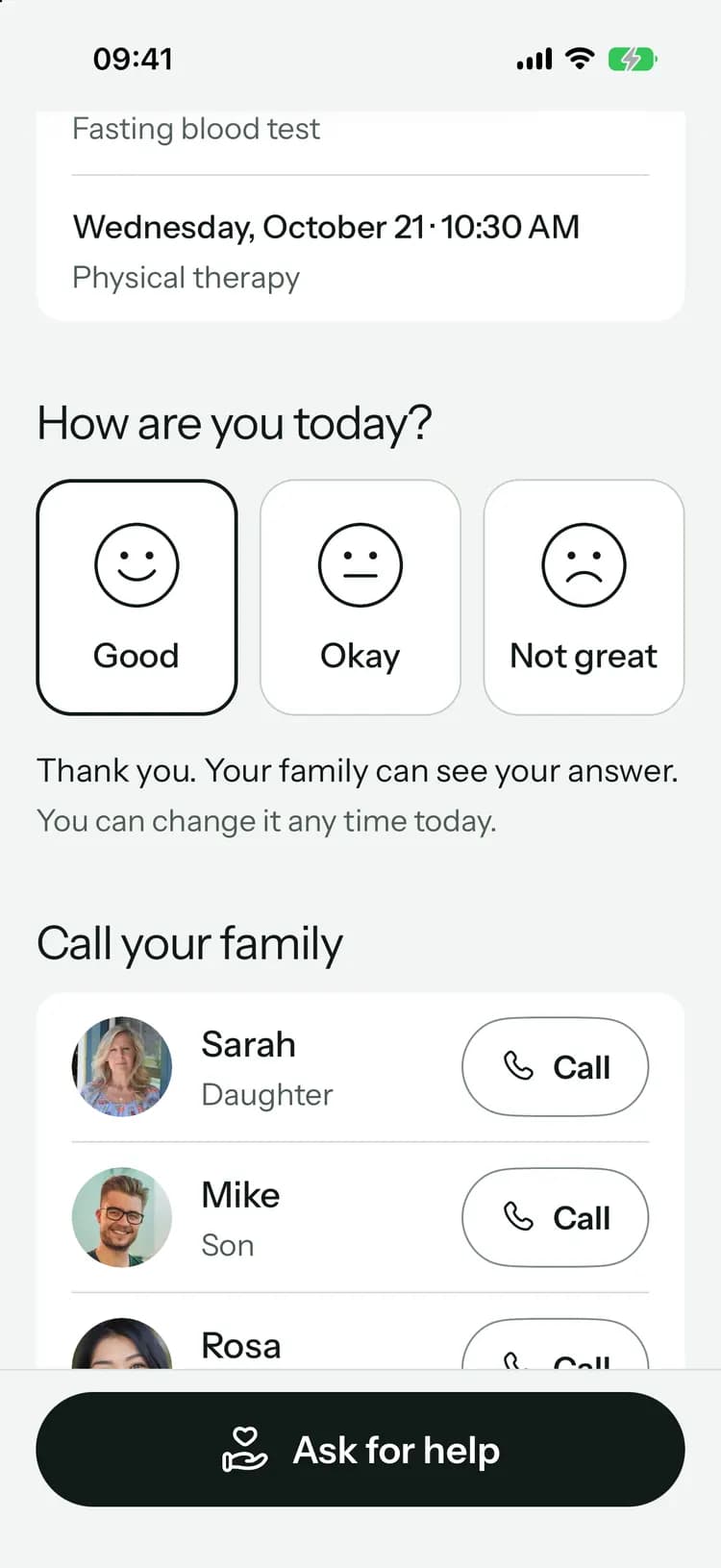
Three big choices: good, okay or not great, and a big Call button for each person helping. The family sees “Checked in at 9:12 AM” on Today.
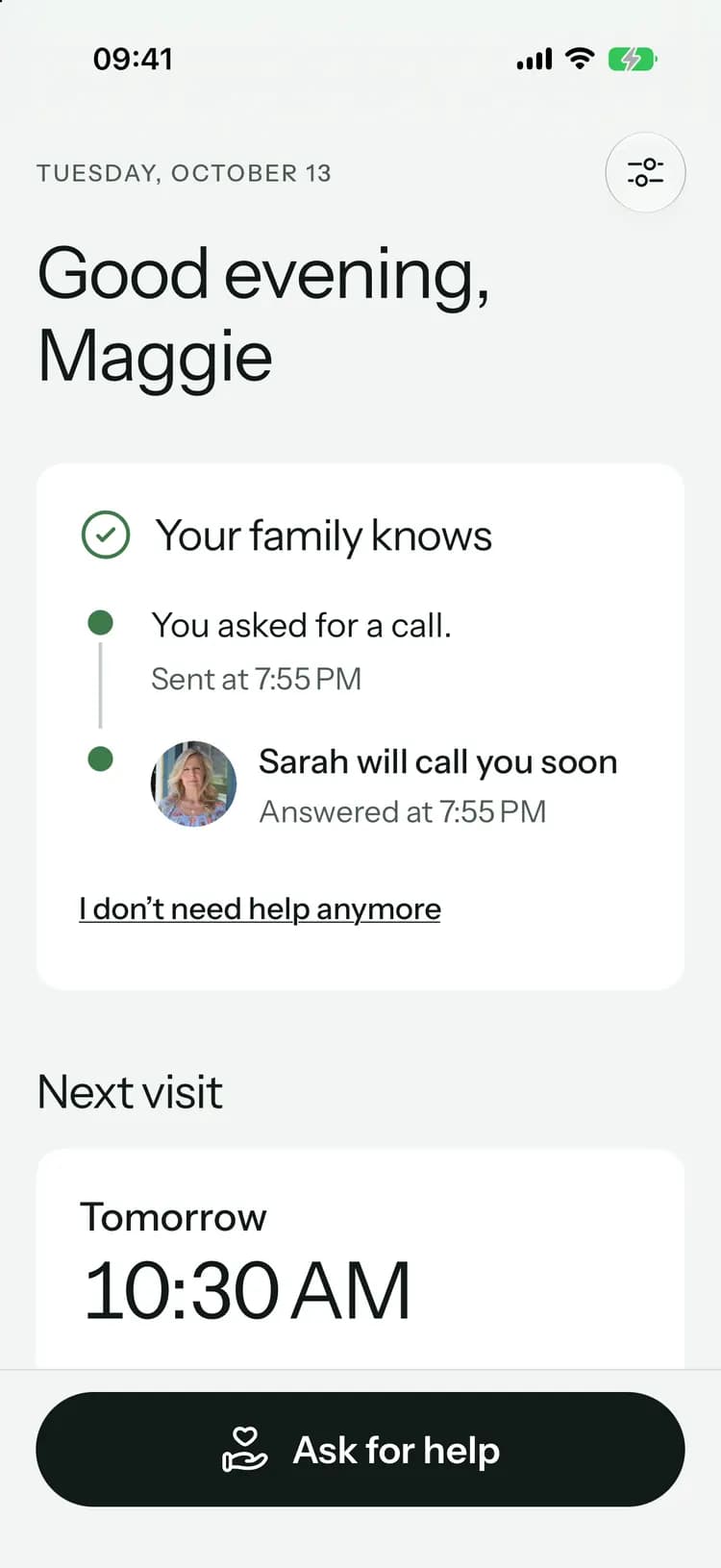
Call me, come over, or an errand. One tap tells everyone in the circle, and the first person to answer says “I’m on it”.
Mom’s screen shows who has it, like “Sarah will call you soon”, the moment they tap.
Set it up from your computer.
Made for them, and safe for everyone.
Only what they need
The simple view never shows medicines, notes, documents, chat or money.Any device
An iPhone or iPad, an Android phone or tablet, or a web browser.Call the family
Big Call buttons for the people helping, and the emergency contacts.Turn it off any time
The family can turn off the simple view on any device from their own phone.
On every plan
The simple view is included on every plan, Free too. The person you care for doesn’t need an account.
Common questions
Something else on your mind? Visit the help center
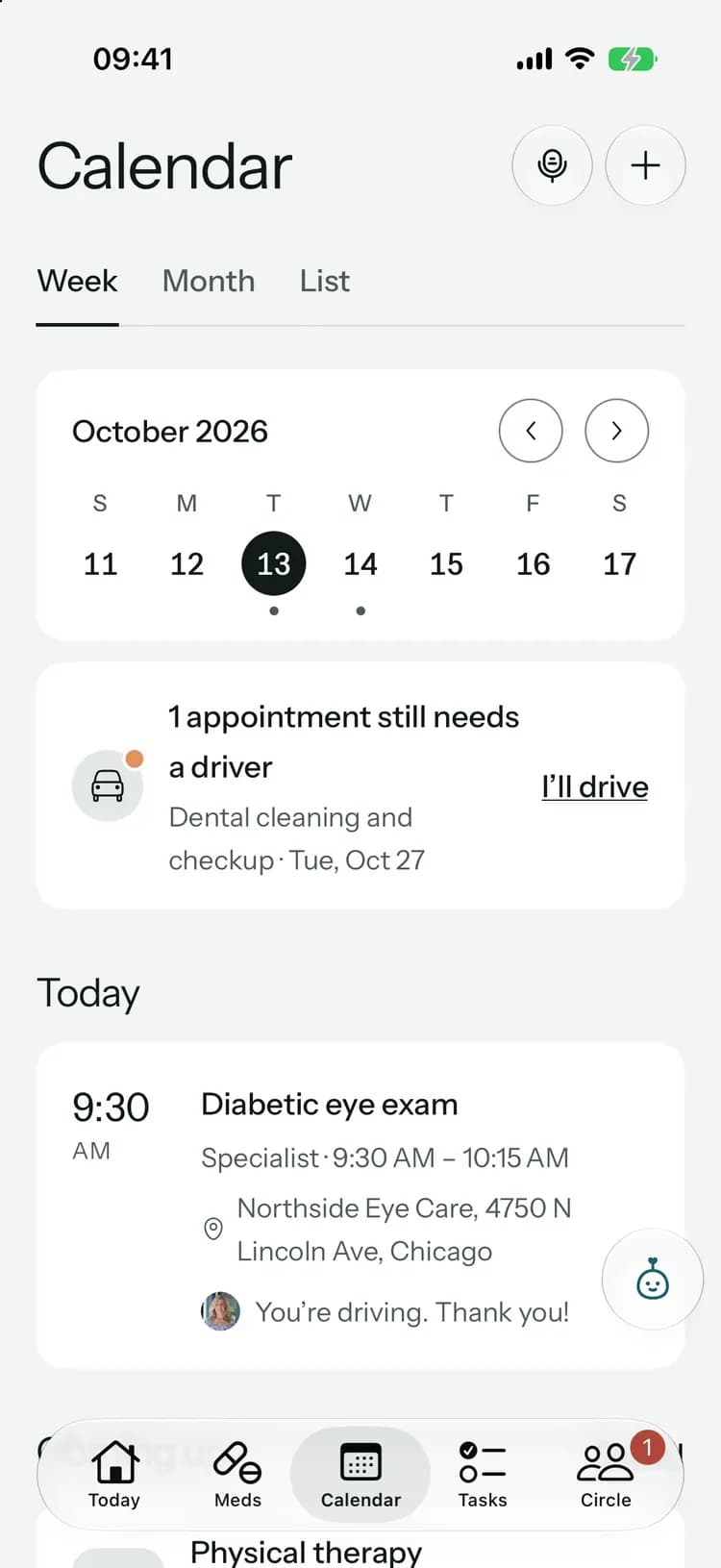

Give them their own way in.
Free to start, on iPhone, Android and the web. Everyone you invite joins free.
Launching soon. Tell me when it’s live