Shifts & coverage
Always know who is with Mom.
Plan the mornings, evenings and nights between family and paid caregivers. Everyone sees who’s on now, who’s next, and the hours that still need someone.
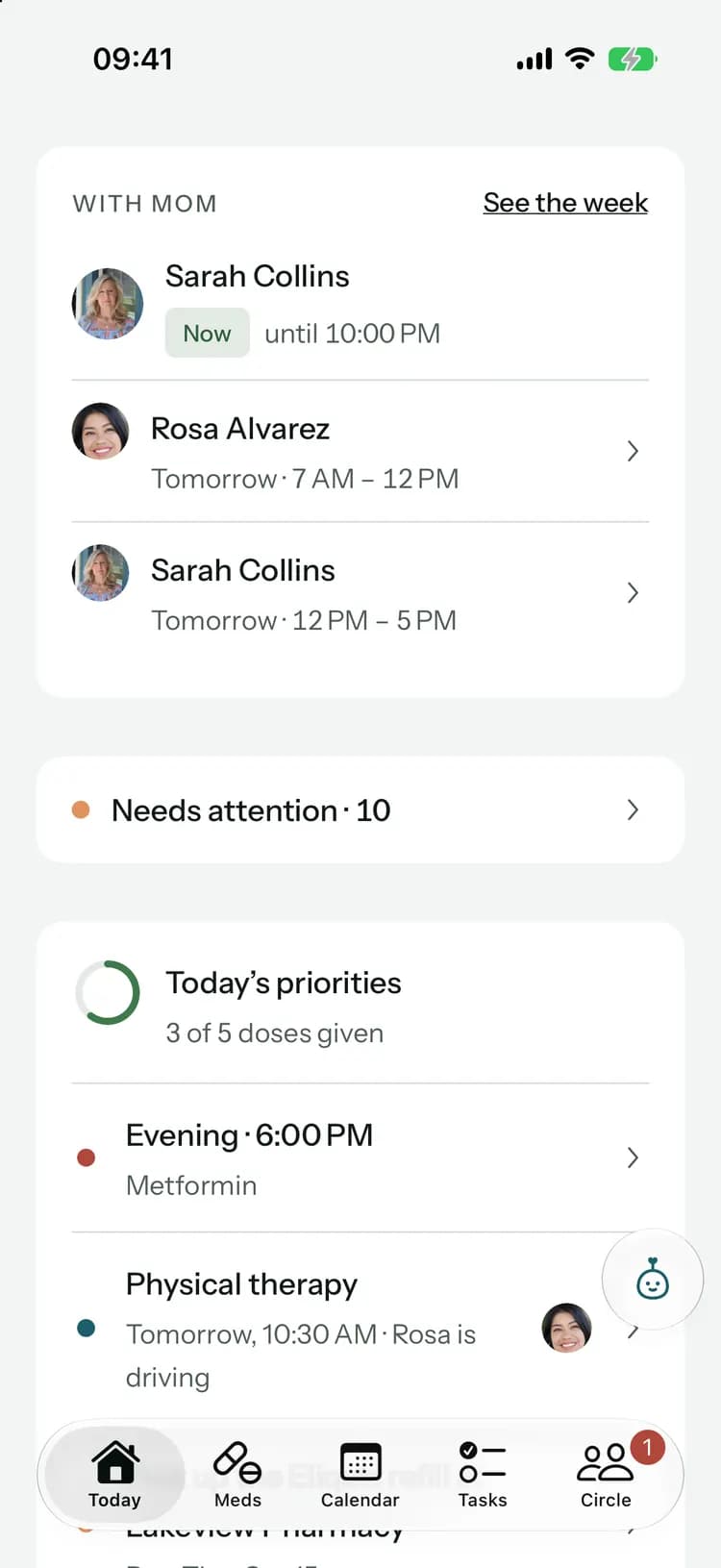
From “who can be there?” to covered.
- 1
Add the shifts
Morning, afternoon, evening, overnight or your own hours. Give it to someone, or leave it open for anyone to take, and repeat it every week.
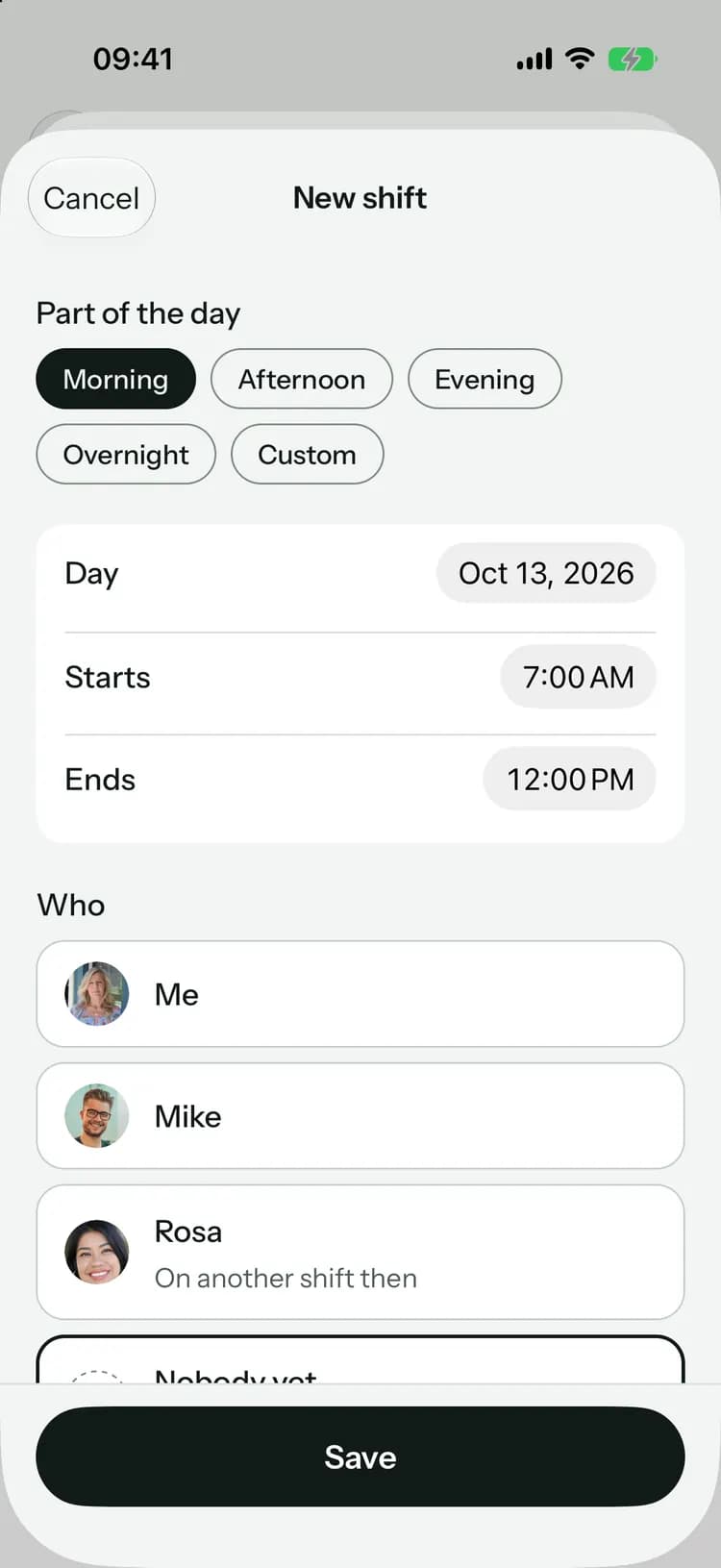
- 2
Get a clear yes
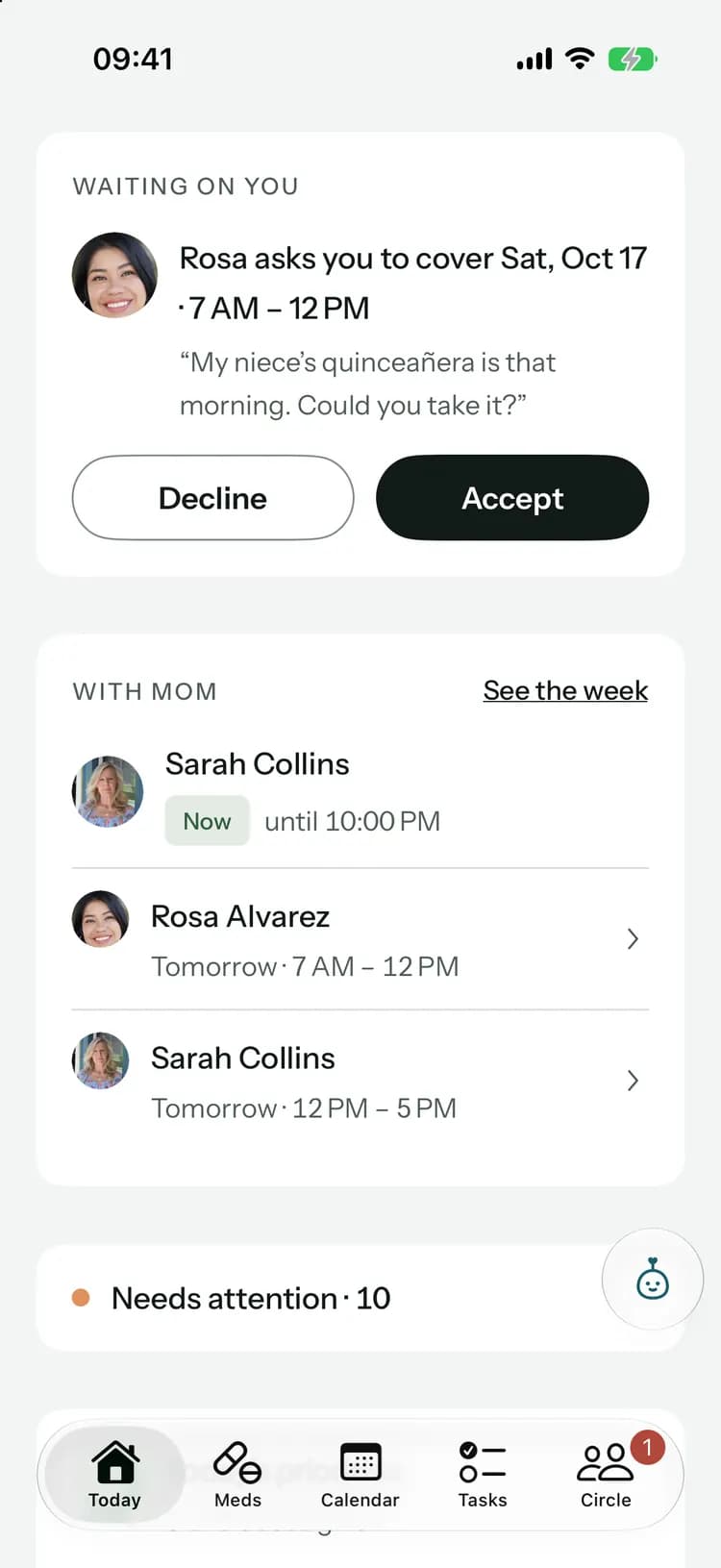
The person you asked accepts or declines in a tap. Until they answer, everyone sees “Waiting for Mike”, not a maybe.
- 3
See the gaps
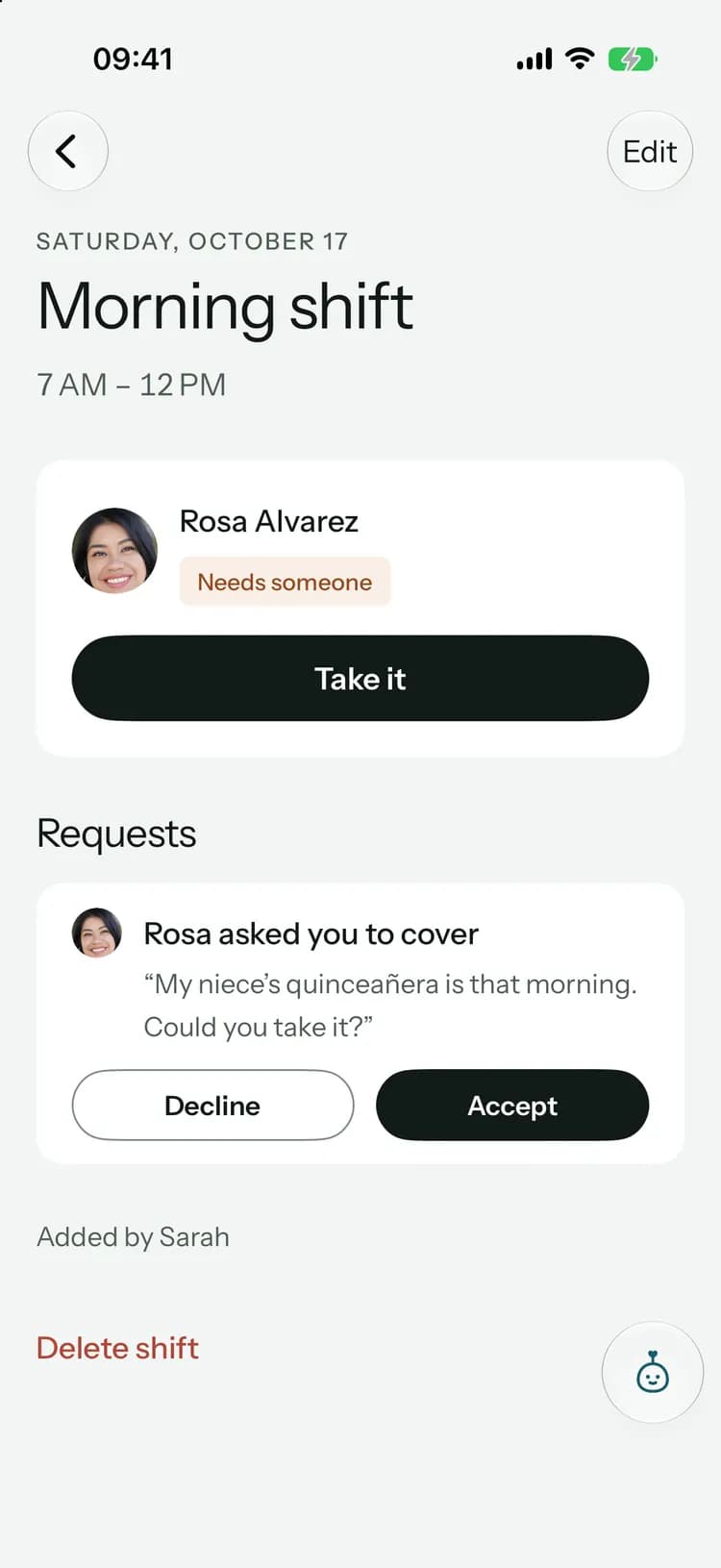
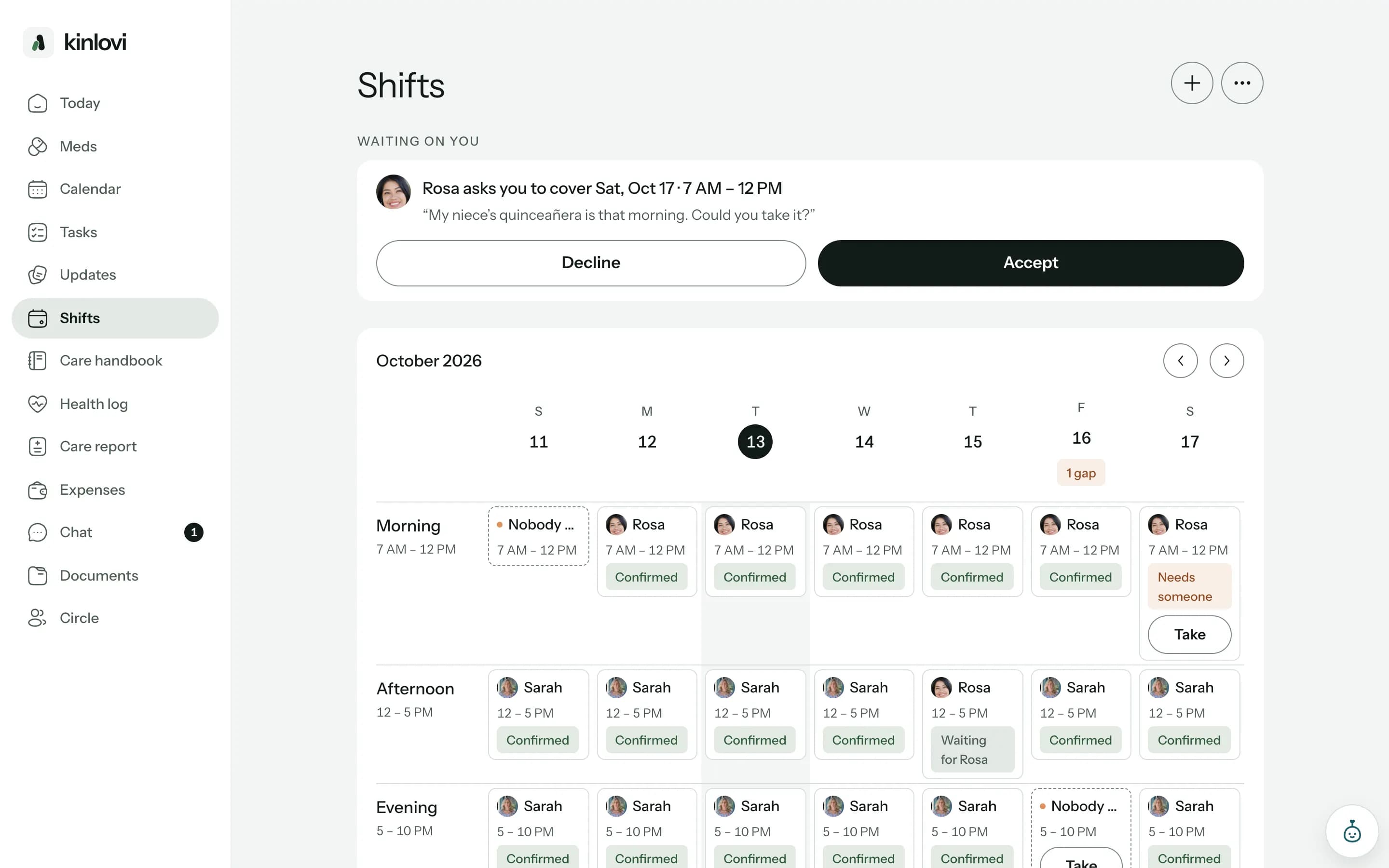
Set the hours someone should be there. Any time nobody has stands out, with “Take it” right next to it.
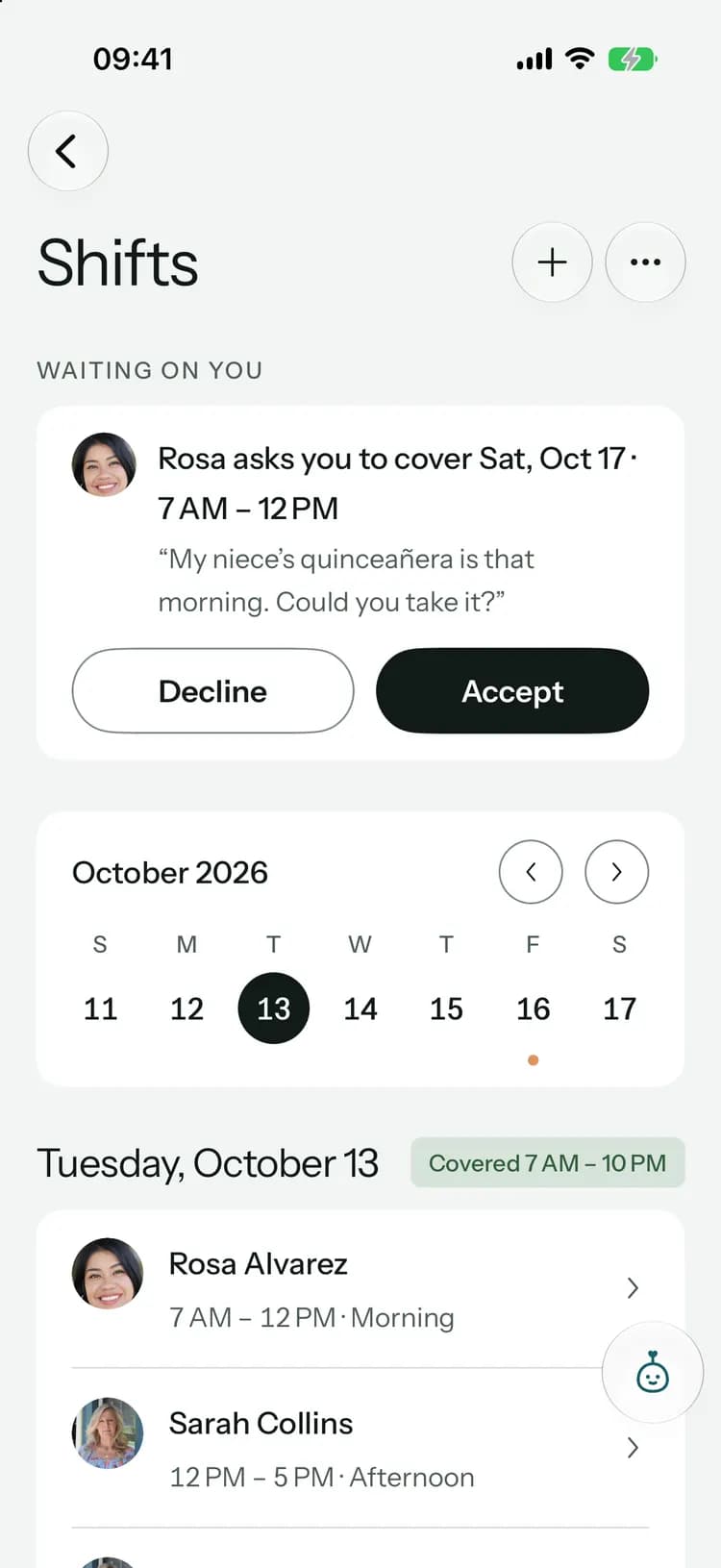
When plans change, the shift still gets covered.
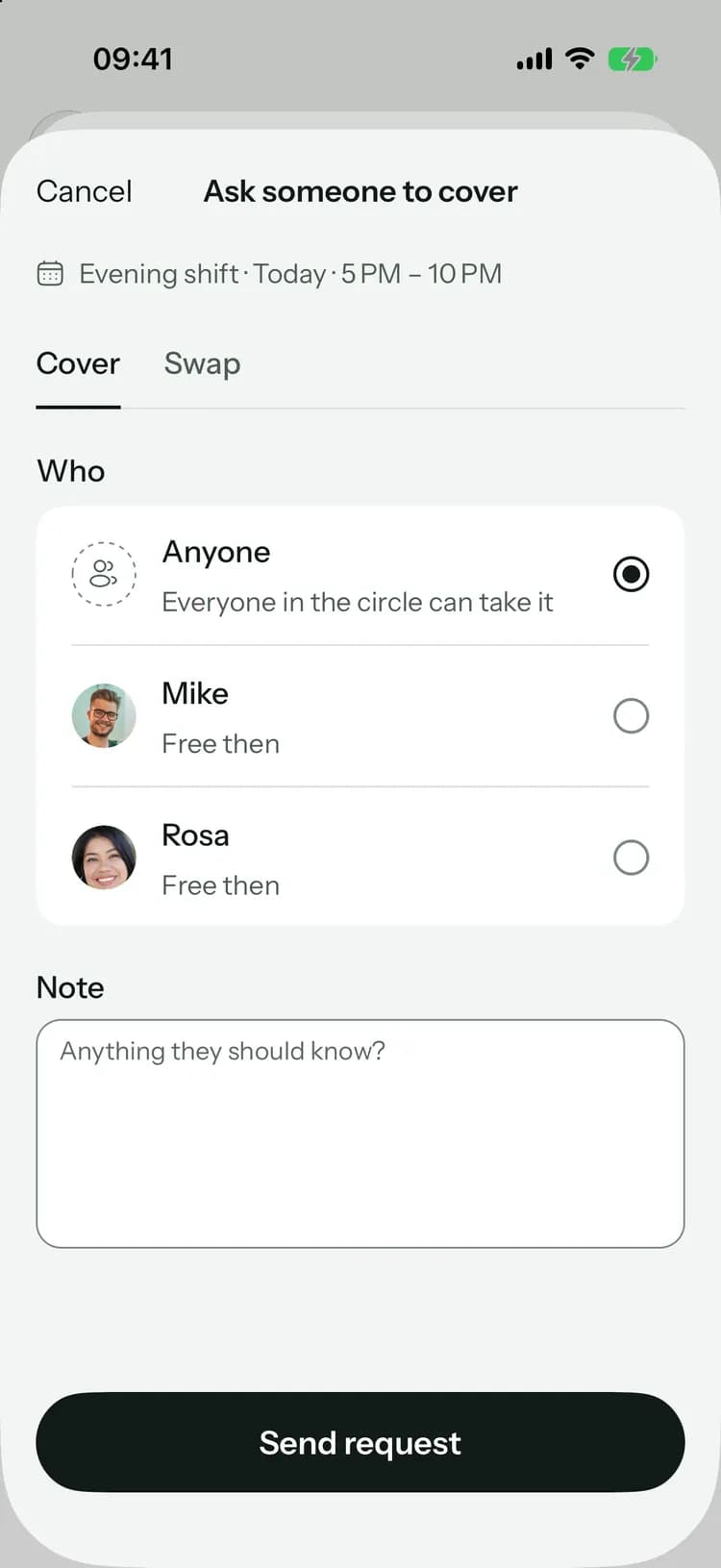
Can’t make it? Ask one person or anyone in the circle. The shift stays yours until someone takes it, so nothing falls through.
Can’t make it? Ask one person or anyone in the circle. The shift stays yours until someone takes it, so nothing falls through.
Offer one of your shifts for one of theirs. When they accept, both shifts change hands.
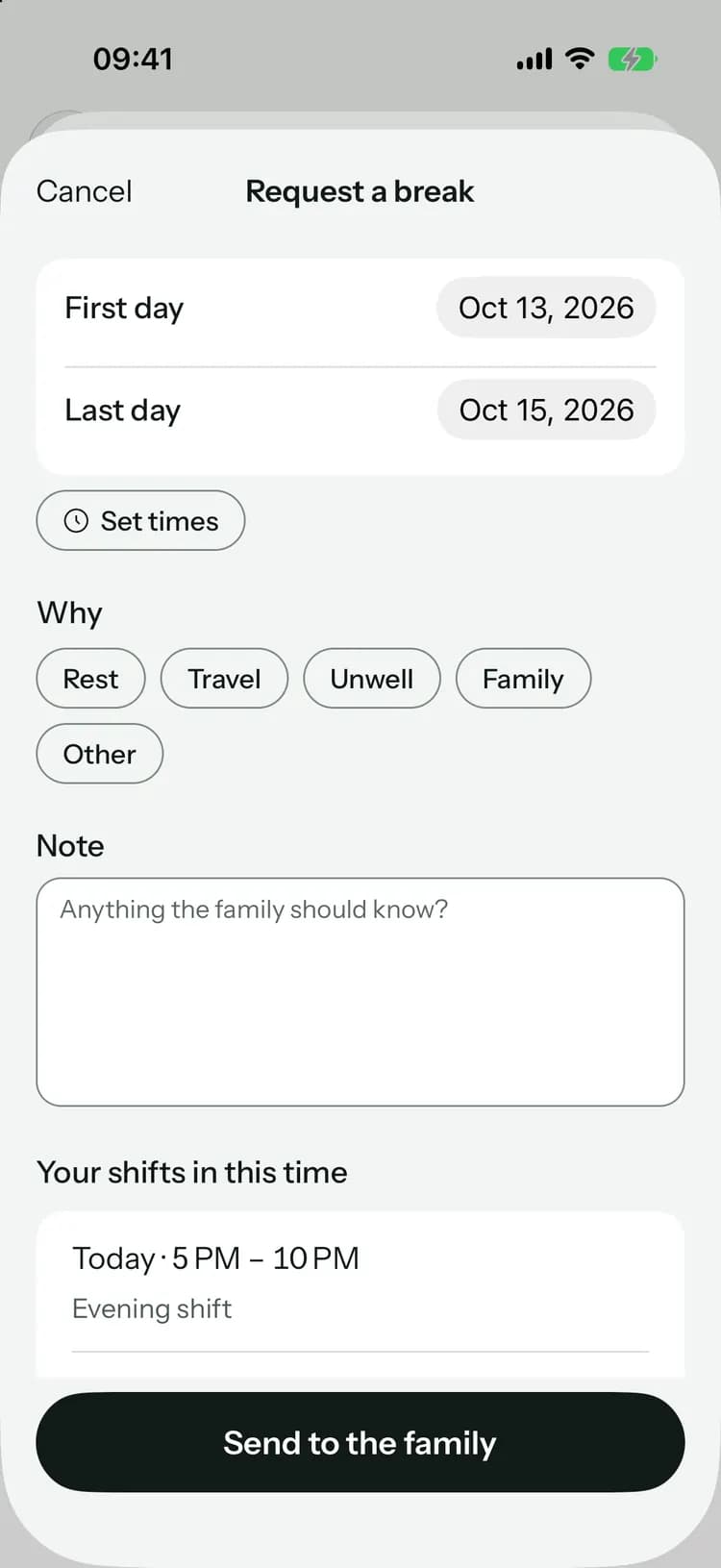
Rest, travel, or something in your own family. The family approves it, and your shifts in that time open for others.
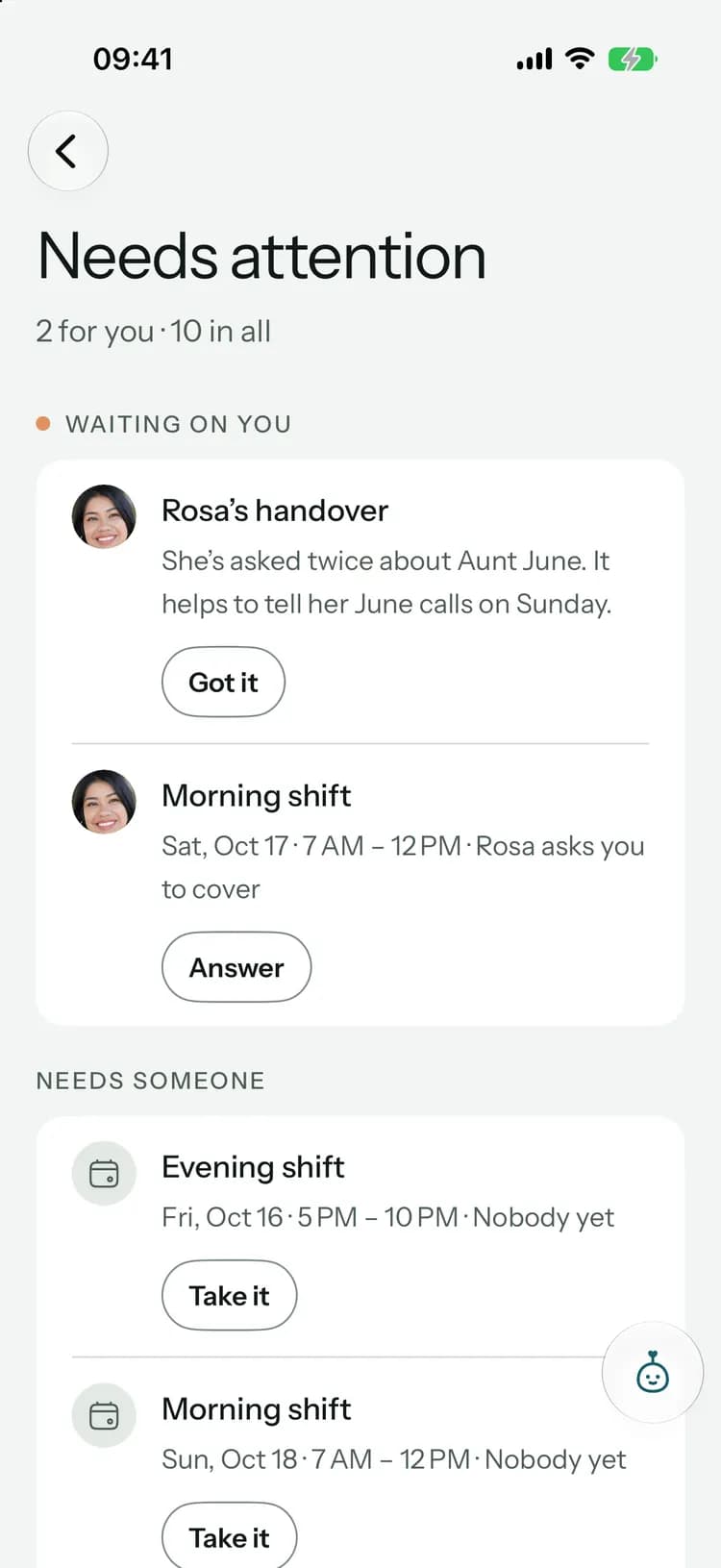
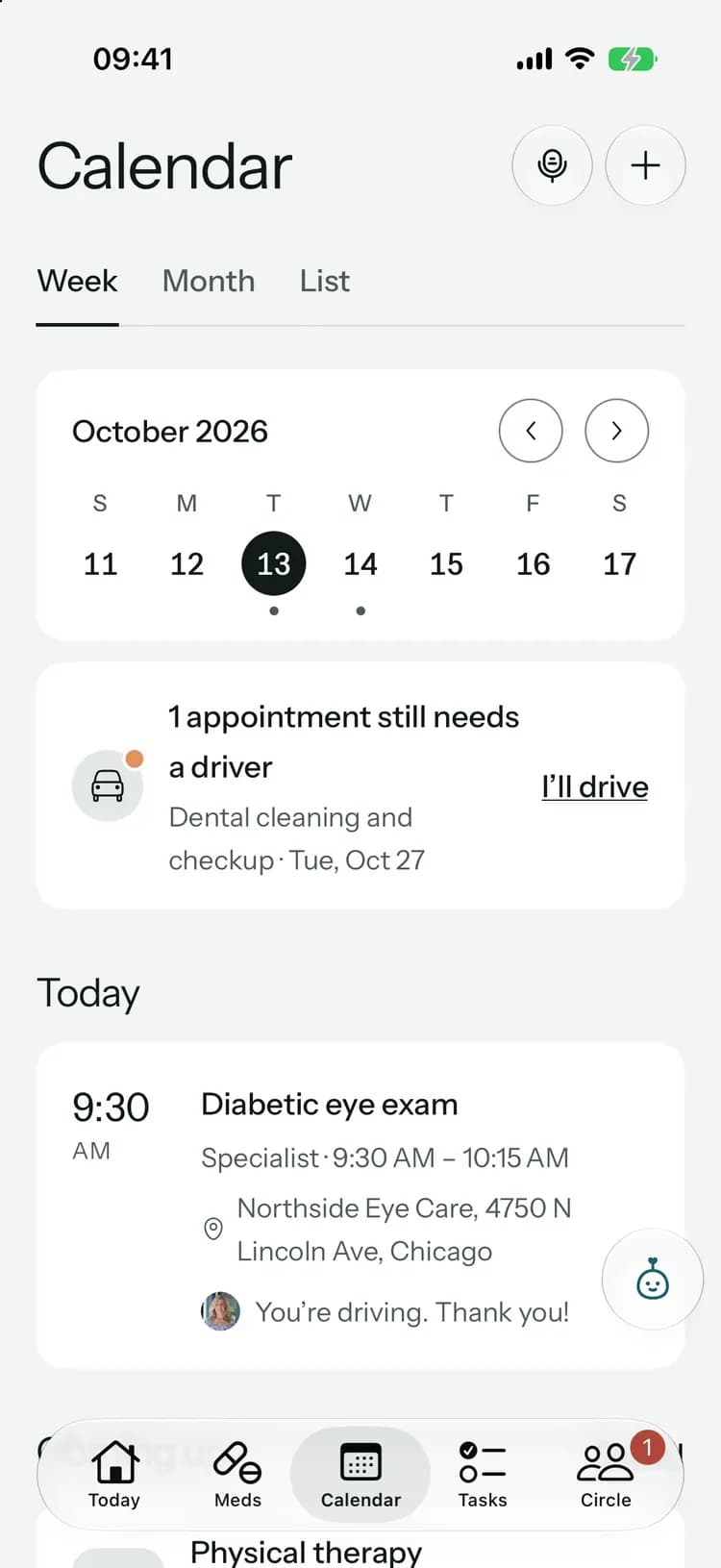
Needs attention gathers what’s waiting: unanswered requests, rides without a driver, overdue tasks, open shifts and refills nobody is picking up, each with the button that sorts it.
The whole week on one screen.
Coverage, without the group chat.
A nudge before each shift
The person on a shift hears an hour before it starts. At 6 PM the family hears if tomorrow still has time nobody has.Answers on rides and tasks too
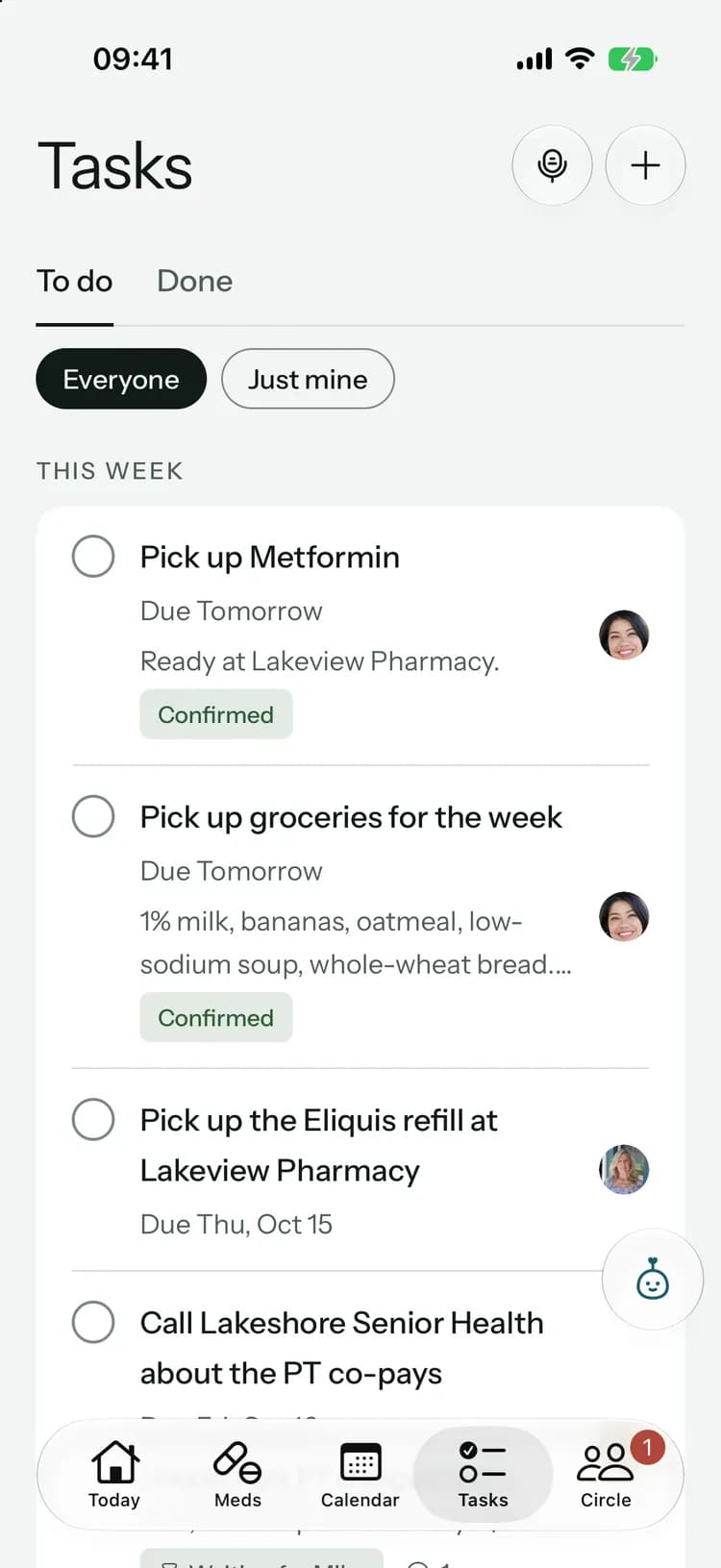
Give someone a ride or a task and they accept, decline or ask you to find someone else, with a note if they want.In their time zone
Shifts follow the time zone of the person you care for, so everyone sees the same plan wherever they live.Quiet on the lock screen
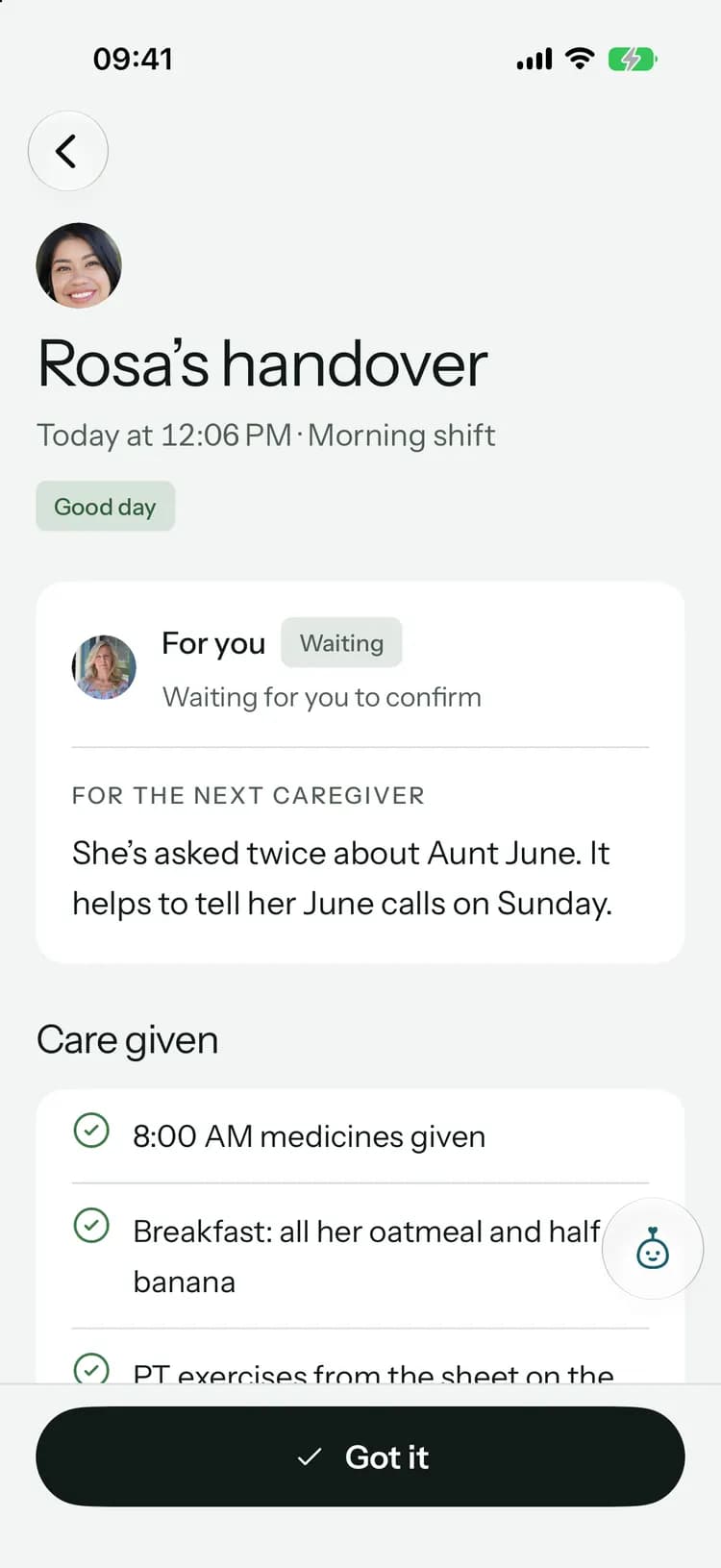
Shift notifications name people and times, never what the shift is about.
On every plan
Shifts, coverage hours, cover, swaps, breaks and Needs attention are included on every plan, Free too.
With Family+:Asking Pip who is with Mom tomorrow.
Common questions
Something else on your mind? Visit the help center

Every hour, someone there.
Free to start, on iPhone, Android and the web. Everyone you invite joins free.
Launching soon. Tell me when it’s live