Updates & chat
One update instead of five phone calls.
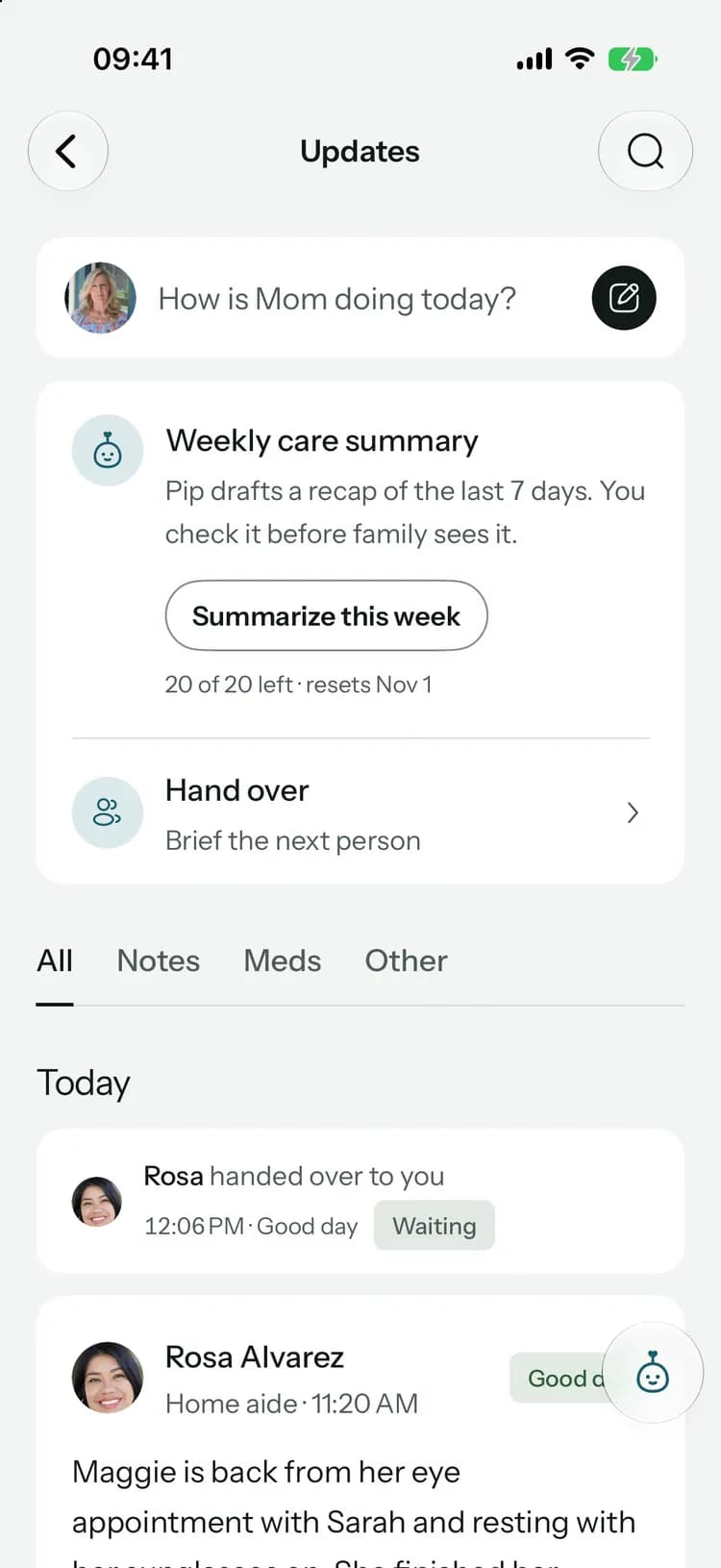
Post how today went and everyone who helps reads it. Reply, react, and ask for a “Got it” when it really matters.
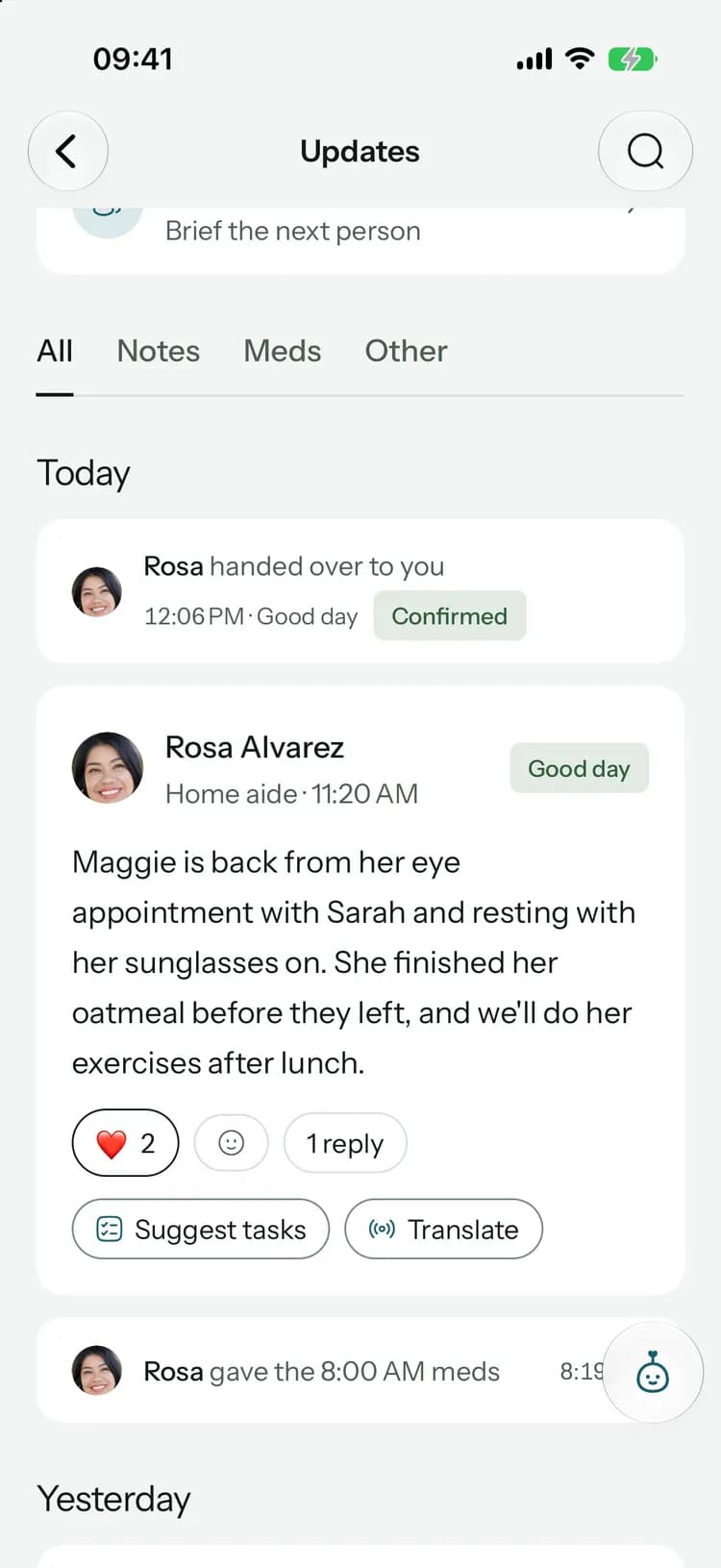
Post how the day went, and everyone’s caught up.
- 1
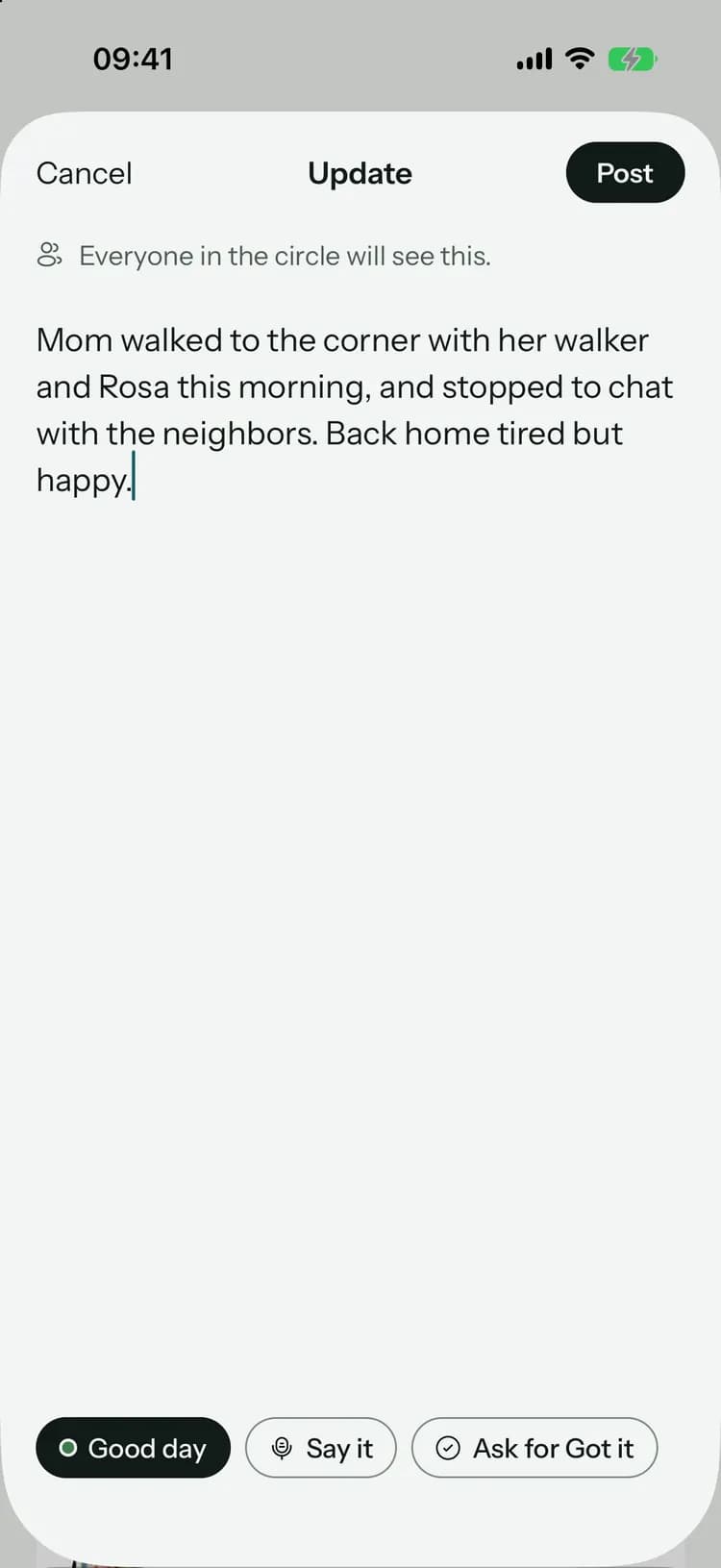
Write how it went
A few lines and a mood: a good day, an okay day or a hard day.
- 2
Ask for a “Got it”
For important news, like a fall or a change in care, ask everyone to confirm they’ve read it.
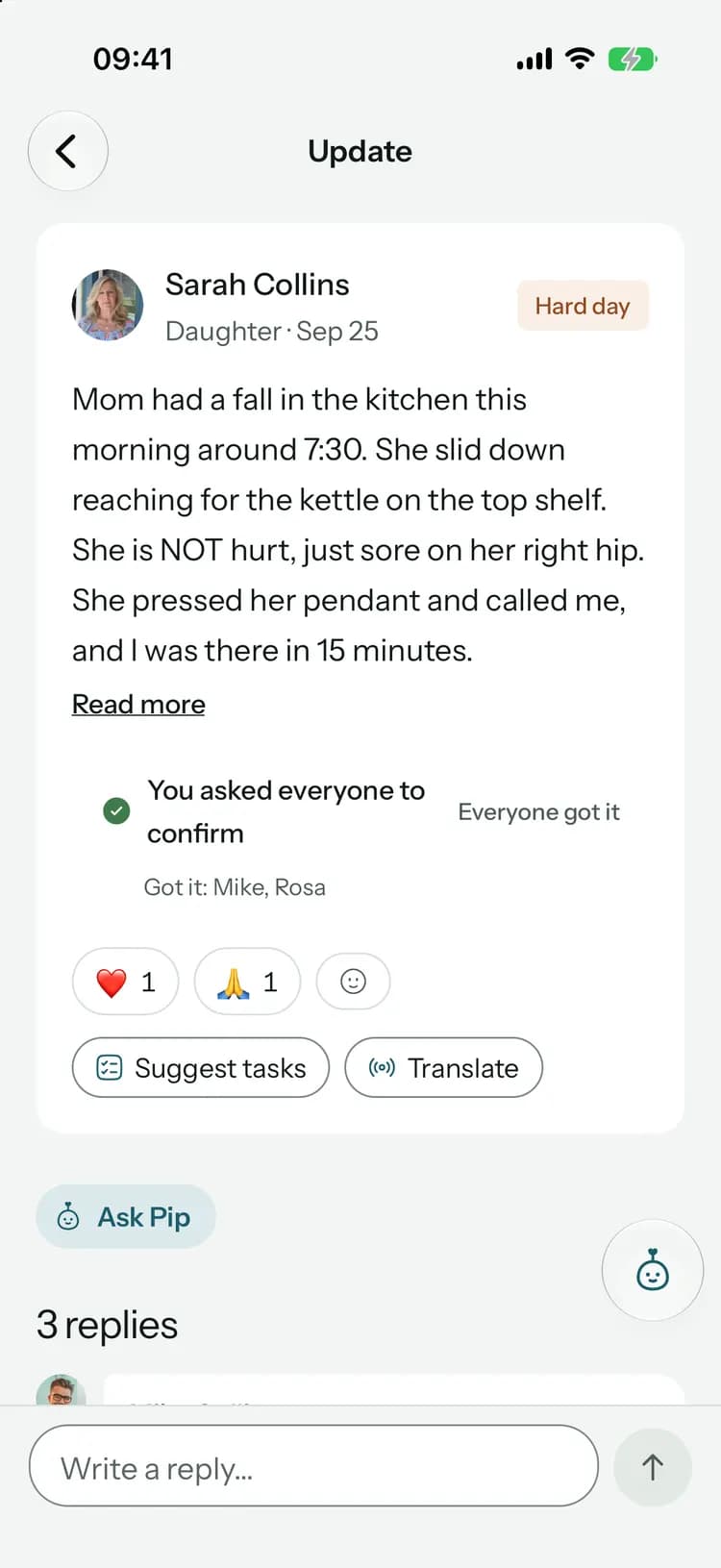
- 3
Reply and react
Questions and thoughts go right under the update, where everyone can see them.
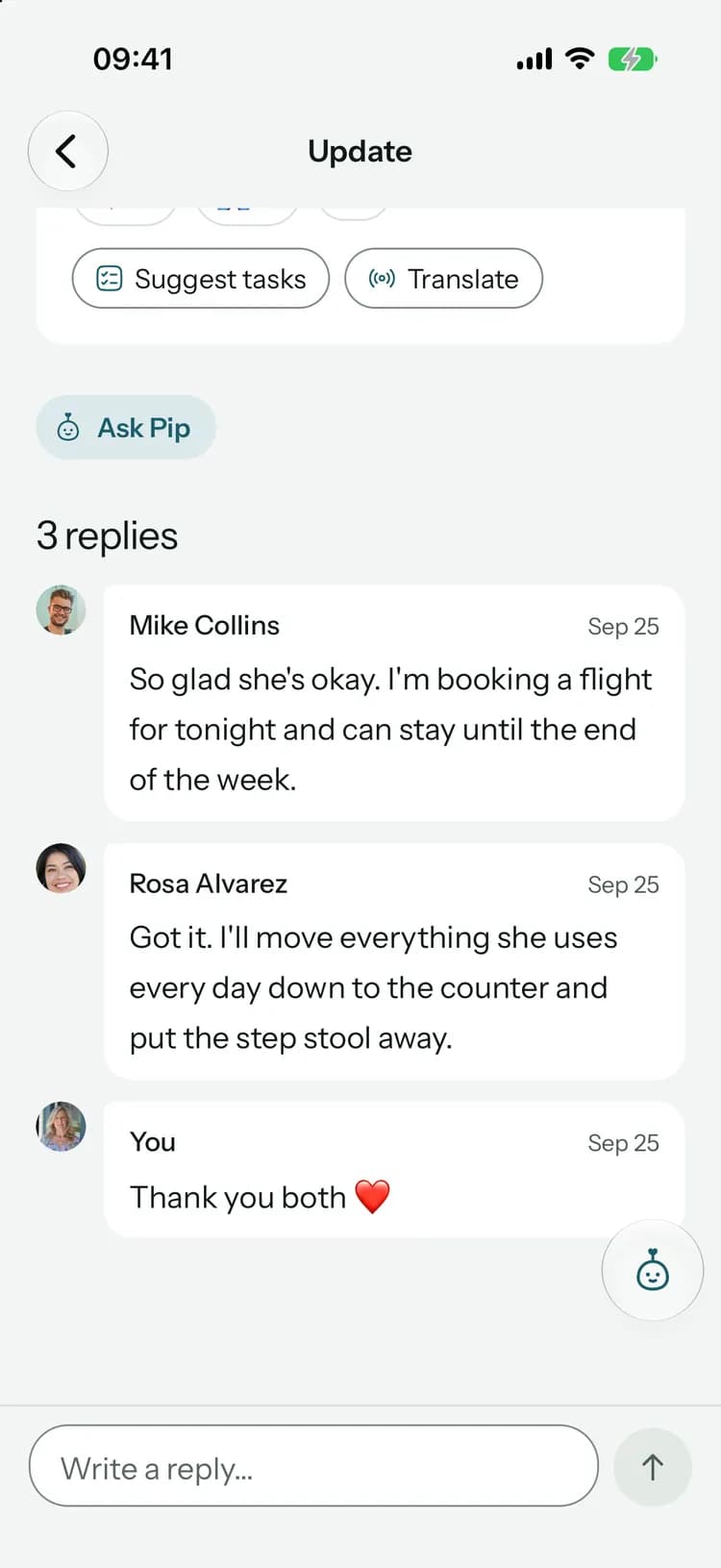
When you’d rather talk it through.
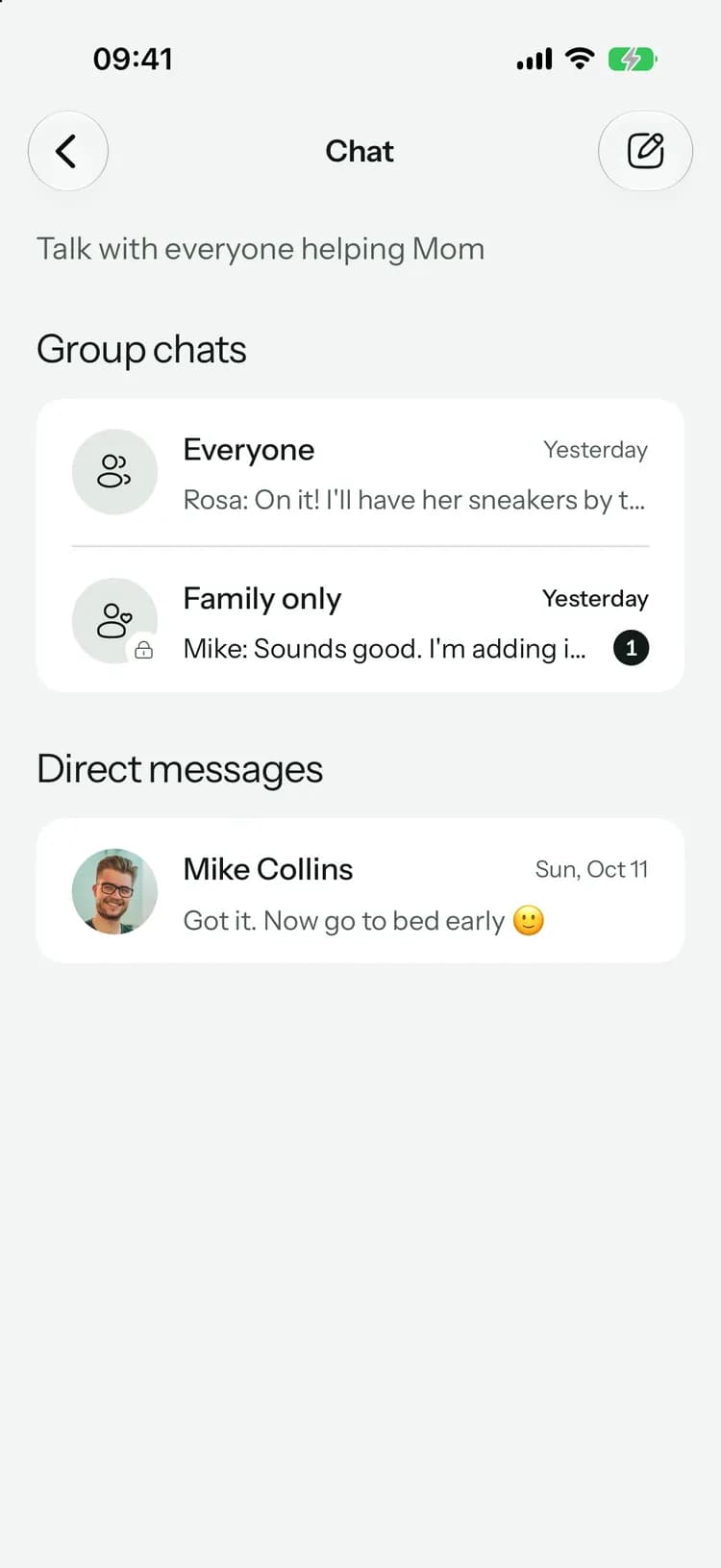
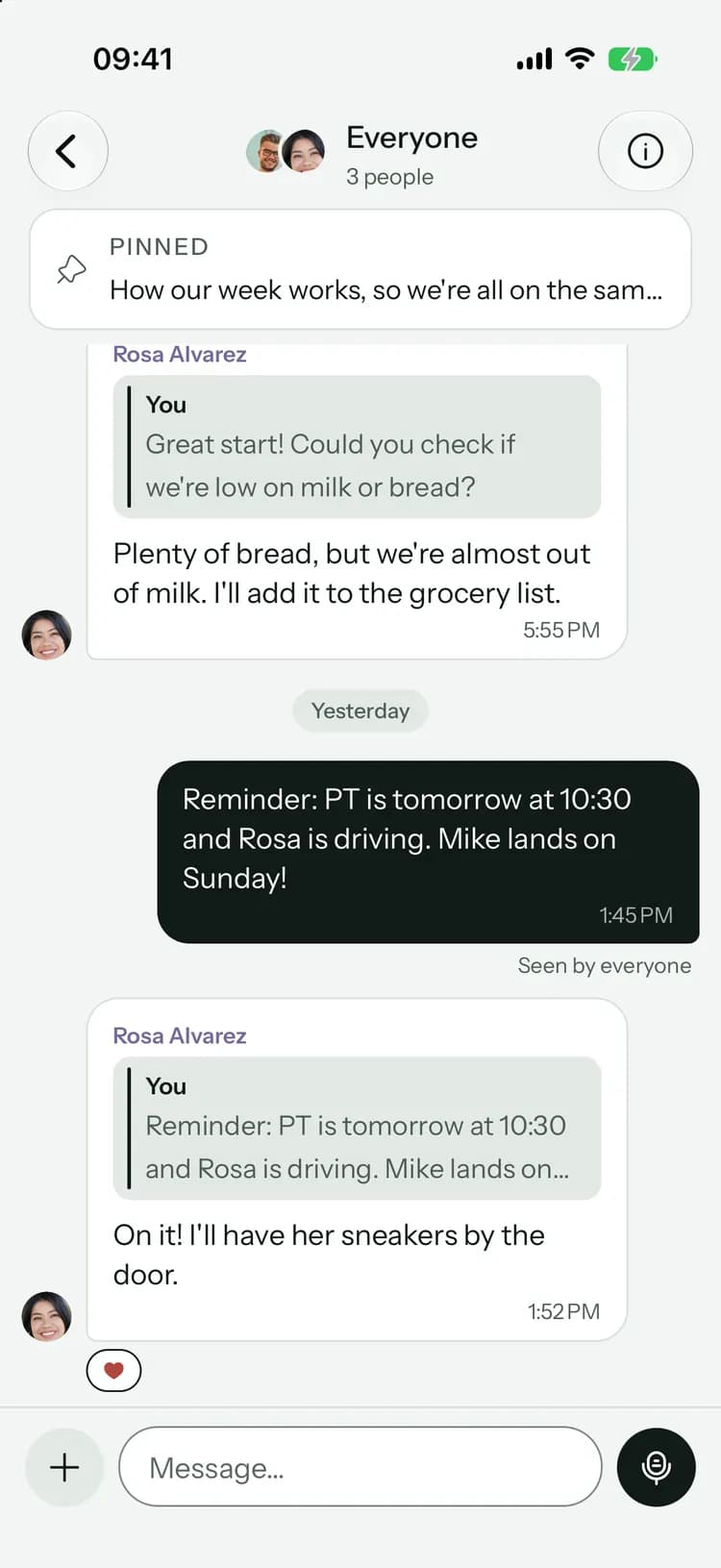
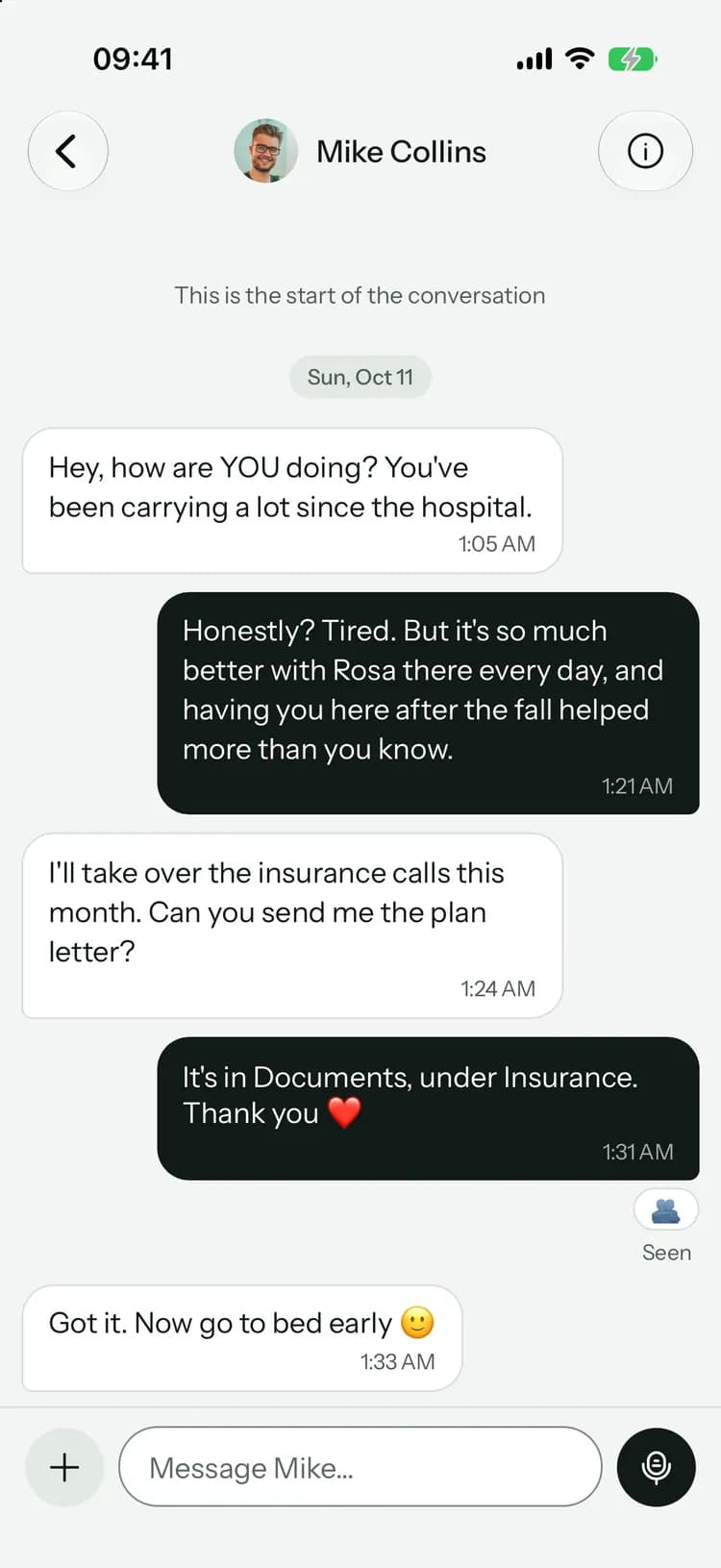
A conversation with the whole circle, caregivers included, a family-only channel, and direct messages.
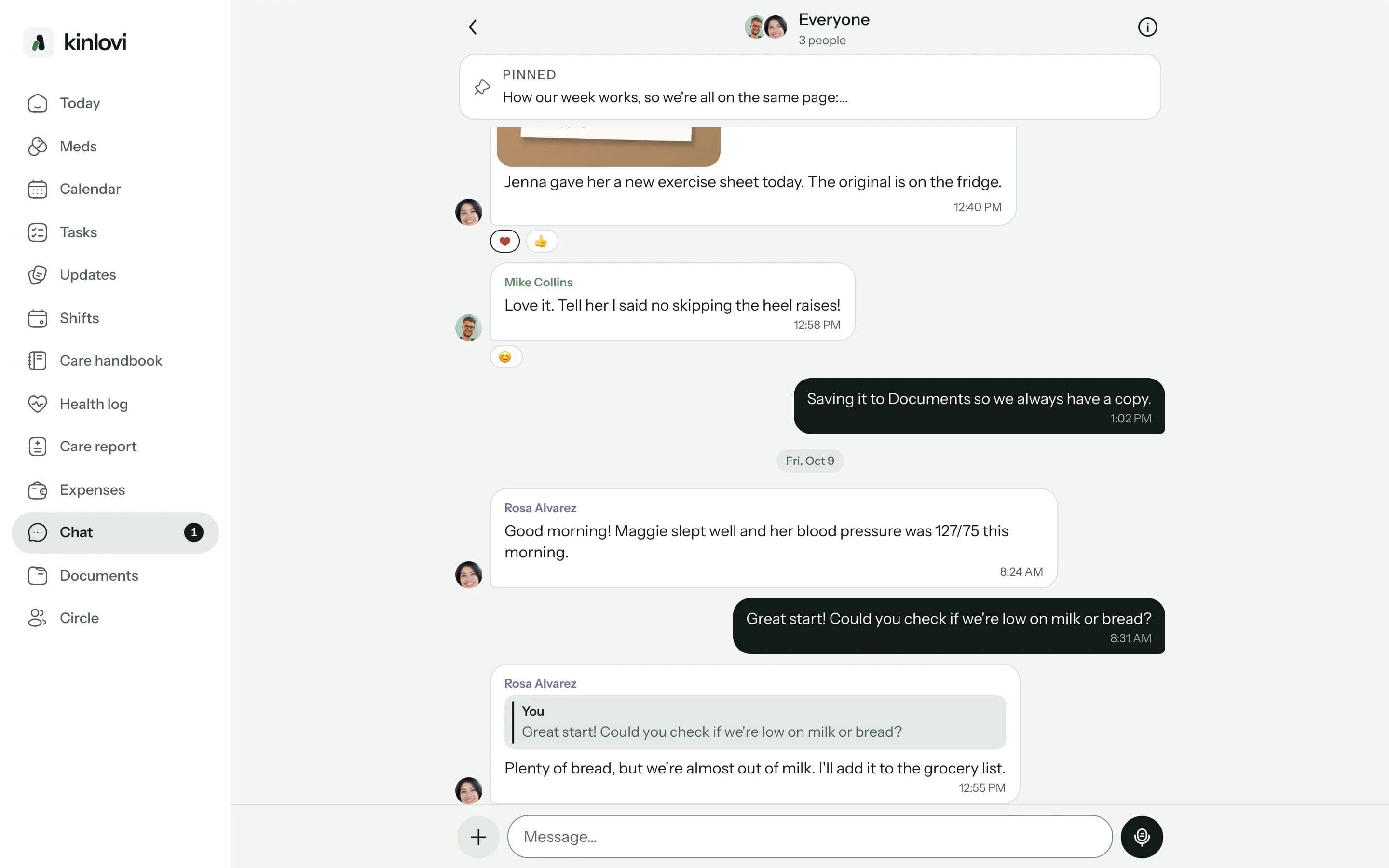
A conversation with the whole circle, caregivers included, a family-only channel, and direct messages.
Send a photo of the new exercise sheet, pin what everyone needs, and save a file straight to Documents.
A quick, private check-in with your brother or the caregiver. Only the two of you see it.
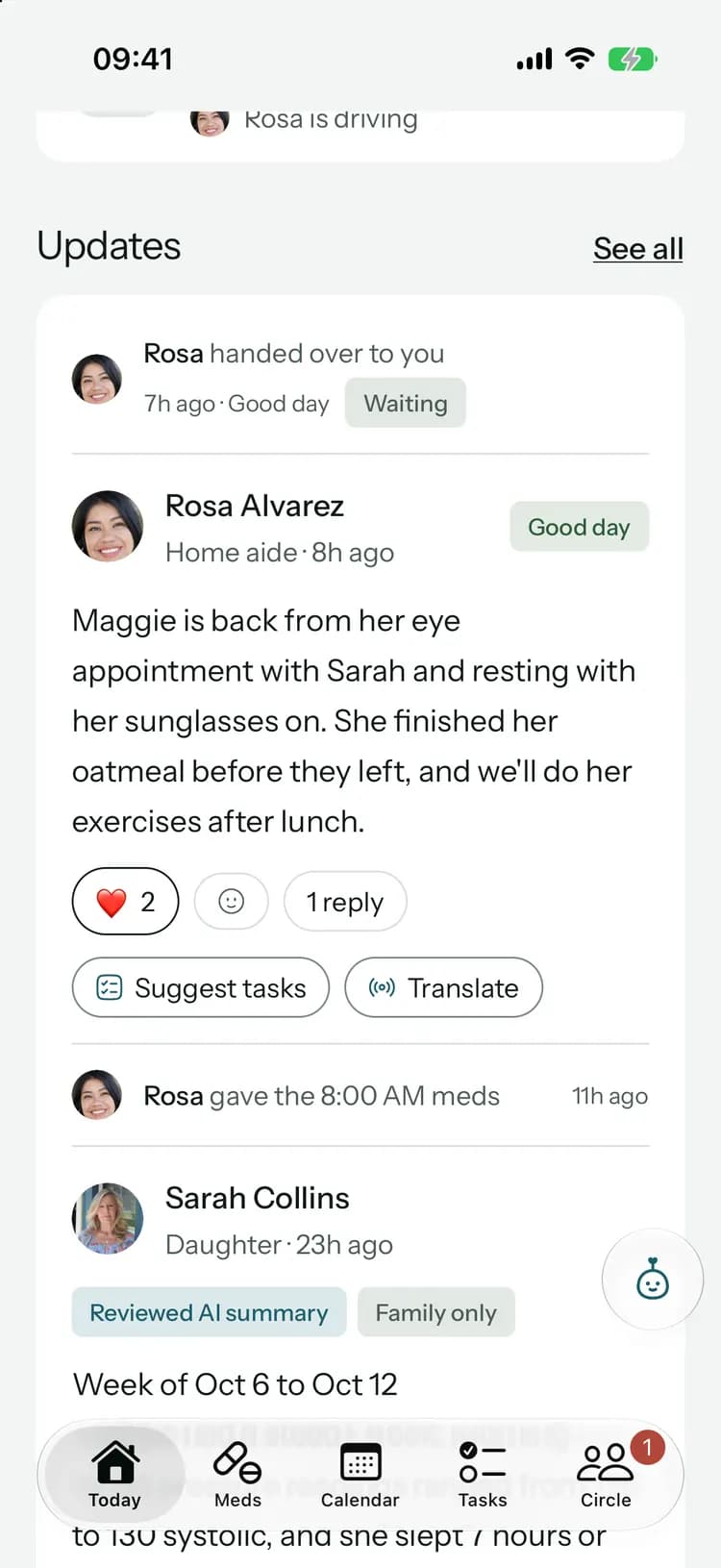
With Family+, Pip drafts a recap of the last seven days. You check it before the family sees it.
Catch up from your desk.
Help with the reading and writing.
Translations
Translate an update into your language and keep the original a tap away.Handovers
Going off duty? Pip drafts a short brief from the last day, three days or week for the next family member.Search the history
Ask “When did we last mention dizziness?” and see the original records, never a made-up answer.Tasks from an update
Pip finds the to-dos in an update and suggests them as tasks for you to choose from.
On every plan
Updates, moods, replies, reactions, “Got it” and chat with photos, files and voice messages are included, Free too.
With Family+:Translations, weekly summaries, handovers and history search.
Common questions
Something else on your mind? Visit the help center
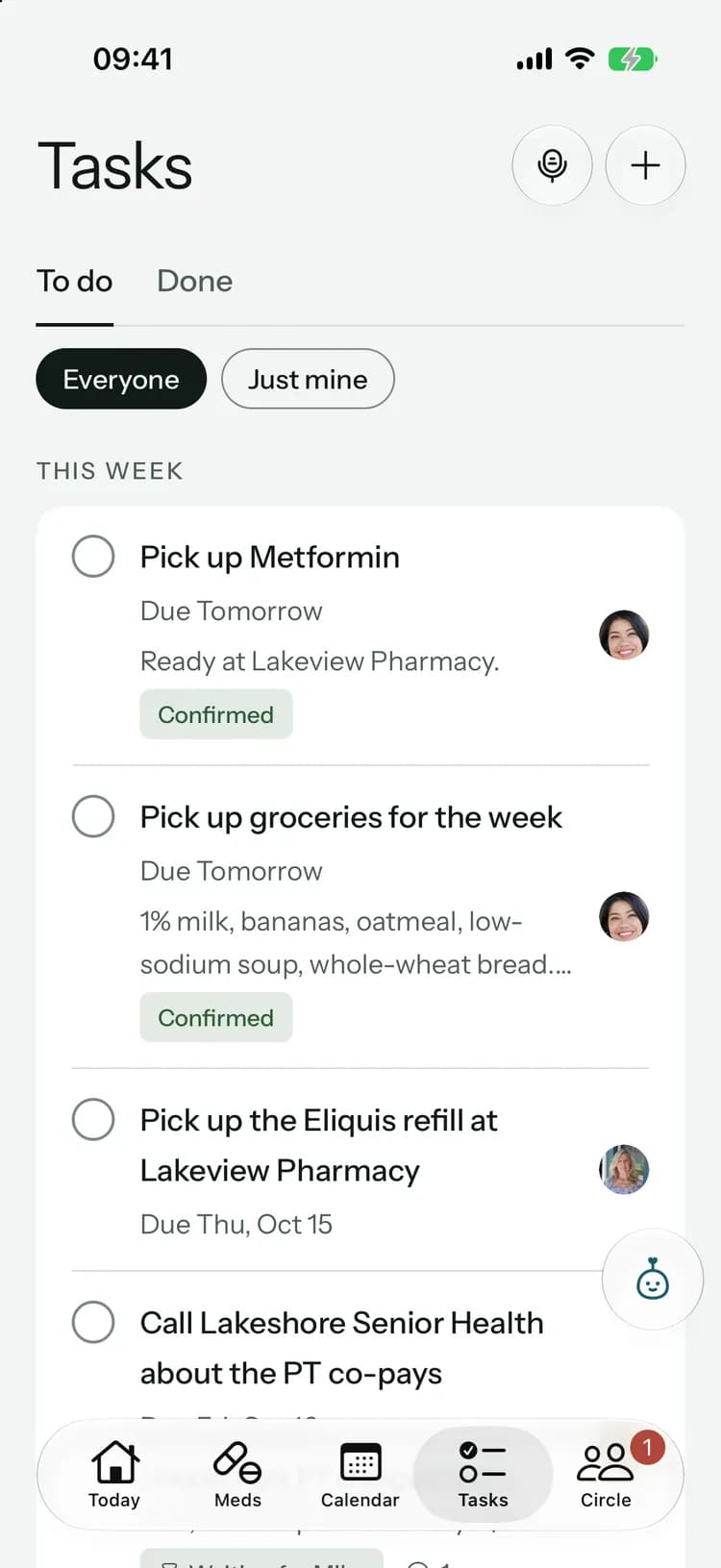

Keep everyone close, wherever they are.
Free to start, on iPhone, Android and the web. Everyone you invite joins free.
Launching soon. Tell me when it’s live