Emergency card
Ready before you need it.
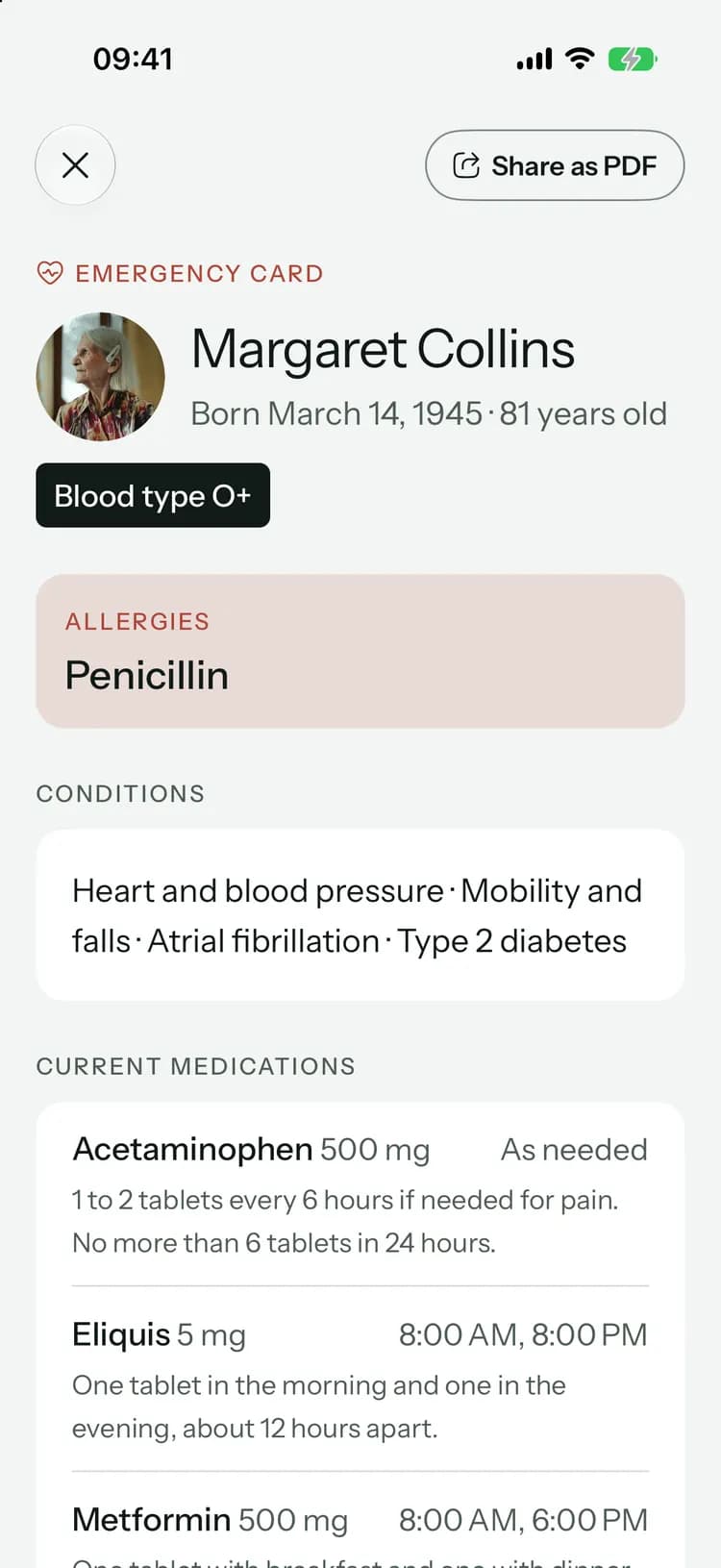
Allergies, conditions, current medicines, their doctor and who to call, on one card. It opens without a connection and shares as a PDF in a tap.
Filled in once, ready wherever you are.
- 1
Start during setup
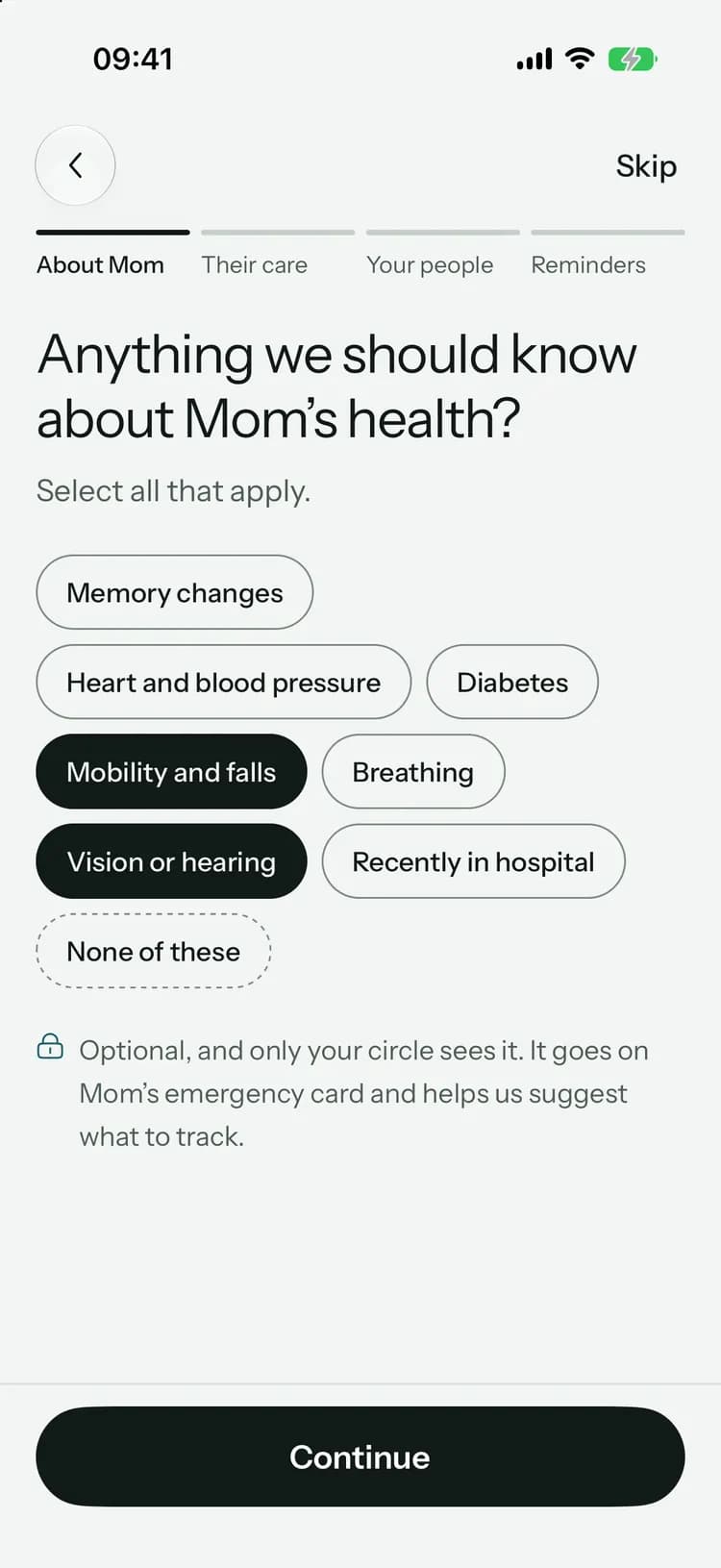
Pick their conditions while you set up Kinlovi, and they go straight onto the card. Add the rest when you can.
- 2
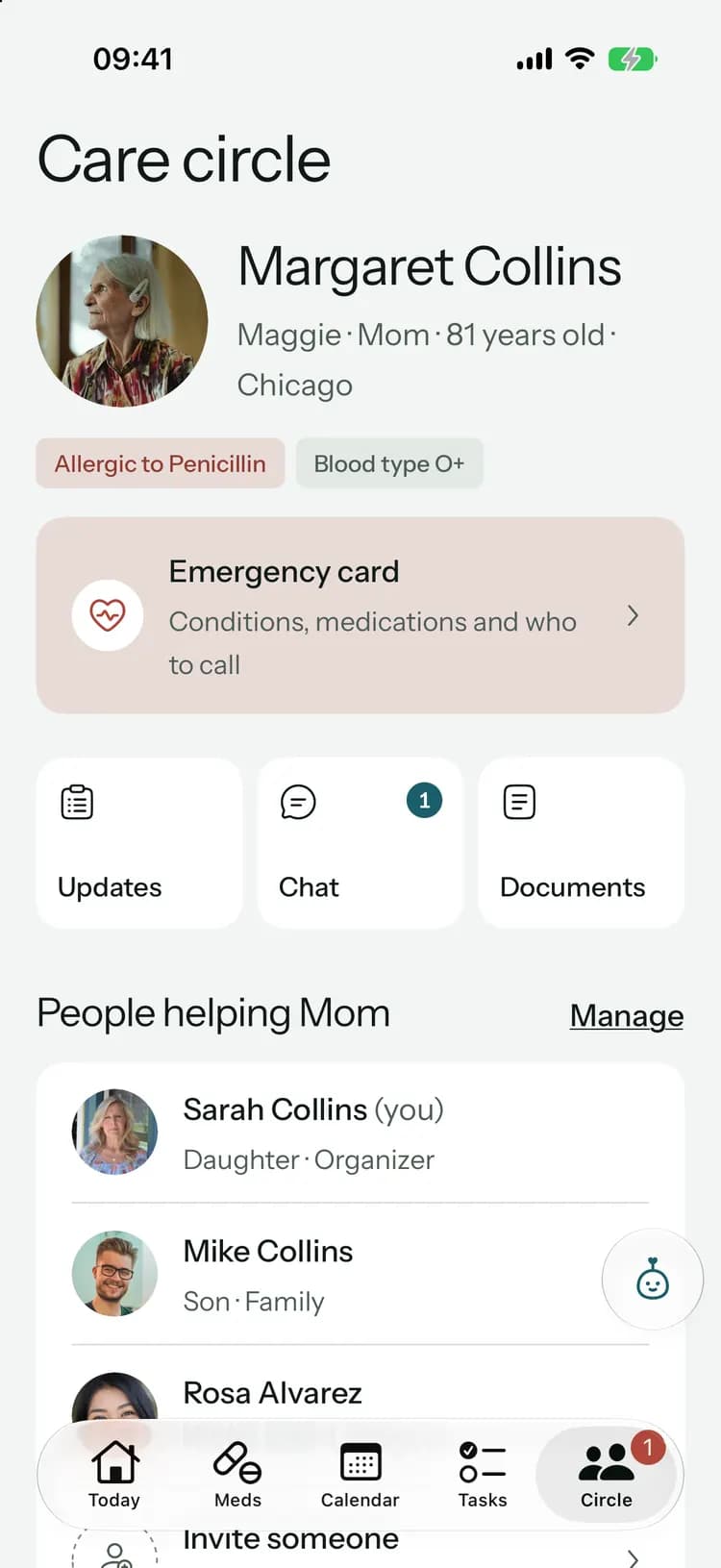
One tap from Circle
Allergies and blood type sit at the top of the Circle tab, with the card right below.
- 3
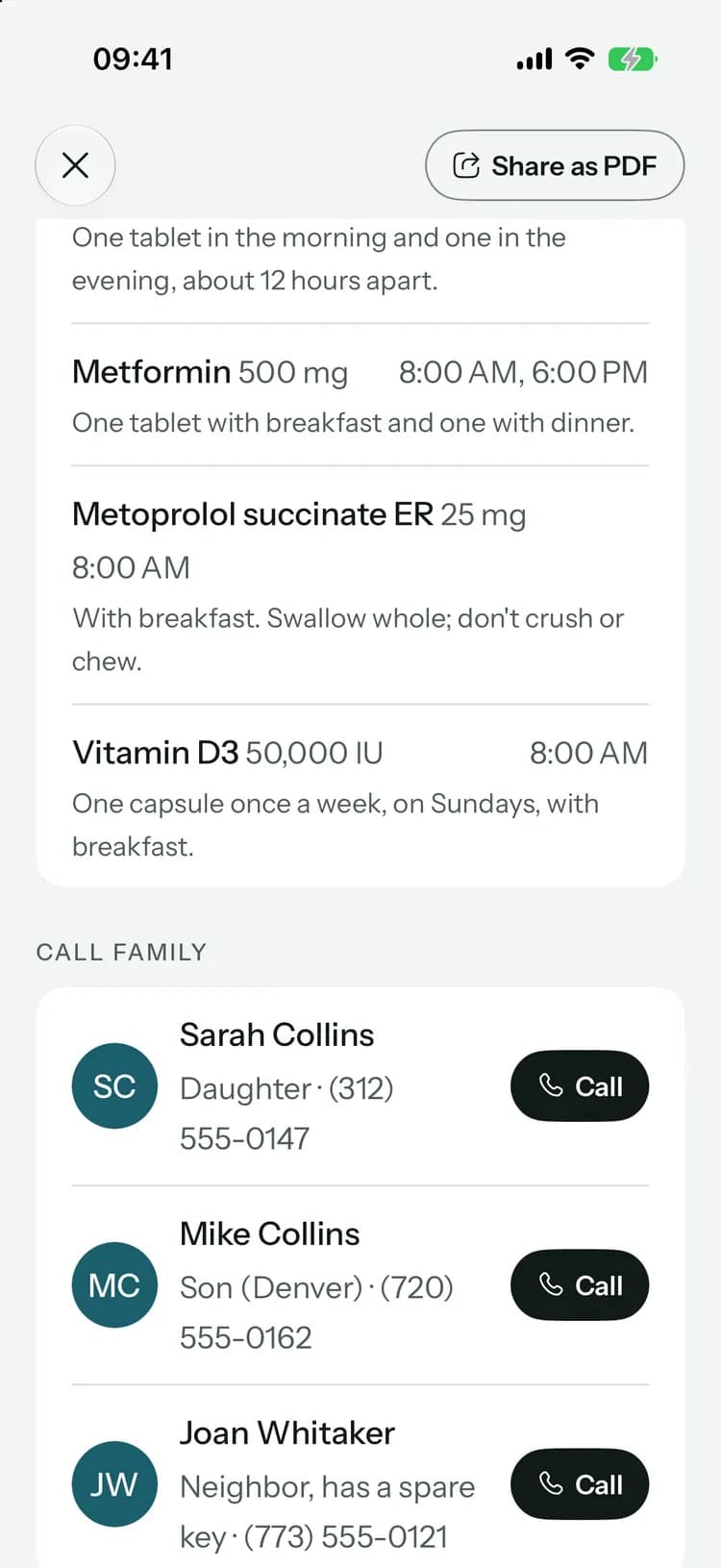
Call in one tap
Family, the doctor, the neighbor with the spare key: each one has a Call button on the card.
The answers they’ll ask for.
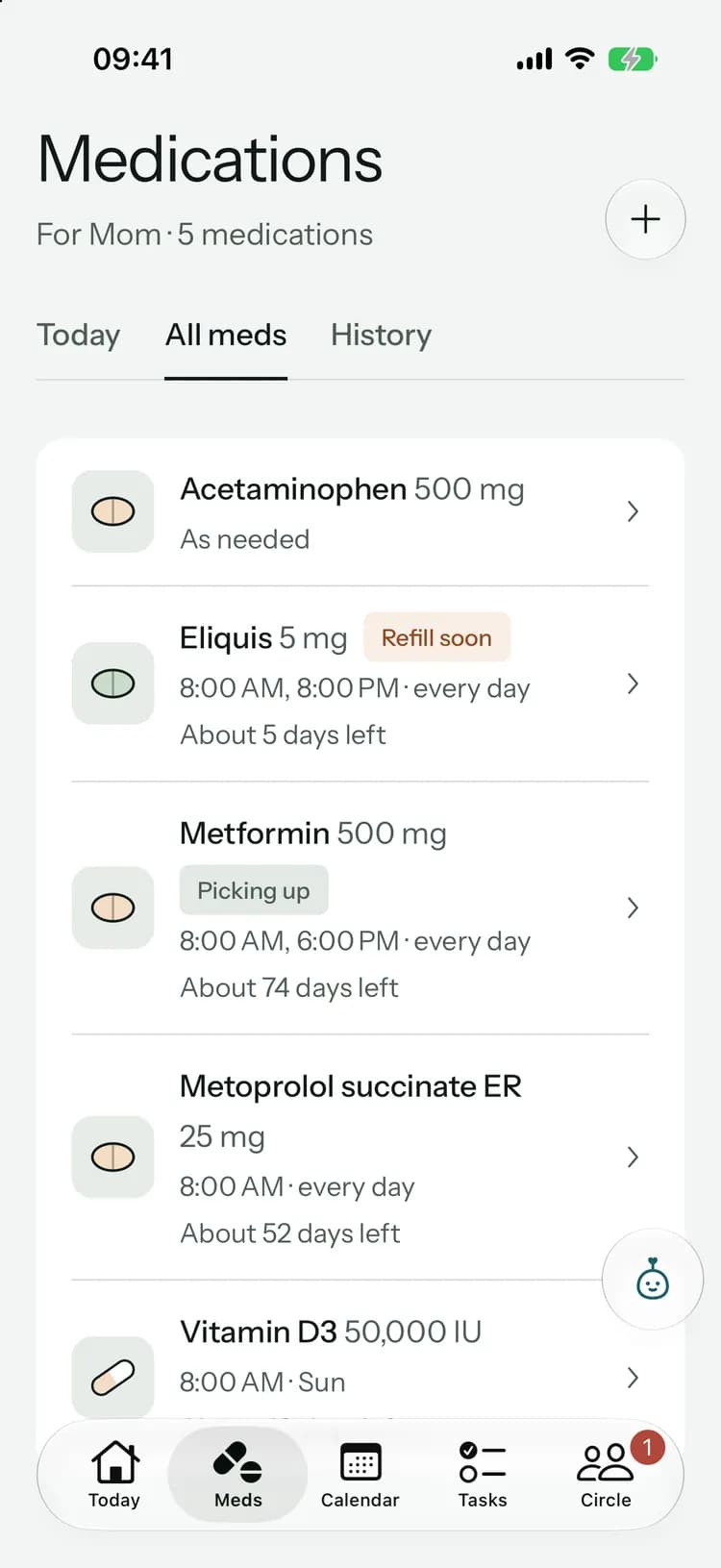
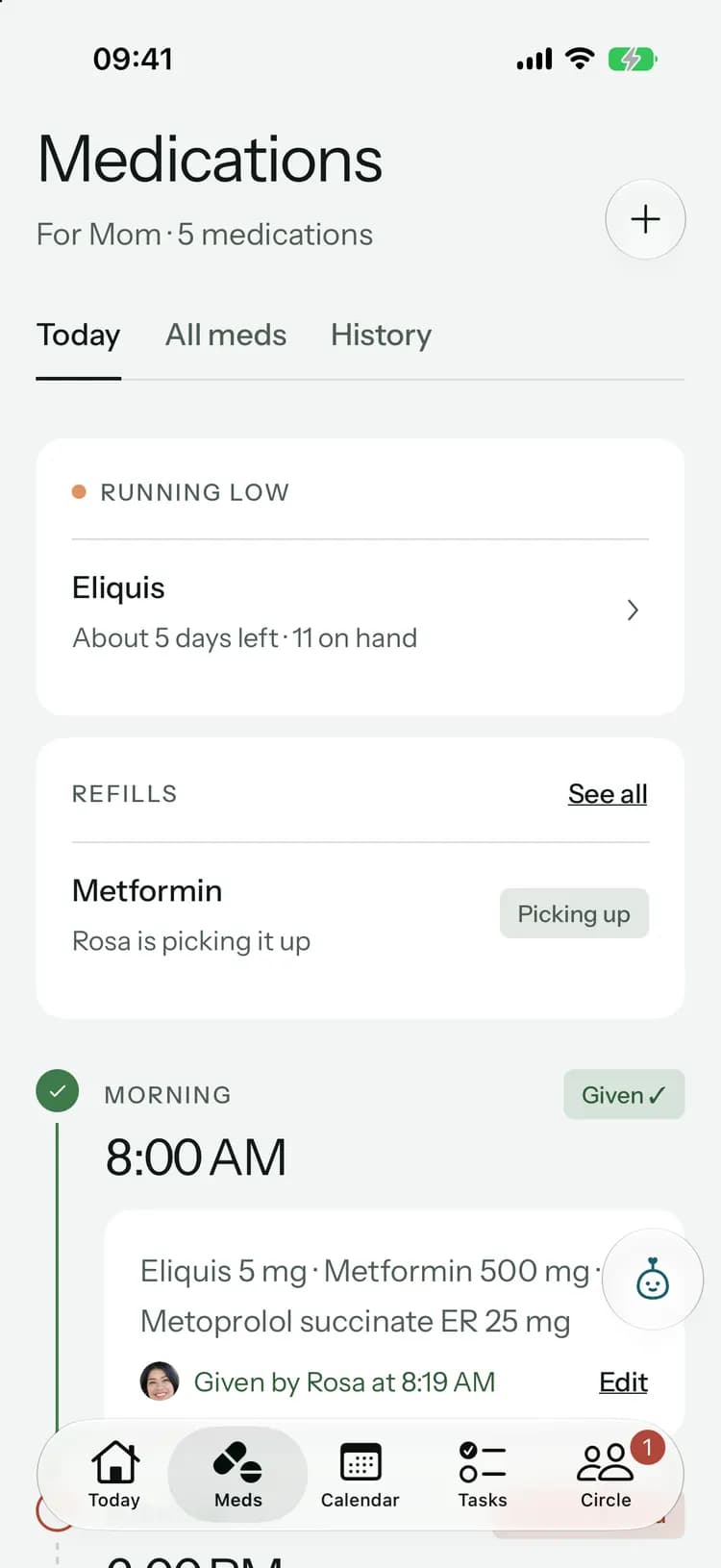
The card lists every active medicine from the medication list, with the dose and times. Change a medicine and the card follows.
More about medicationsThe card lists every active medicine from the medication list, with the dose and times. Change a medicine and the card follows.
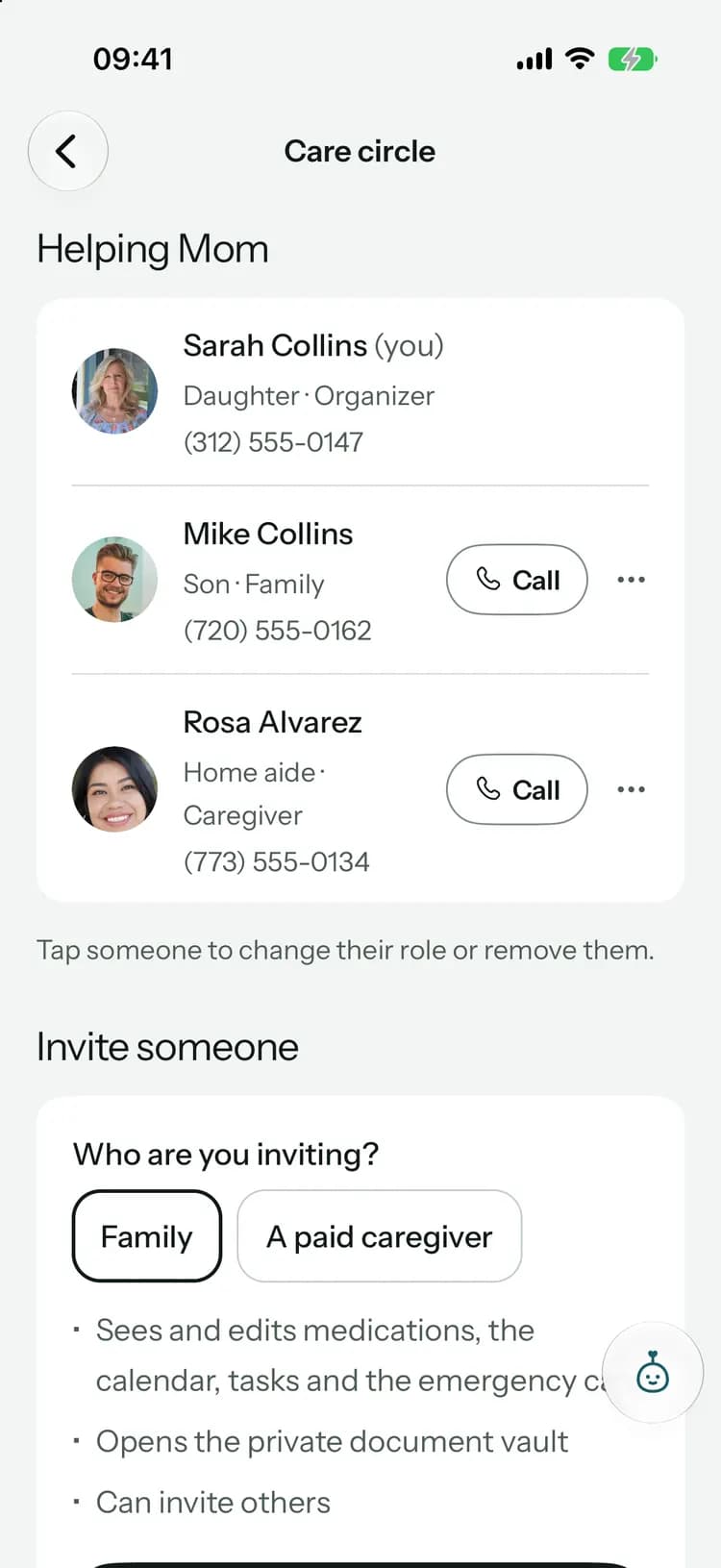
More about medicationsThe people in the circle, with their roles and phone numbers, a tap away.
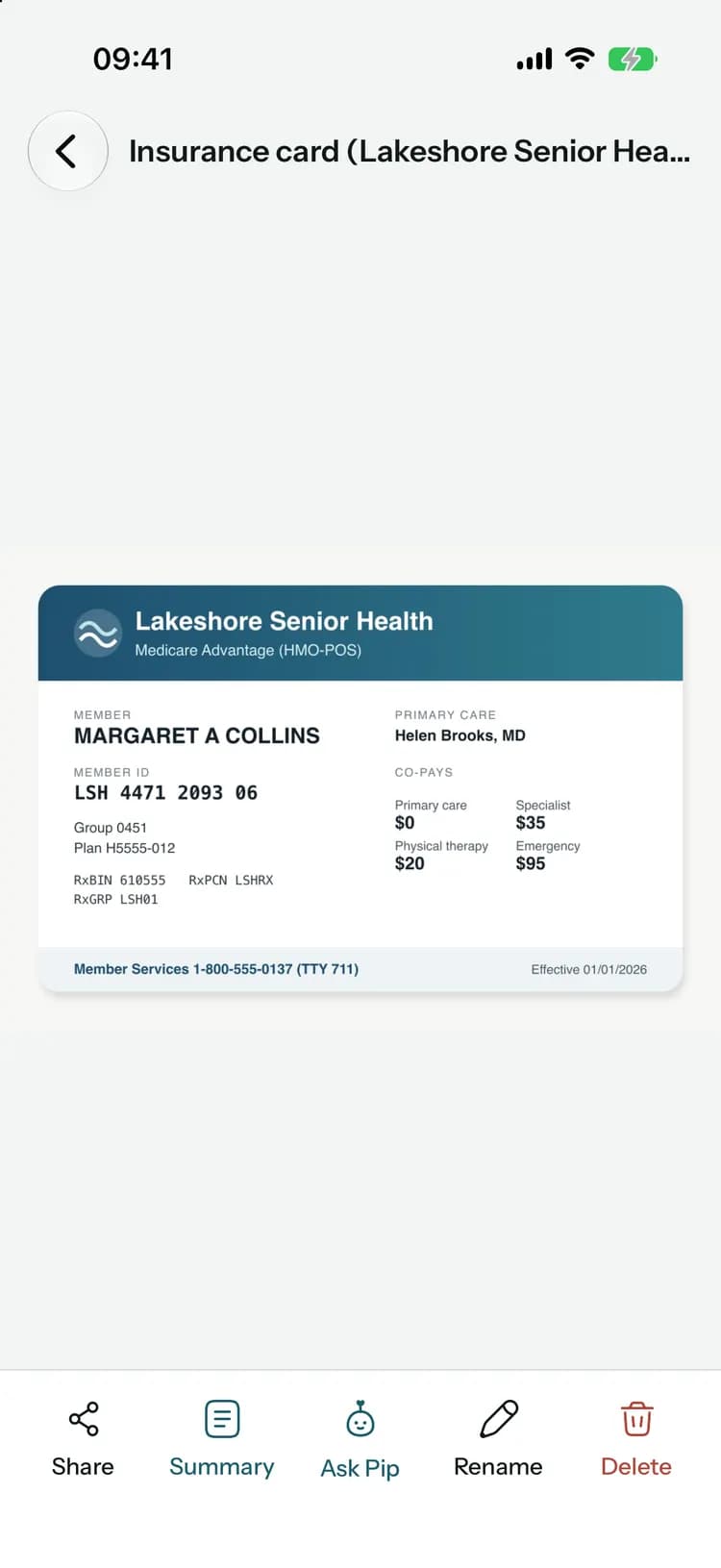
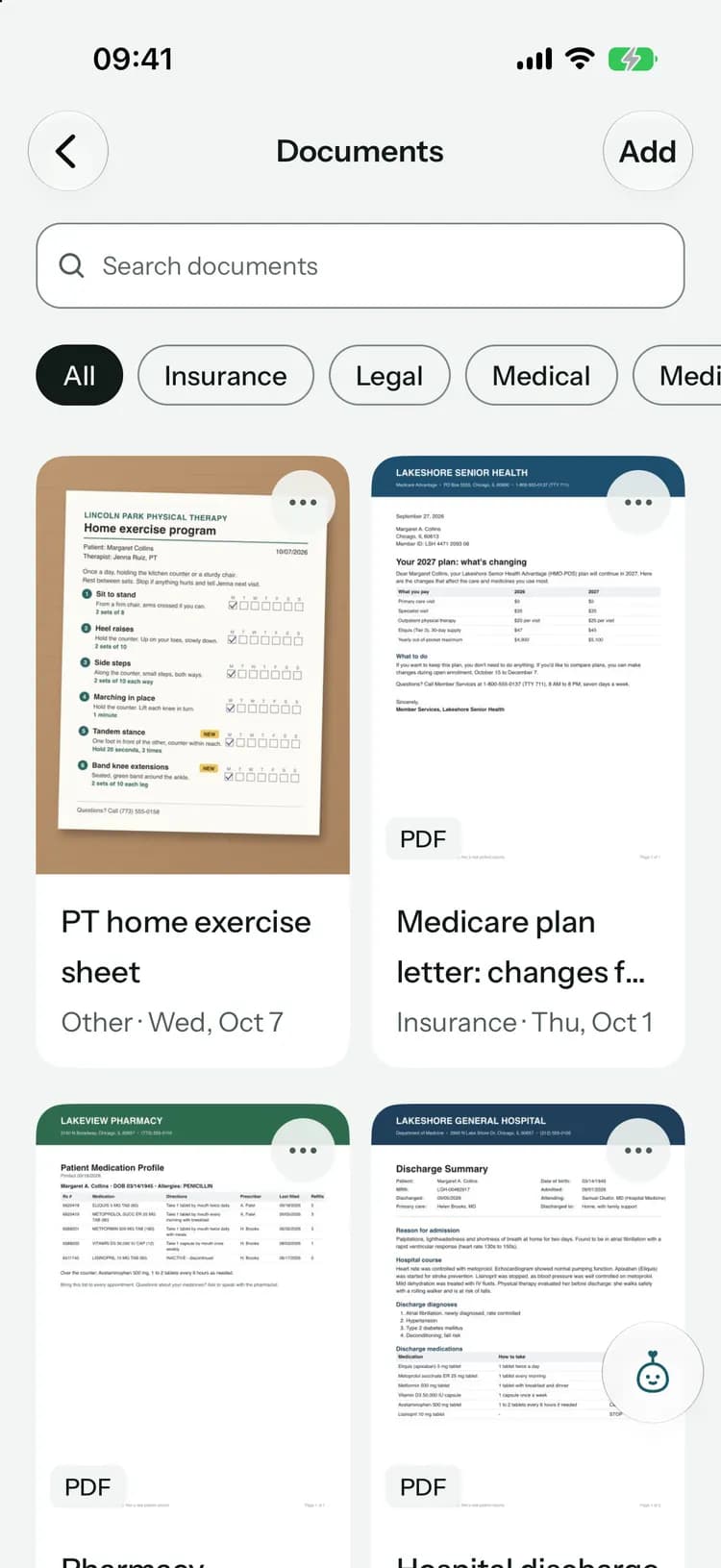
The plan and member ID are on the emergency card. Keep a photo of the card itself in Documents.
More about documentsBuilt for the worst five minutes.
Works offline
Open it once while connected and it’s saved on the phone, ready even with no signal.Share as a PDF
Send it to a hospital, a new doctor or a sitter in a tap.The little things
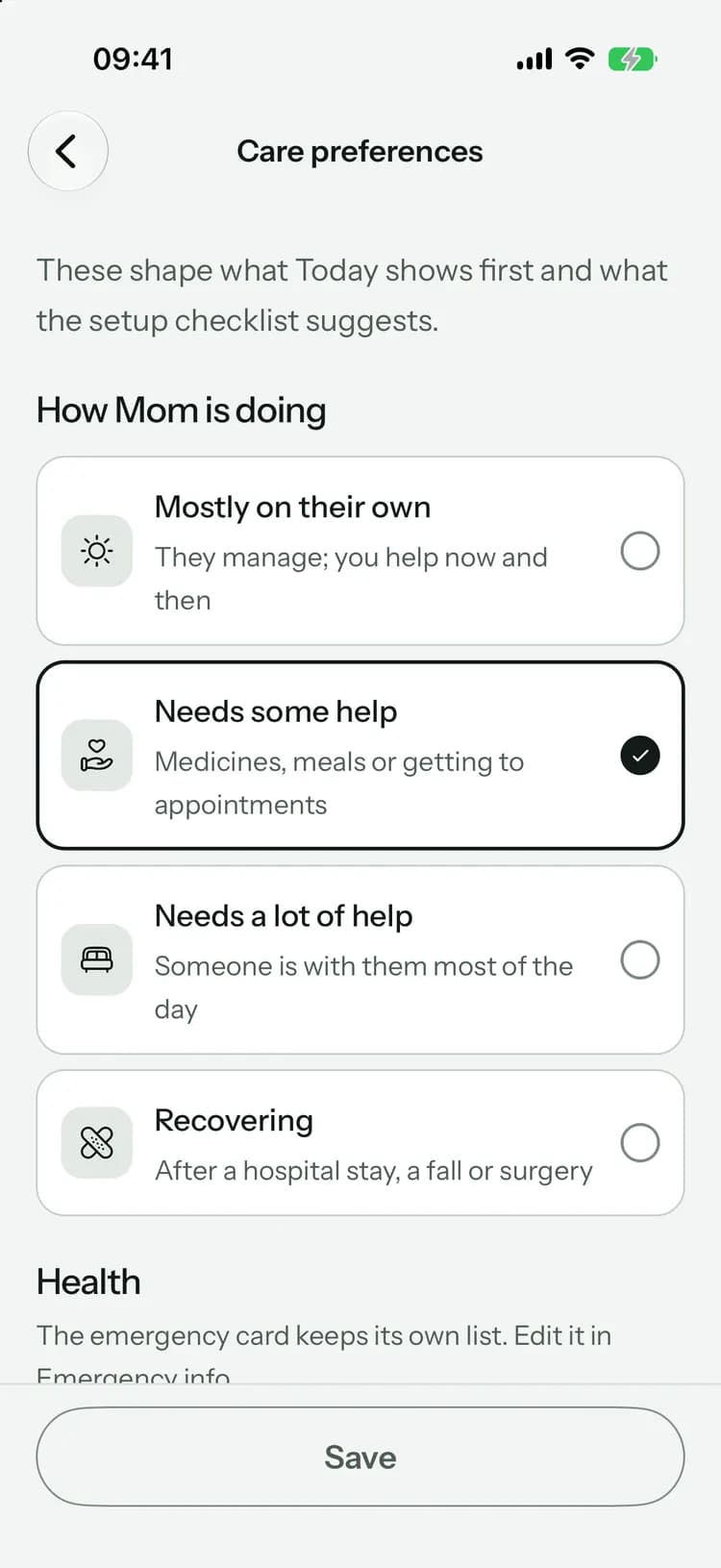
Advance directive, preferred hospital, and good-to-knows like hard of hearing or a spare key with a neighbor.For everyone helping
Everyone in the circle can open the card, paid caregivers included. Family keeps it up to date.
On every plan
The emergency card, its PDF and the offline copy are included on every plan, Free too.
Common questions
Something else on your mind? Visit the help center

Ready when it counts.
Free to start, on iPhone, Android and the web. Everyone you invite joins free.
Launching soon. Tell me when it’s live