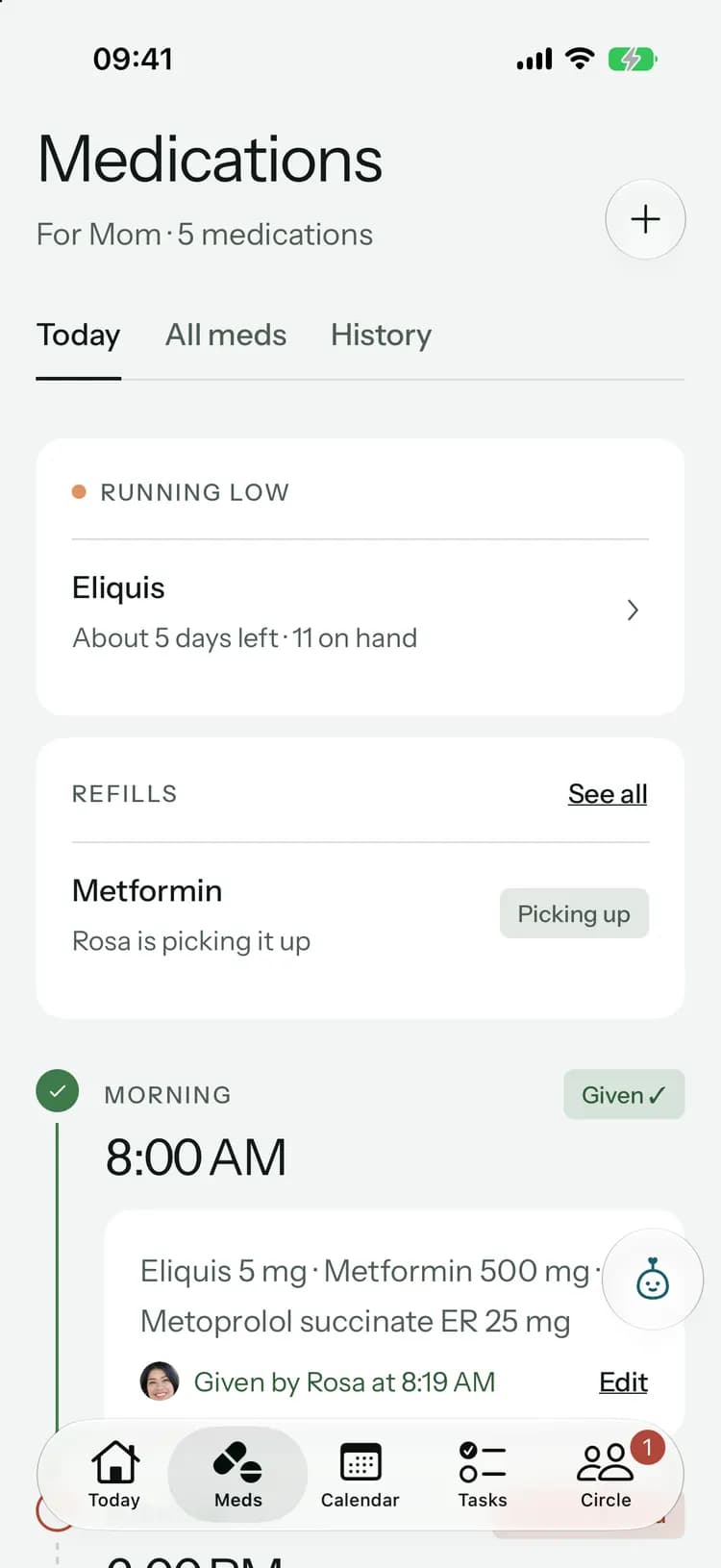
Meet Pip · Family+
A care helper that has read every note.
Ask about the last visit, plan the week, or check who’s waiting to be paid back. Pip answers from what your family has recorded, shows the records it used, and changes nothing until you confirm.
Answers with sourcesPrivate to youYou confirm every change
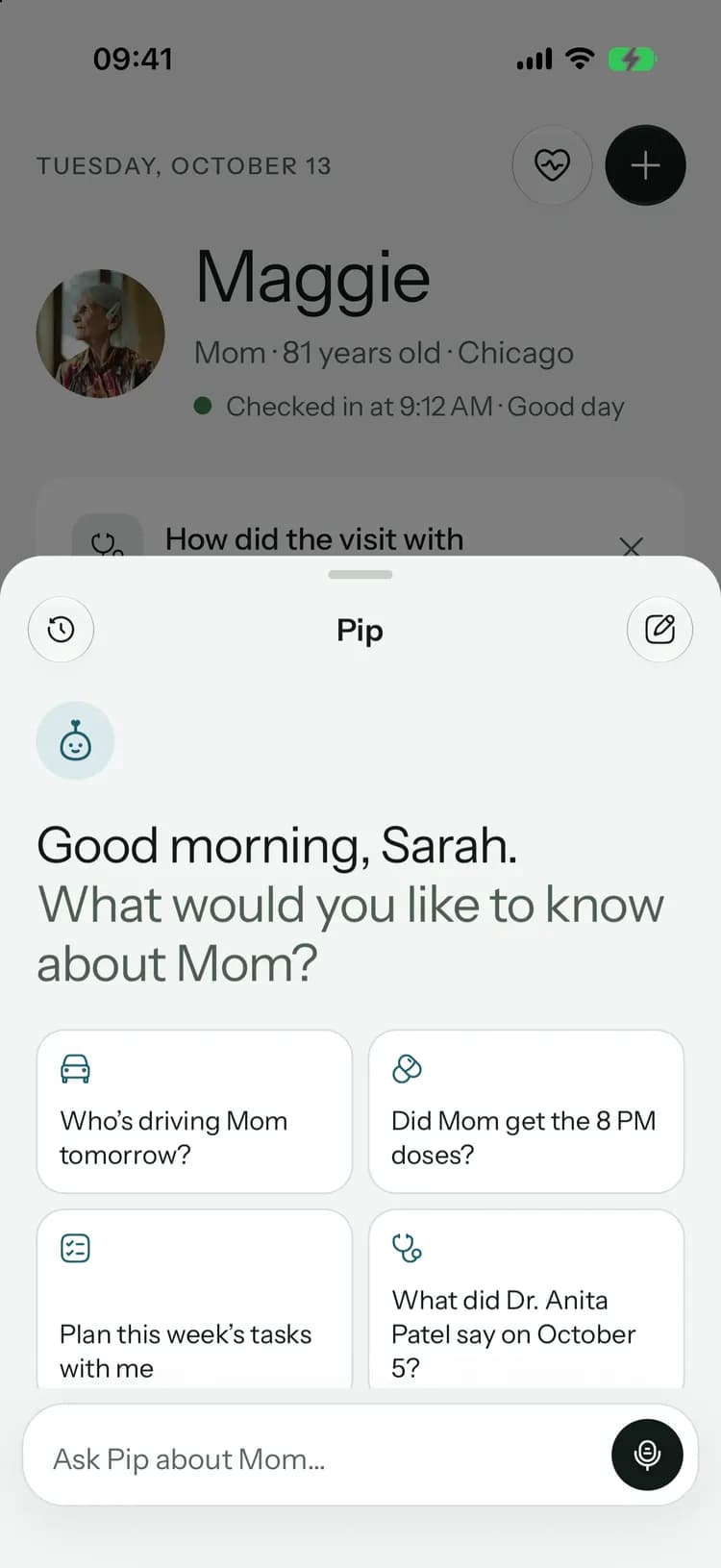
Ask the way you’d ask your family.
Ask about a visit, the week ahead or who paid for what. Pip answers from your family’s records, shows the ones it used, and drafts the tasks for you to add in one tap.
Pip
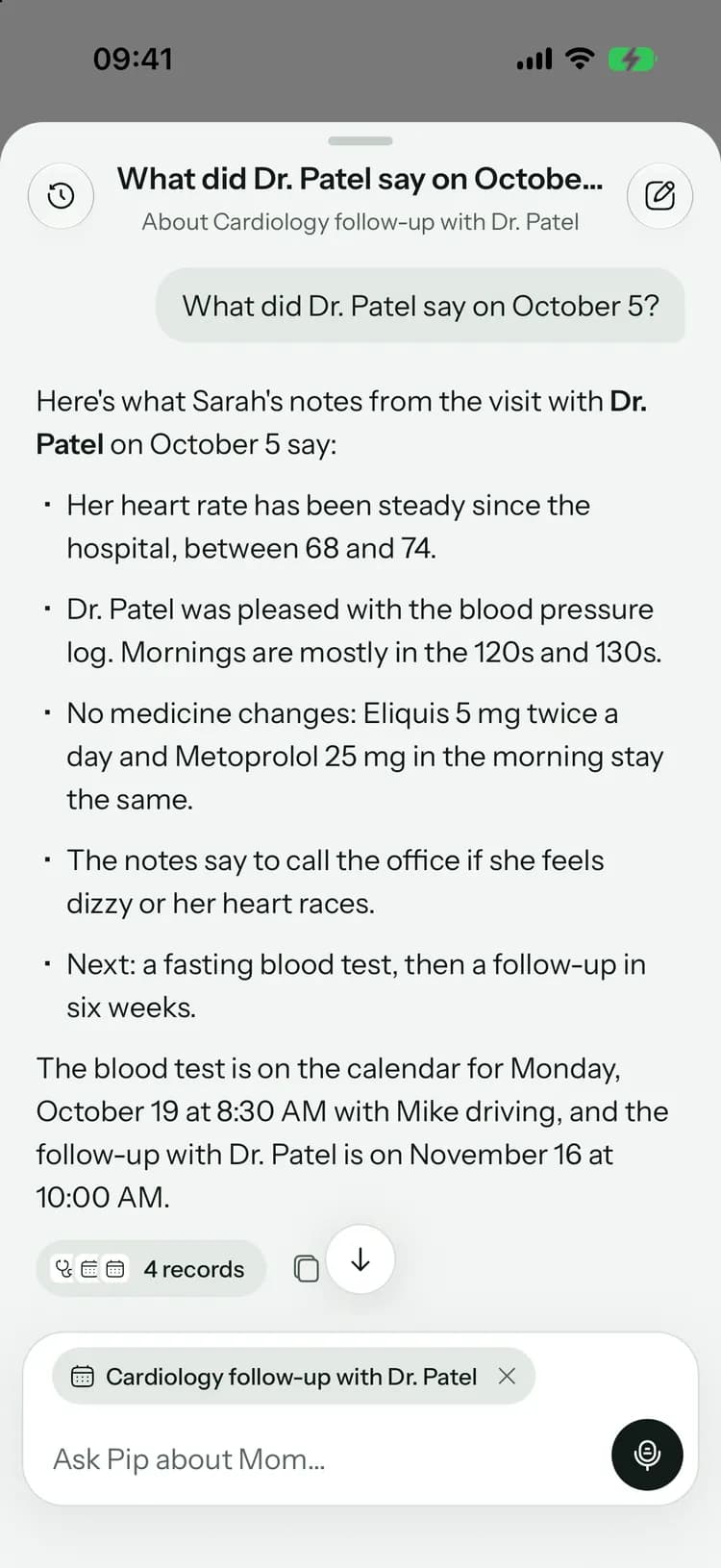
Cardiology follow-up with Dr. Patel
What did Dr. Patel say on October 2?
Here’s what Sarah’s notes from the visit with Dr. Patel on October 2 say:
- Her heart rate has been steady since the hospital, between 68 and 74.
- Dr. Patel was pleased with the blood pressure log. Mornings are mostly in the 120s and 130s.
- No medicine changes: Eliquis 5 mg twice a day and Metoprolol 25 mg in the morning stay the same.
- Next: a fasting blood test, then a follow-up in six weeks.
The blood test is on the calendar for Monday, October 19 at 8:30 AM with Mike driving.
- Sarah’s visit notes · Oct 2
- Cardiology follow-up with Dr. Patel
- Fasting blood test · Mon, Oct 19
- Follow-up with Dr. Patel · Nov 13
- Answers with sourcesEvery answer shows the notes, visits and tasks it used.
- Nothing changes until you say soPip drafts tasks; you add them in one tap, and can undo.
- Only what your family recordedPip isn’t a doctor and doesn’t guess. It works from your circle’s records.
Help with the work around the care.
Pip drafts, and you decide. Check the details, change what you like, then confirm.
Ready for the appointment, and clear on what came of it.
- Questions to ask, based on what the family noted
- Up to five next steps, ready to add as tasks
- Visit preparations and recaps stay with the family
Pip’s recap
Dr. Patel was pleased with Maggie’s steady heart rate and her blood pressure log, and made no medicine changes. A fasting blood test comes before the follow-up in six weeks.
Pip found 3 next steps in the visit notes
- Send Dr. Patel’s office the blood pressure logBy next weekS
- Book the follow-up with Dr. Patel in six weeksIn six weeks
- Book the fasting blood test before the next visitBefore the next visitM
Catch everyone up without the phone calls.
- You check every summary before the family sees it
- Weekly summaries are shared with family only
- Search past records by asking in your own words
Weekly care summary
Pip drafts a recap of the last 7 days. You check it before family sees it.
Summarize this week20 of 20 left this month
Hand over
Brief the next person
Search history
Find a past record
Prepare handover
Look back over
The paperwork, in plain words.
- Review and edit the summary before it’s saved
- Turn what the document asks of you into tasks
- Ask Pip about saved summaries any time later
Reviewed AI summaryWhole document
Discharge summary from Lakeshore General Hospital for Margaret Collins after four nights in the hospital with a fast, irregular heartbeat (atrial fibrillation).
Key points
- Eliquis 5 mg twice a day and Metoprolol succinate ER 25 mg every morning were started. p.1
- Lisinopril 10 mg was stopped. p.1
To do
Book a cardiology follow-up with Dr. Patel in 4 to 6 weeks. p.2
Suggest document tasksSmall helps that add up.
Translations
Read any update in your own language. Names, numbers and medicines stay exactly as written.Voice updates
Talk for up to a minute. Pip writes it up as an update for you to check and post.Tasks from an update
Tap Suggest tasks on an update, and Pip lists the to-dos it clearly calls for. Keep the ones you want.Costs, noticed
Pip notices when a kind of cost goes up or down from last month, and answers “what did we spend on medicines this year?” with exact totals.Refills
Ask how much is left and when to refill. Pip reads the supply your family recorded.Ask about one thing
Open Pip from a visit, a medicine, a document or a purchase, and ask about just that.History search
Find a past note, visit or update by describing it. Only your question is sent, never the records.Web search, with your OK
For a general question, Pip can look it up. It shows you the exact search first, with no names or records in it.Read aloud
Hands full? Have Pip’s answer read out loud, or hold to talk instead of typing.
Shared by the whole circle, every month.
Pip comes with Family+, $12.99 a month or $119.99 a year. Allowances reset at the start of each month, and only finished replies and drafts count.
- 200Pip replies
- 100Voice updates
- 200Translations
- 200History searches
- 100Task suggestions
- 100Document to-do lists
- 40Care handovers
- 20Visit preparations
- 20Visit follow-ups
- 20Document summaries
- 20Weekly summaries
- Compare plans
Helpful, inside clear limits.
Pip helps with the planning and the paperwork. It isn’t a doctor, and it works only from what your family recorded.
No medical advice
Pip explains what your family recorded, with sources. It doesn’t diagnose, recommend treatment or suggest changing a medicine.
You confirm every change
Pip prepares changes for you to review. Nothing is saved, posted or shared until you confirm.
- SSarahFamilyMMikeFamilyRRosaCaregiverFamily-only update
Family only
Caregivers can’t use Pip, and what it drafts from private records stays family-only.
- AdsSelling your dataTraining AI on your circle
Never for ads or training
We don’t use your circle’s information to train AI models. Emergency card and contact details are never sent.

Ask Pip about the last visit.
Pip comes with Family+. Kinlovi is free to start, on iPhone, Android and the web.
Launching soon. Tell me when it’s live