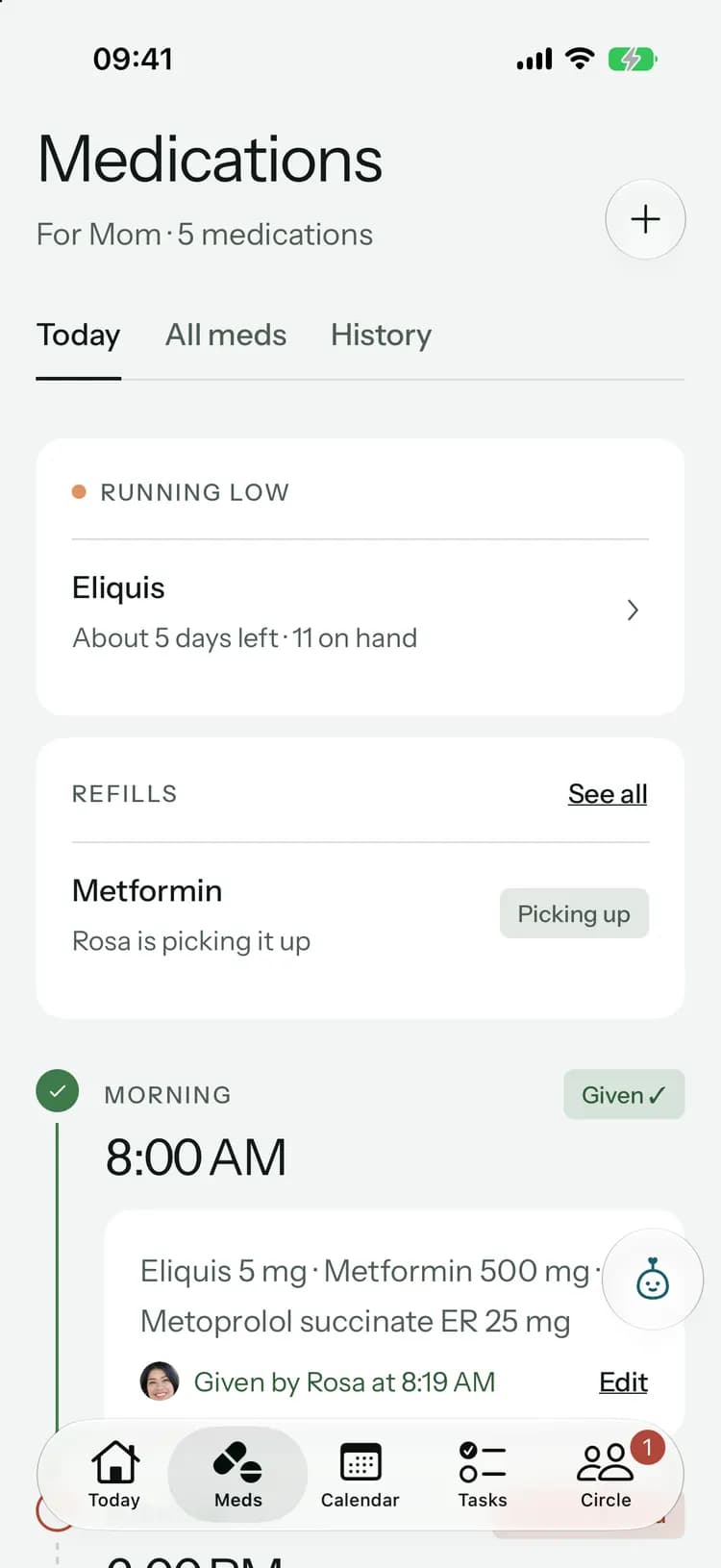
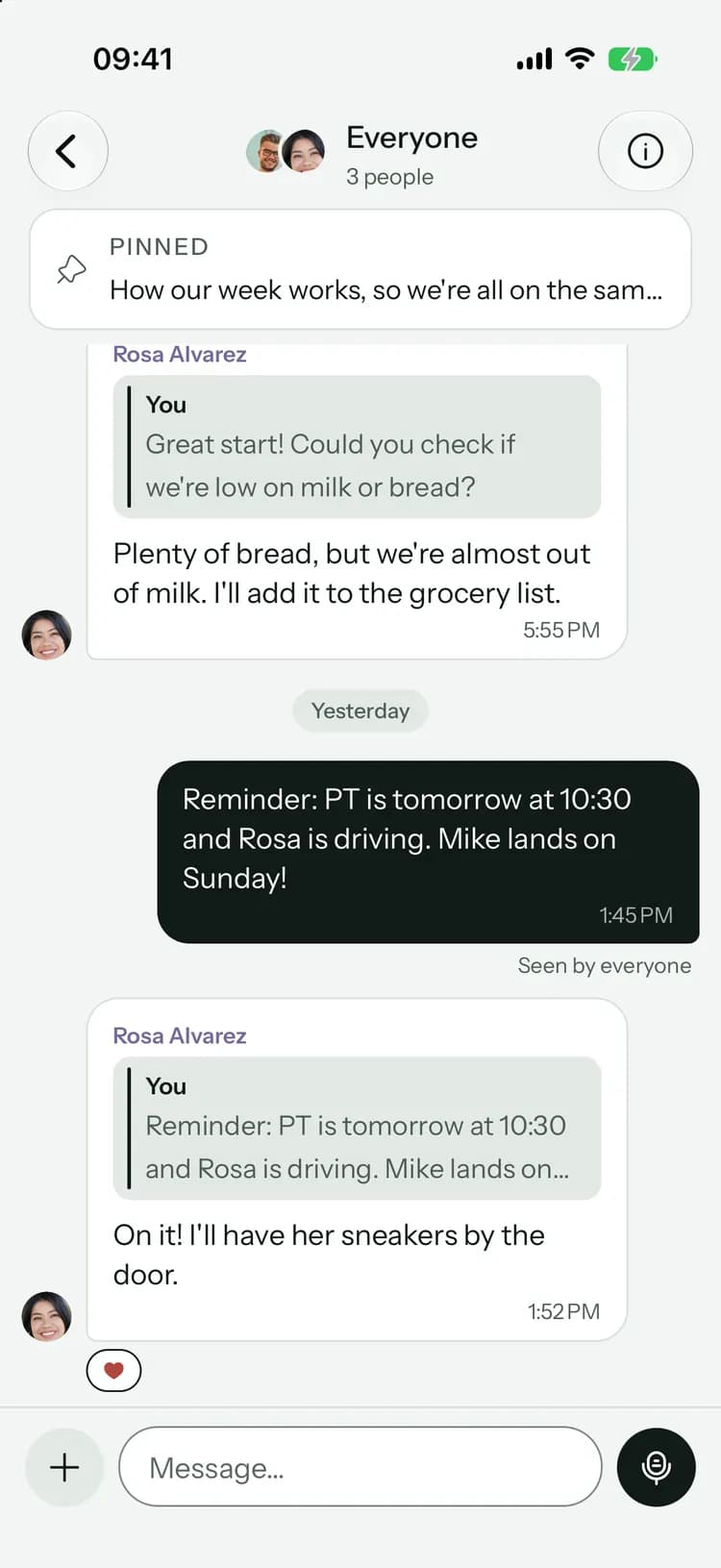
For long-distance family
Be there, from a thousand miles away.
You can’t drop by after work. You can still know how the day went, take the jobs that don’t need you in the room, and pay your share.
Launching soon. Tell me when it’s live
What changes when you live far away.
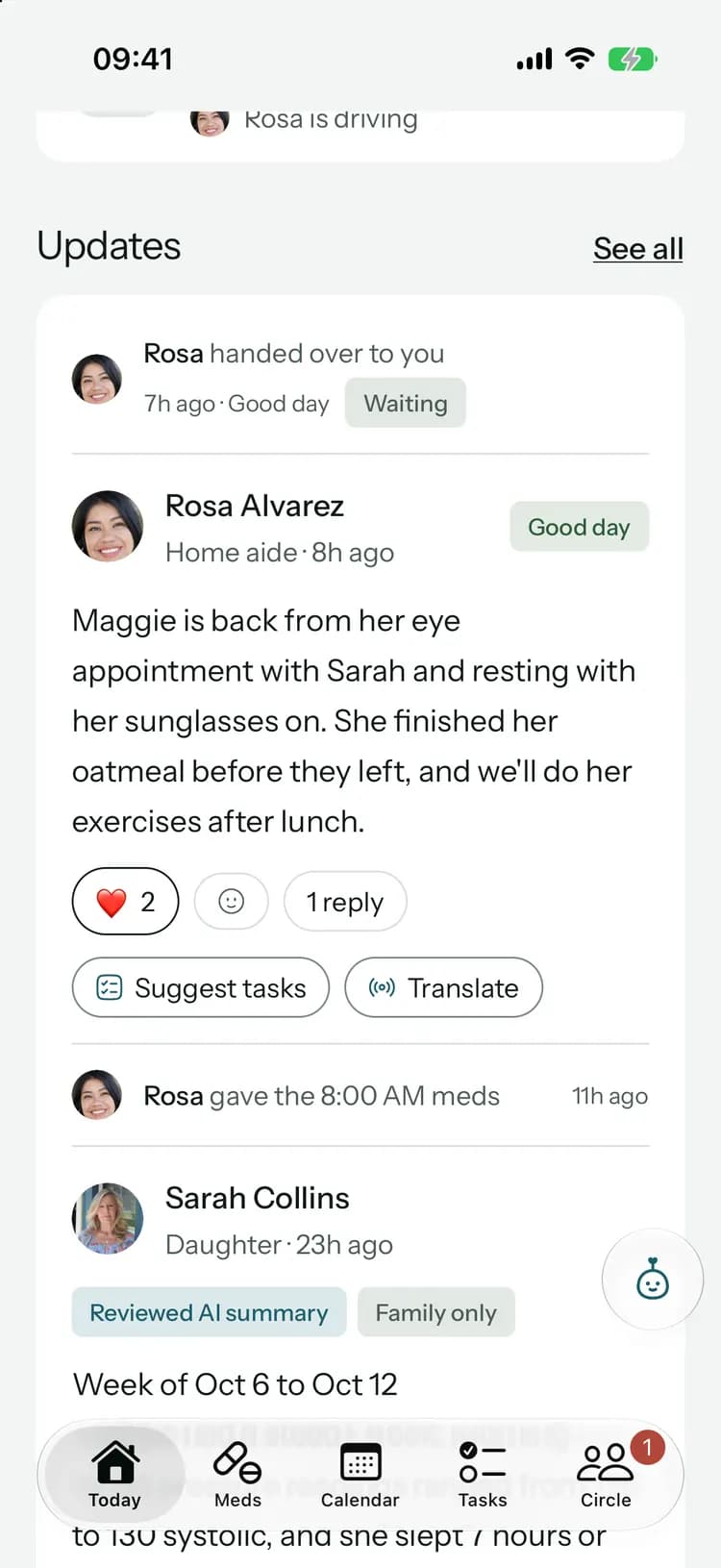
Distance doesn’t have to mean finding out last.
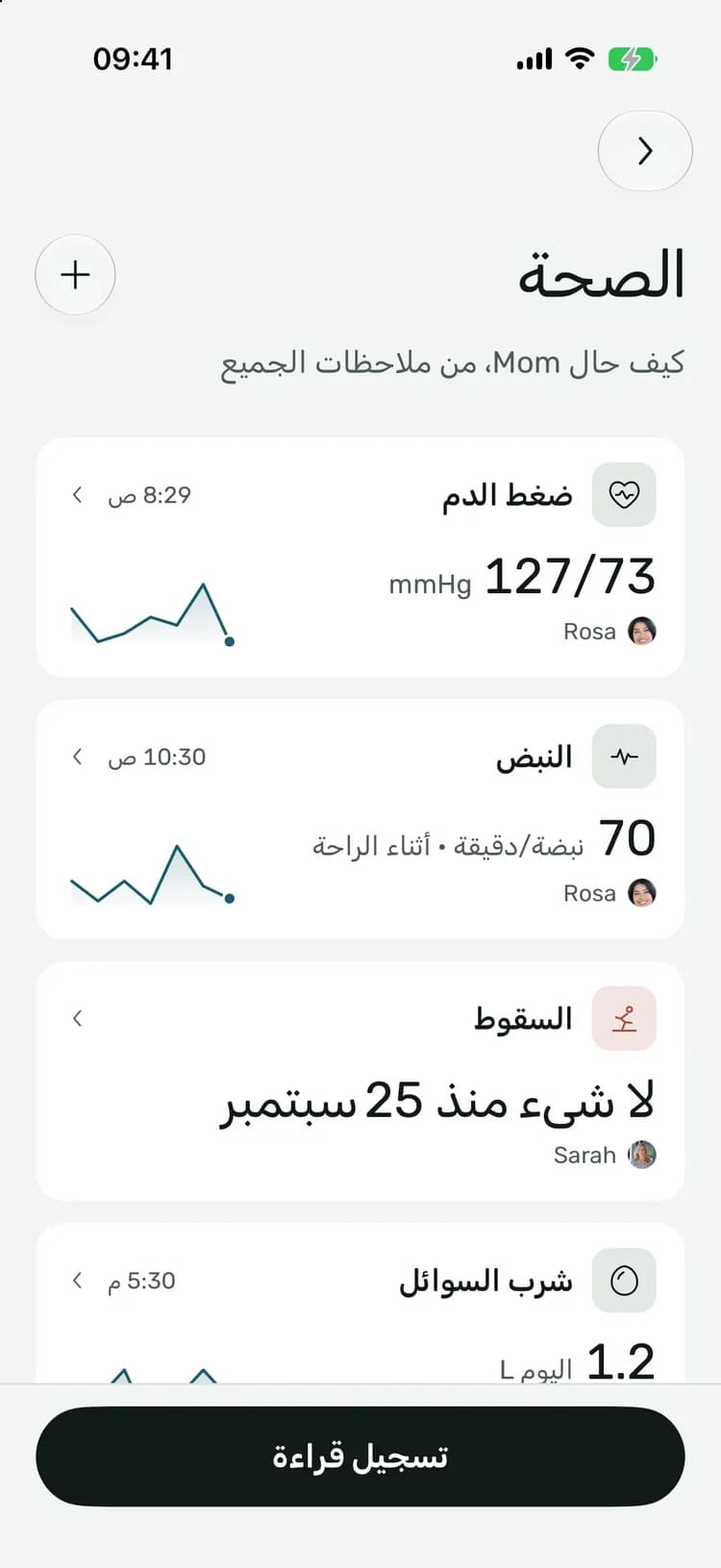
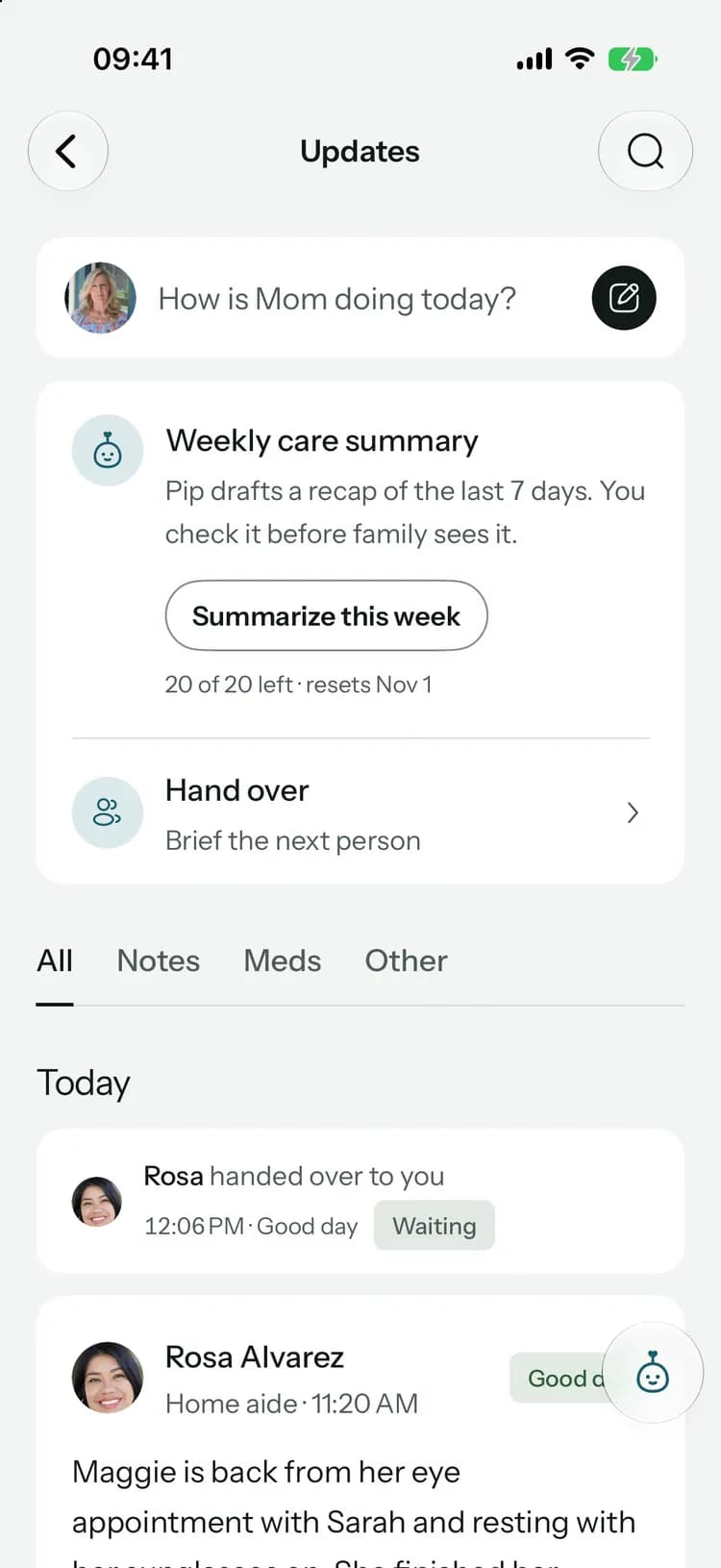
Know how today went, without calling five times.
- Get a notification when someone posts an update or records a fall.
- Important news asks everyone to confirm with “Got it”.
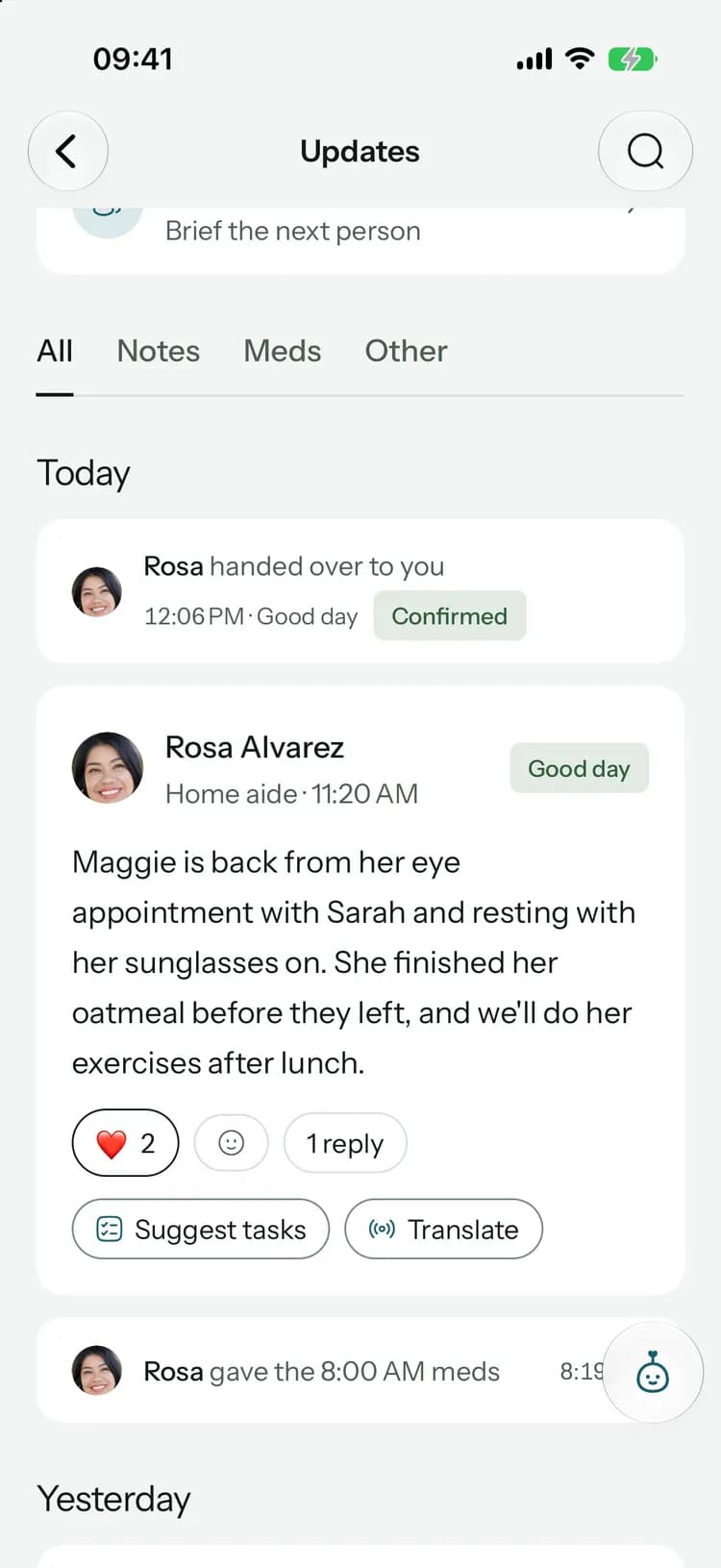
Read it in the language you think in.
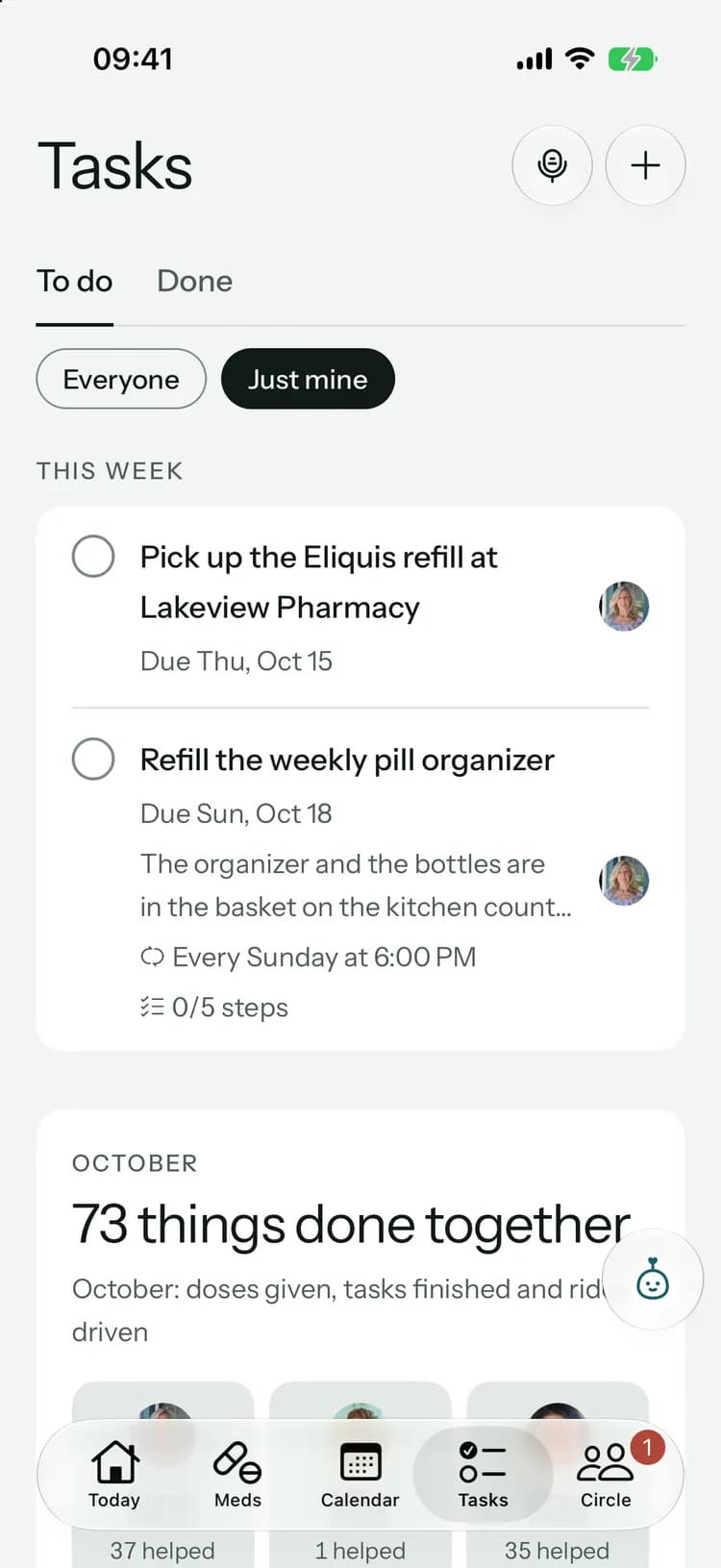
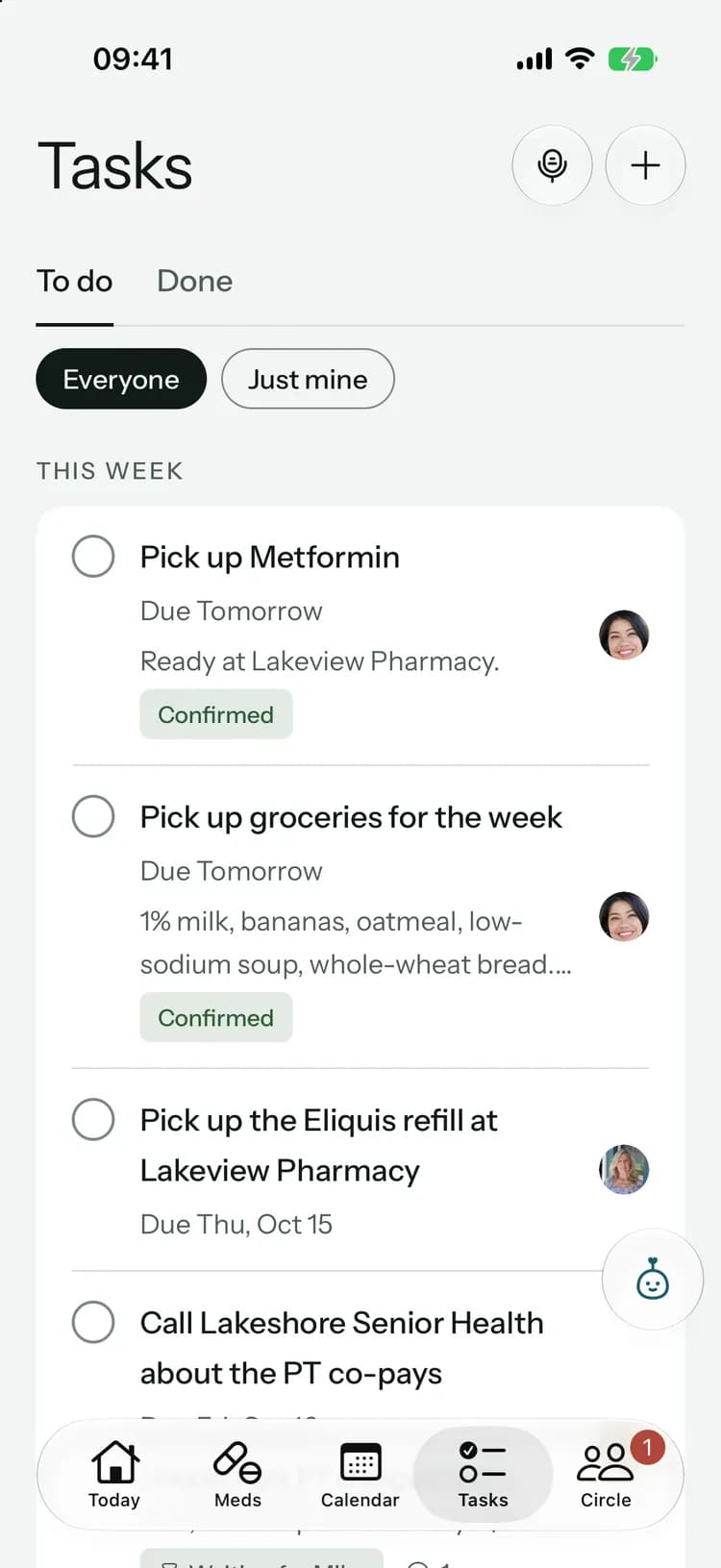
Take the jobs you can do from your desk.
- See just your tasks, or everyone’s.
- Reply on a task so the answer stays with it.
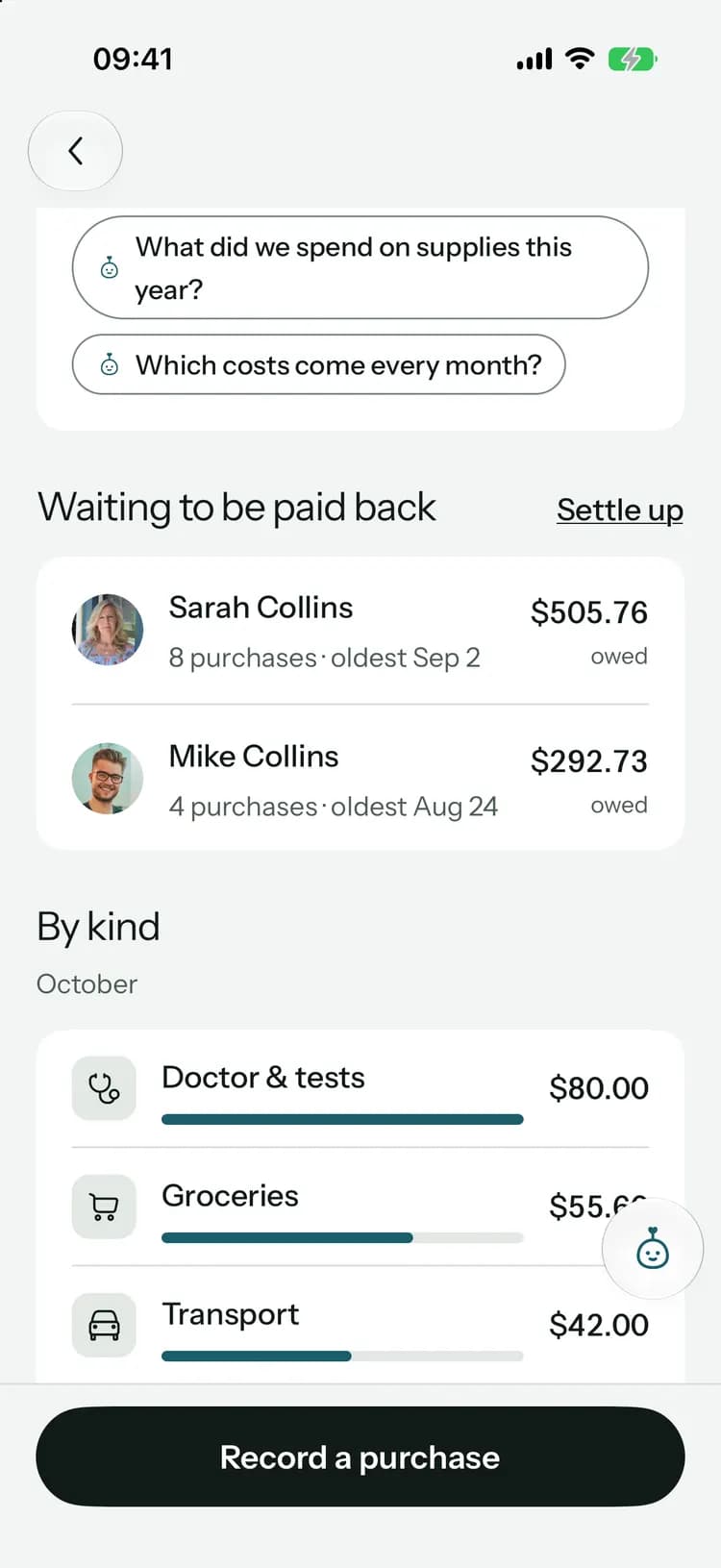
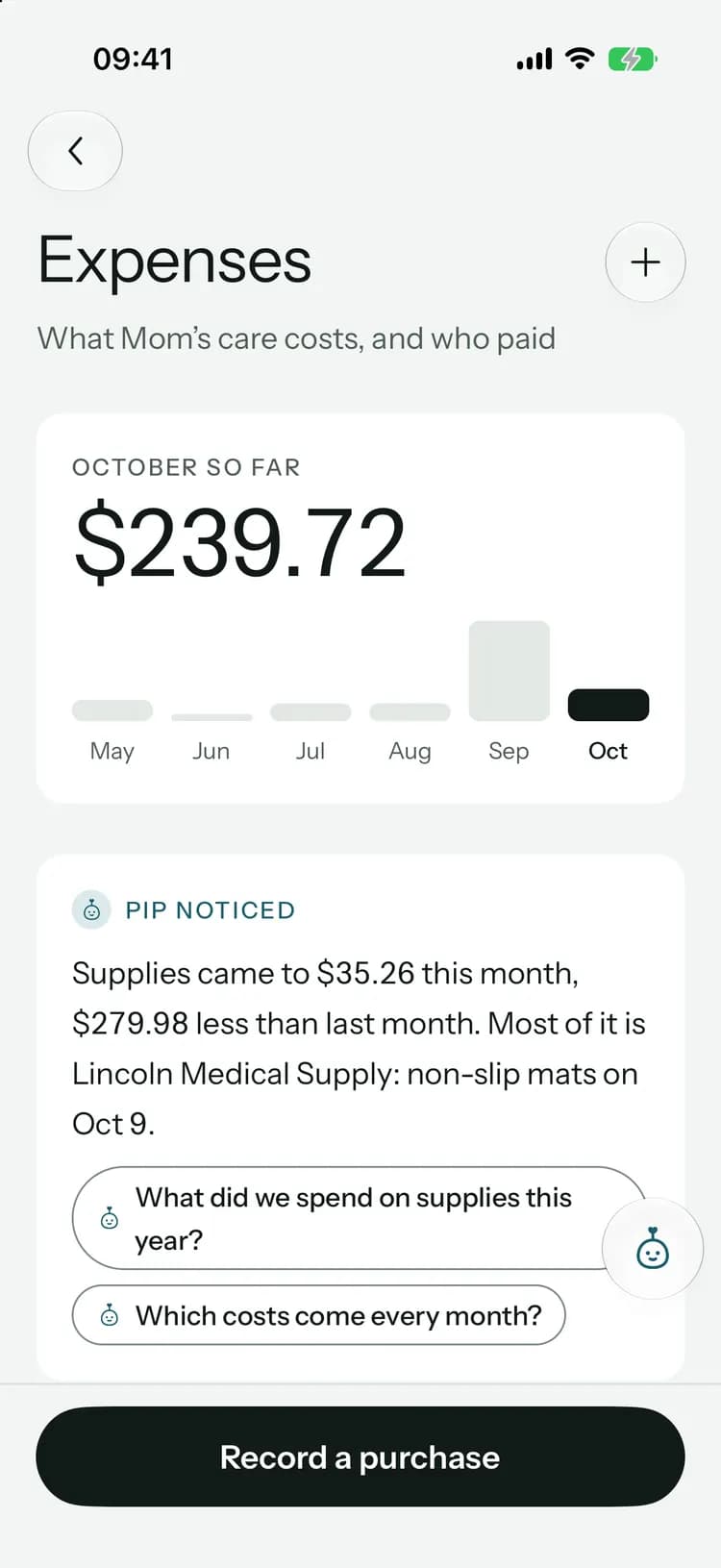
Pay your share without a spreadsheet.
Choose which alerts reach you.
Switch each kind of notification on or off for yourself. Nobody else’s settings change.
Notify me about
- Dose remindersWhen it’s time for their medications.
- Missed dosesIf a dose isn’t confirmed within an hour.
- RefillsWhen a medication is running low.
- AppointmentsThe evening before and an hour before.
- TasksWhen someone gives you a task.
- Family updatesWhen someone shares how things are going or records a fall.
8:00
Monday, October 12
 Kinlovinow
8:00 PM meds
It’s time for Mom’s 8:00 PM medications. Tap to confirm once they’re given.
Reminders and messages never show medication names or what someone wrote on your lock screen. They just tell you to look.
Plan the week on a big screen.
Open Kinlovi in your browser at work and see the same calendar, tasks and costs as the family’s phones. Everything syncs the moment it’s saved.
Open the web app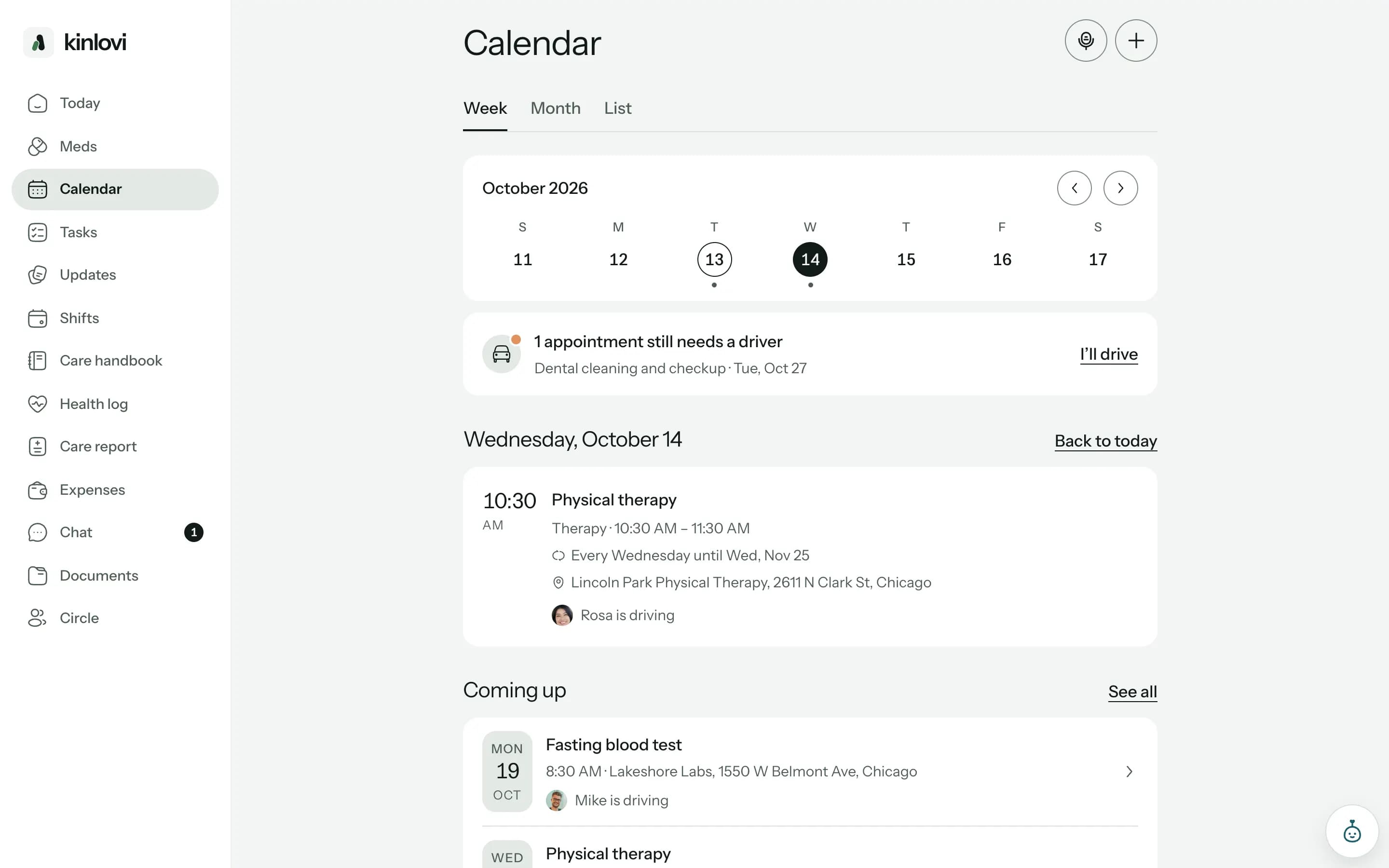
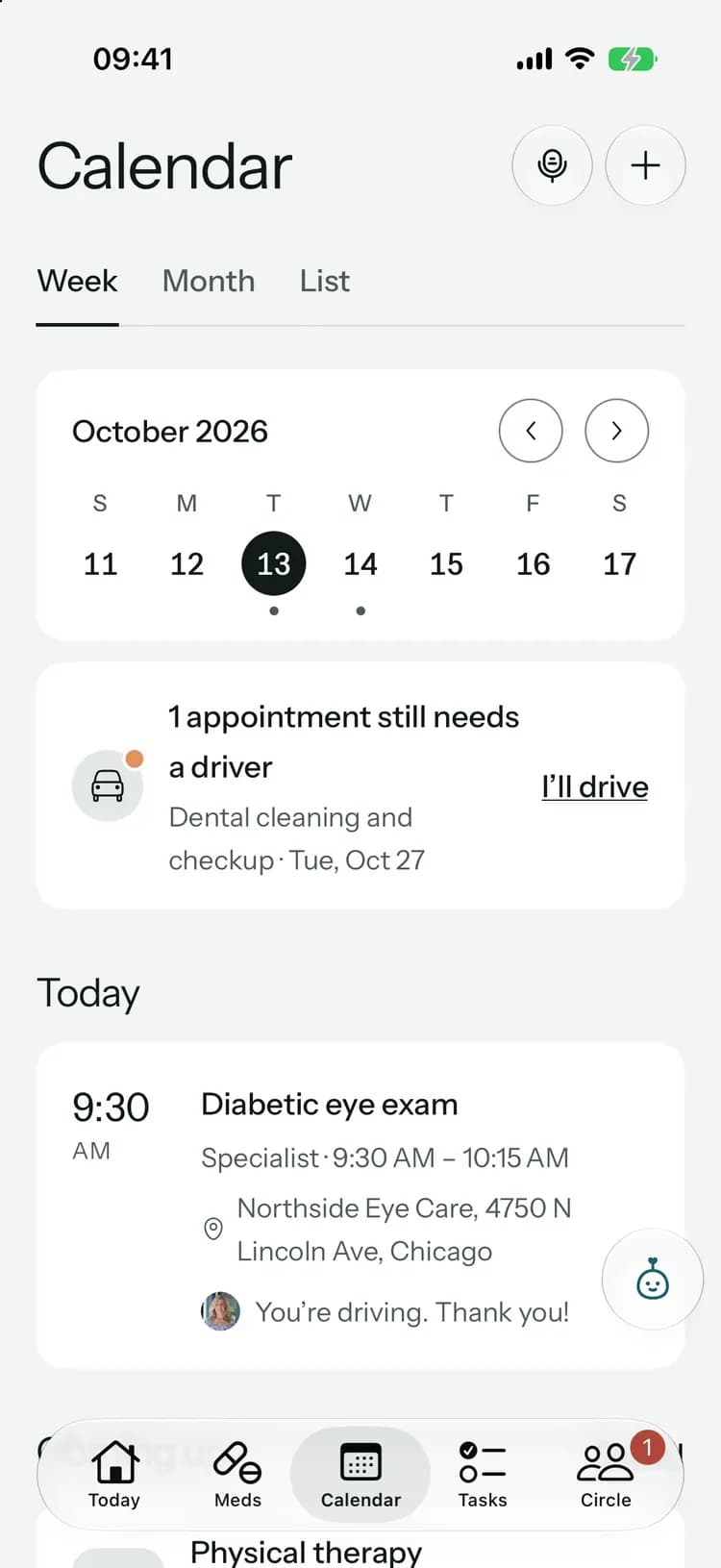
What helps most from far away.
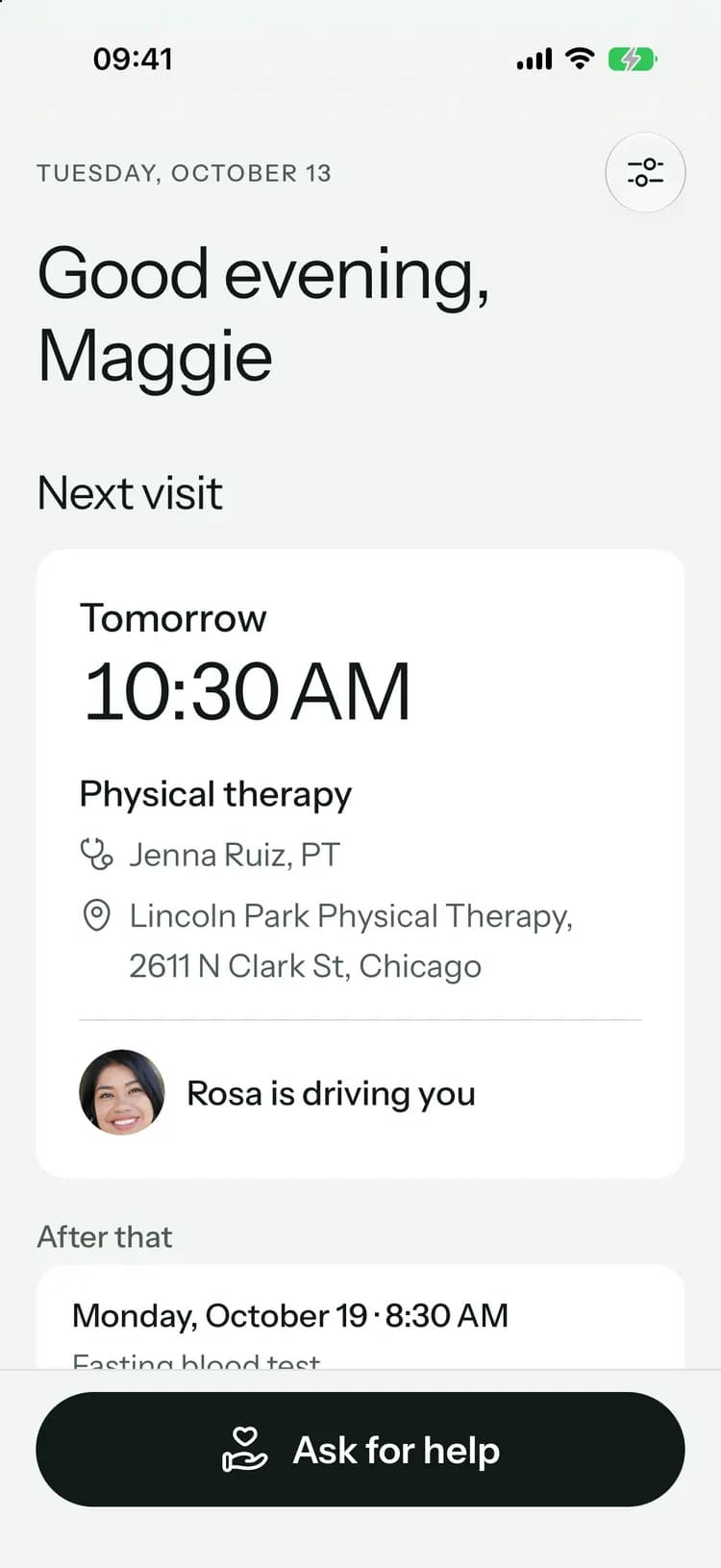
Everything the family sees, wherever you are.
Common questions
Something else on your mind? Visit the help center

Close the distance.
Free to start, on iPhone, Android and the web.
Launching soon. Tell me when it’s live